Top 5 pandadoc alternatives for document management 2026

Managing contracts and collecting signatures across multiple tools causes workflow delays and fragmented audit trails for legal and business teams. Many platforms restrict advanced features to expensive enterprise plans or require complex integrations that smaller teams cannot easily manage. This comparison details contract review, e-signature controls, integrations, and pricing across five alternatives so legal and business teams can match the right platform to their needs.
Table of Contents
Formable
At a Glance
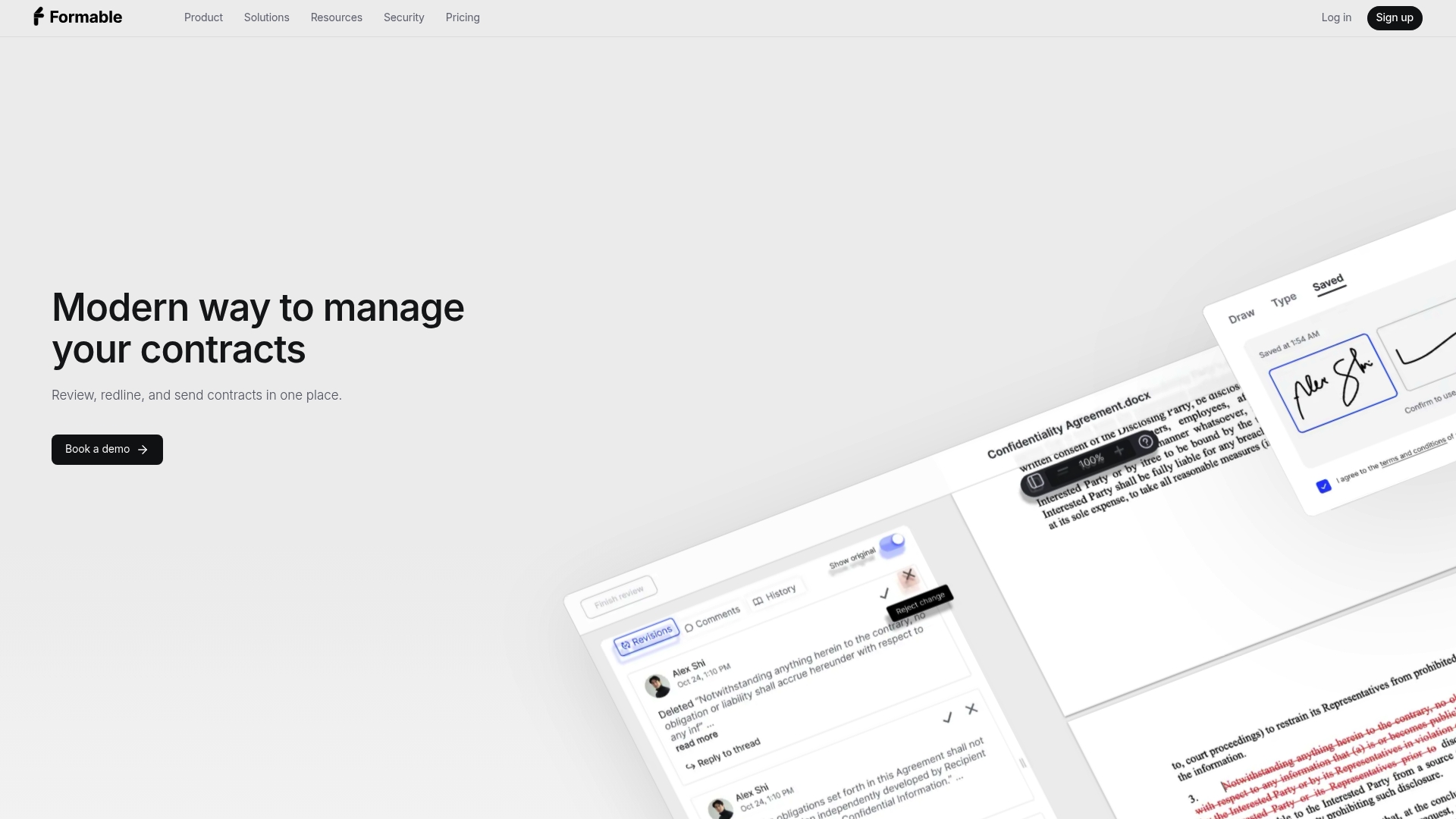
AI-powered contract review compares each draft against your playbook and highlights missing terms and contract risks. The platform combines redlining, negotiation, e-signing, and tracking in one interface. It targets legal, finance, real estate, insurance, and enterprise teams that need auditable signatures and tighter review controls.
Core Features
Formable uses machine learning to surface clause-level risks and suggest missing language while teams redline and negotiate in the same file. It records a tamper-evident audit trail for signatures and offers real-time document tracking with a centralized dashboard. According to the company, Formable connects with more than 20 business tools and exposes a native API so developers can embed signing and redlining into other products.
Key Differentiator
The single practical advantage is the playbook-aware review that flags deviations from your rules. That capability reduces manual playbook checks during review and shortens time spent hunting for missing terms. Legal teams using presets and custom playbooks will see the difference when reviews are repetitive.
Pros
Formable replaces multiple separate tools by combining review, negotiation, and signing in one workflow. The AI review accelerates manual review work while the flexible API lets product and engineering teams embed e-signing and redlining into a developer workflow. Security is explicit with encryption and an auditable signature trail, and enterprise customers can apply custom branding and access controls.
Cons
- Some advanced features, including API access, require enterprise plans which may exceed the budgets of smaller teams.
Notable Integrations
- Salesforce
- Slack
- Google Workspace
Who It's For
Formable fits legal, legal-tech, and compliance teams that must manage MSAs, DPAs, SOWs, and order forms with stronger auditability. It also suits sales and operations teams that want negotiation and signing to occur inside a single workflow. Enterprises that require developer APIs for embedding signing will find the product aligned with their needs.
Unique Value Proposition
Playbook-aware review paired with a developer-friendly e-signing API lets teams reduce handoffs and keep contract logic inside existing systems. That arrangement moves risk detection earlier in the process and makes the final signing step part of the same workflow. For teams that want the playbook enforced programmatically, this is the practical benefit.
Real World Use Case
The vendor states a legal team automated contract review and shortened review time from days to minutes while maintaining compliance and security. Teams ingest standard templates, apply playbooks, and let the AI flag exceptions before negotiation begins. The same workflow pushes approved documents into native signing and records the audit trail.
Pricing
Formable offers a free forever tier with limited features. Pro is $19.99/month and includes unlimited signing and extra storage. Enterprise pricing is custom and covers advanced features like API access and enterprise controls.
Website: https://formabledocs.com
Lumin PDF
At a Glance
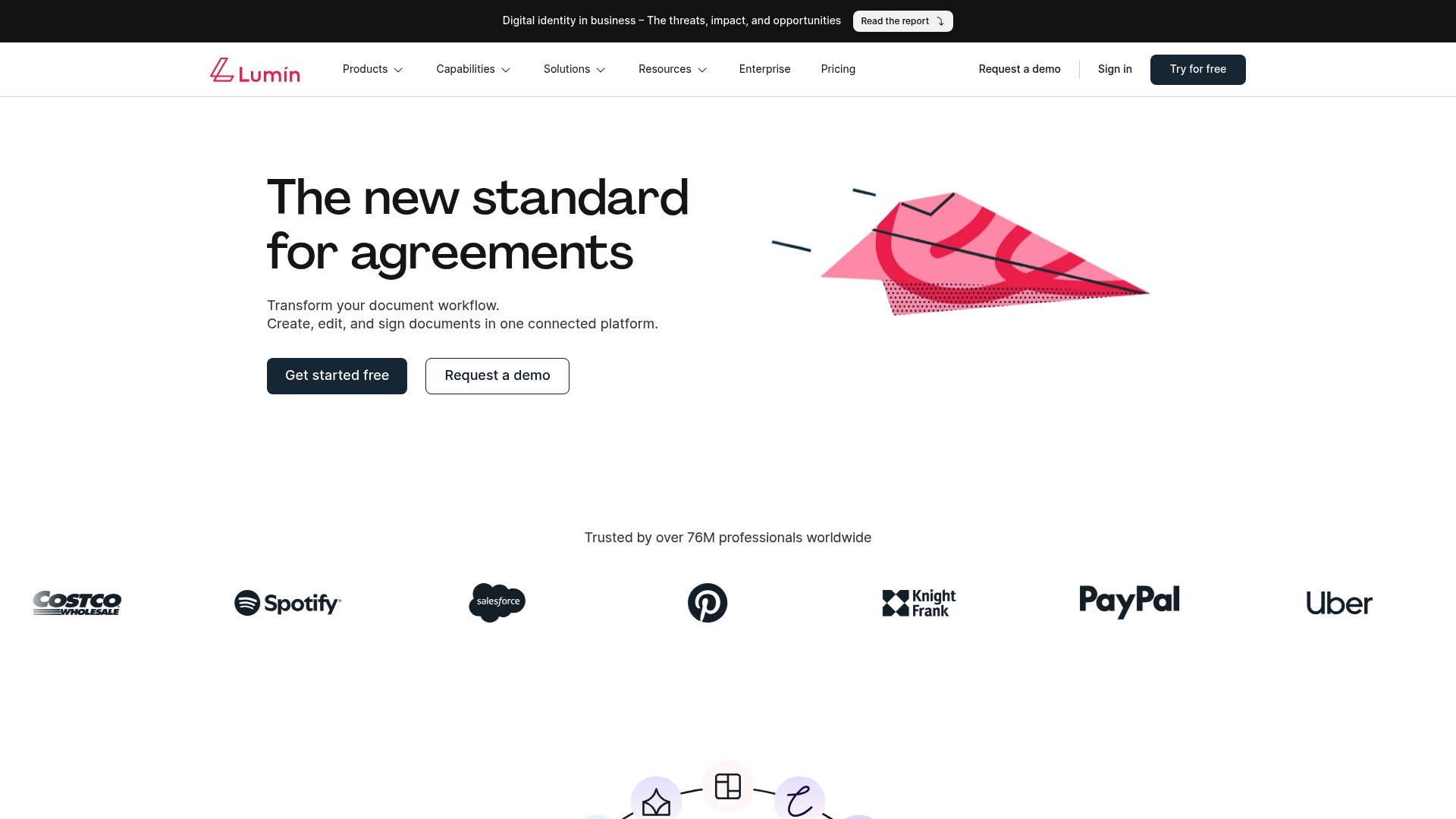
Lumin PDF reports more than 7 million professionals use the service and several Fortune 500 companies appear among its customers. The platform groups editing, signing, and collaboration into a single interface. That vendor figure signals broad adoption rather than an independent audit.
Core Features
Lumin PDF lets teams create, edit, and collect signatures inside one connected workspace. It supports real time comments, approval workflows, and offline document access for distributed teams. The vendor advertises SOC 2 compliance and encryption as part of its enterprise security claims.
Key Differentiator
Lumin PDF pairs enterprise grade security with built-in AI for document tasks. Its automation tools include AgreementGen and Lumin AI to generate and scaffold agreements. That mix targets teams that want document automation alongside standard collaboration features.
Pros
The interface is clear and makes editing and signing simple for people who do not want heavy training. Integrations with common tools reduce friction when documents live in Google Drive, Dropbox, or OneDrive. Real time collaboration and approval workflows help legal and sales teams move drafts to signature without passing files by email.
Cons
-
Page not found errors appear on some website pages, suggesting gaps in documentation or public resources.
-
Pricing can feel complex as teams scale, and advanced features often require higher tier plans or technical setup.
-
Independent reviews offer limited detail about specific drawbacks, so evaluating edge cases will require a trial.
-
AI document generation features may be early stage and limited compared with specialist AI tools.
When It May Not Fit
Organizations that need specialist AI drafting tools may find Lumin PDF's automation too basic. Small teams on a tight budget could find pro and business tiers add cost quickly. Companies that require deep product documentation may struggle while public resources show content gaps.
Notable Integrations
- Google Drive
- Dropbox
- Salesforce
- Slack
- HubSpot
- OneDrive
Who It's For
Legal, finance, and operations teams that need secure document collaboration and e signing in one place will get value. Teams that already store files in Google Drive or OneDrive benefit from ready integrations. Organizations requiring both security controls and light automation are a natural fit.
Real World Use Case
A legal department uses Lumin PDF to route contract drafts through reviewers, record approval events, and collect signatures. Reviewers annotate PDFs in real time and offline edits sync when users reconnect. That workflow reduces attachment churn and centralizes audit events for compliance requests.
Pricing
Lumin PDF offers a Free tier for basic use, a Pro plan at $19/month, and a Business plan at $99/month. Enterprise options are available with tailored pricing and add ons for large organizations. Pricing complexity appears for teams adding advanced automation or security controls.
Website: https://luminpdf.com
Paperless
At a Glance
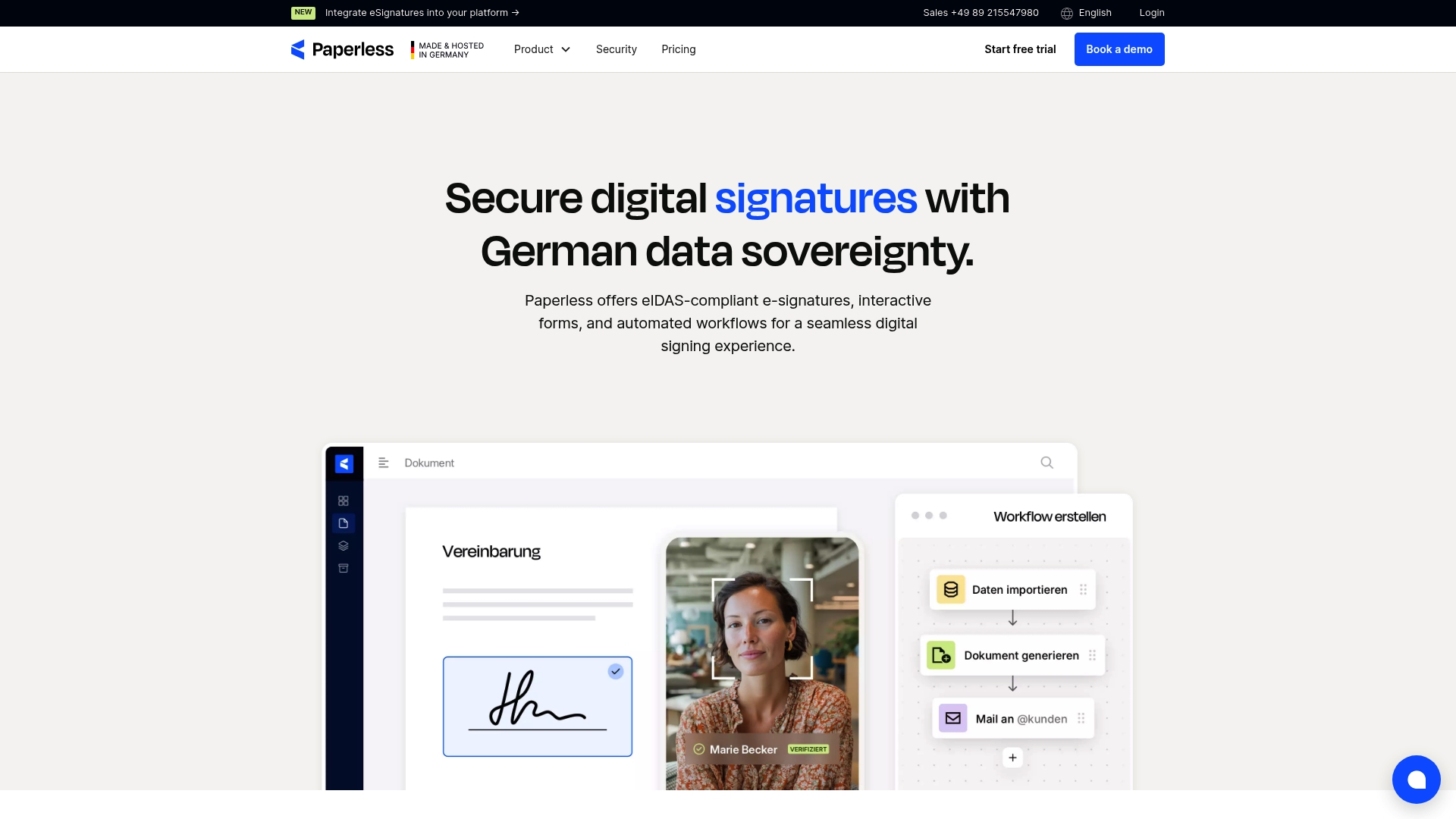
All plans include unlimited user licenses, which keeps per seat fees from rising as teams expand. It supports simple, advanced, and qualified eSignatures alongside a drag and drop form builder for accessible documents. The vendor states development and hosting occur in Germany with ISO 27001 certified data centers.
Core Features
Paperless delivers eIDAS compliant electronic signatures at simple, advanced, and qualified levels, plus contract lifecycle management and automated signature workflows. The platform provides interactive forms and a drag and drop document builder for live form editing and accessible outputs. An API plus connectors allow integration with ERP and content systems where required.
Key Differentiator
The vendor positions hosting and development entirely in Germany as the primary differentiator to preserve data sovereignty and align with EU GDPR and eIDAS requirements. That hosting location makes regulatory audits and data residency easier for European legal and public sector buyers. For organizations that must keep data inside Germany, that setup reduces vendor risk.
Pros
Paperless reports serving over 3,200 European customers, which suggests traction across regulated industries. Unlimited users in every plan simplifies budgeting as teams add seats, and support for qualified electronic signatures lets legal teams collect signatures with the highest EU legal weight. The product also offers an API and common connectors, making it practical for organizations that need to embed signing into existing systems.
Cons
-
Pricing for higher tiers and enterprise options is not publicly listed, requiring a sales conversation before procurement decisions.
-
Some advanced validation rules and tailored onboarding appear restricted to higher tier plans.
-
Extra document processes or integrations can trigger additional costs beyond the included package limits.
When It May Not Fit
If your organization needs fully transparent enterprise pricing up front, Paperless may require procurement time because enterprise pricing is on request. Teams without internal integration or IT resources will face setup work for advanced integrations and custom validations. Small businesses with minimal regulatory constraints may find the German hosting and audit focus more than they need.
Who It's For
Legal departments, real estate firms, manufacturing companies, and government offices in Europe that need legally enforceable signatures and strict data residency will find Paperless aligned with their priorities. Buyers who require qualified eSignatures and centralized user management will appreciate the unlimited user model. Organizations that plan deep integrations will value the API and connector options.
Real World Use Case
A mid sized law firm replaces in person signings by configuring templates, sending qualified signature requests, and storing signed contracts under German hosting rules. The firm removes courier time and reduces in office meetings while retaining EU legal enforceability for critical agreements. IT links the signing flow to the firm CRM using the API.
Pricing
Plans start at €149/month for Basic and €279/month for Business, with Enterprise available on request. Unlimited users are included across these tiers, which simplifies per seat calculations. Final pricing for heavy document volumes or custom integrations requires a direct quote from the vendor.
Website: https://paperless.io
S-Docs
At a Glance
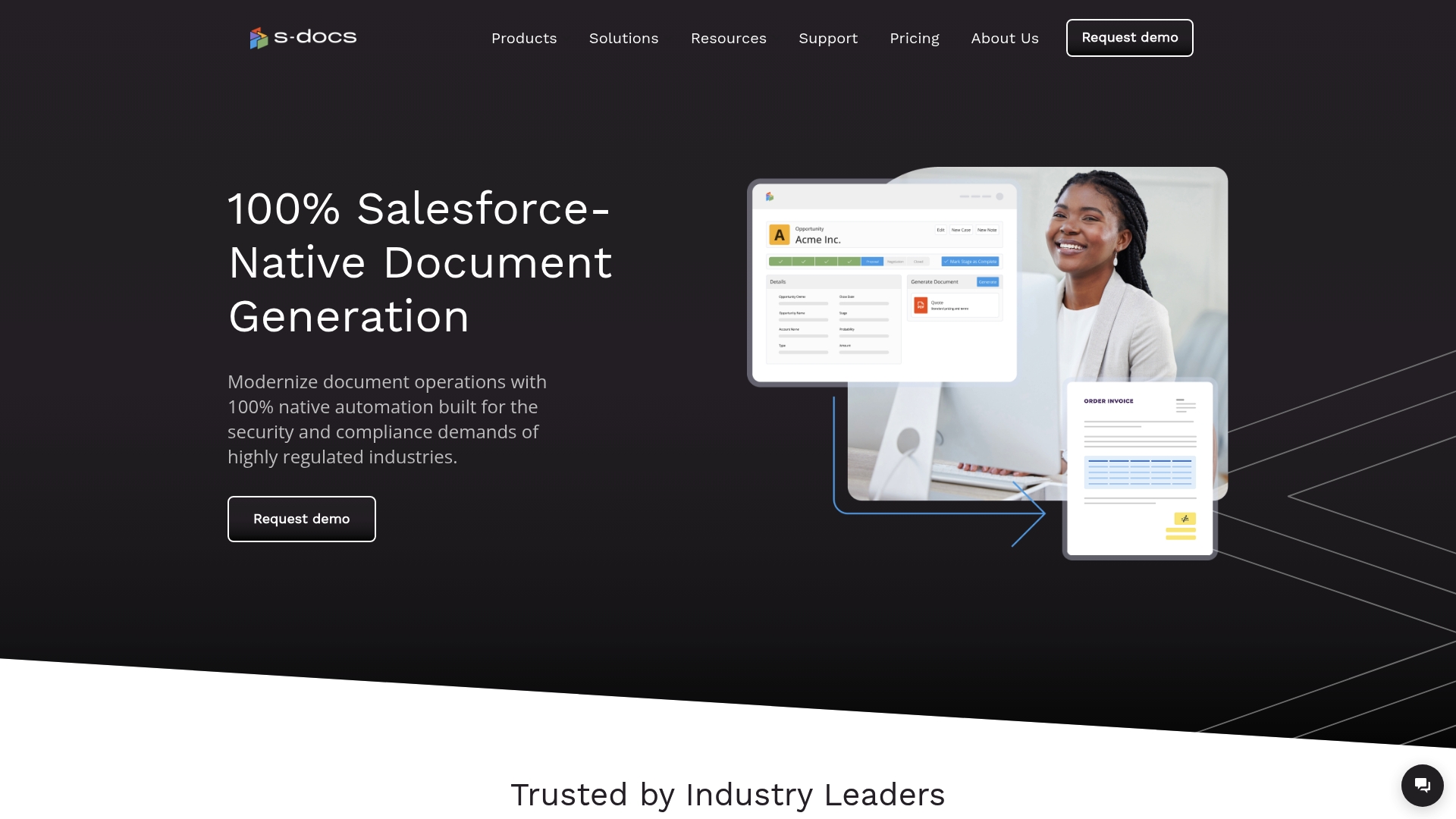
S-Docs reports 100% native Salesforce integration aimed at regulated industries. The vendor advertises that government agencies rely on the product for secure document workflows. It also connects CRM records to e-signatures and batch document generation for high-volume needs.
Core Features
S-Docs combines native document generation for Salesforce and HubSpot with dynamic templates that use conditional logic. The product includes a drag-and-drop template editor and support for high-volume batch processing. It also offers secure e-signature integration and connectors for document storage platforms.
Key Differentiator
That native architecture keeps document creation inside the CRM and removes the need to export sensitive records. The result is fewer integration points to audit and a single source of truth for contract and compliance documents. This design particularly suits teams that must keep audit trails and data residency tight.
Pros
CRM-first design simplifies where data lives and reduces steps between record updates and document output. The vendor advertises support for FedRAMP and SOC II, which signals a focus on formal security controls. Templates and automation cut manual drafting, and batch processing handles high-volume report generation for compliance use cases.
Cons
-
Pricing is quoted per customer, which makes cost comparisons harder for small buyers. The vendor requires a custom quote rather than listing fixed tiers.
-
The product can feel complex for smaller teams with limited developer or admin resources. Some customizations require technical configuration.
-
Public reviews and documentation offer limited detail on advanced configuration options. That can slow evaluation for unique workflows.
When It May Not Fit
If your organization does not use Salesforce or HubSpot, S-Docs requires a CRM change to deliver value. Small teams without admin or developer support will likely find customization burdensome. Buyers that need transparent, tiered pricing out of the gate may prefer a product with published rates.
Notable Integrations
- Salesforce
- HubSpot
- Box
- Google Drive
- SharePoint
- AWS
Who It's For
Organizations in finance, healthcare, government, and manufacturing that use CRM records to drive contracts and compliance documents. Teams that must keep audit trails, maintain data residency, and meet formal security requirements will get the most value. It suits groups prepared to invest in CRM-native automation.
Real World Use Case
A government agency uses S-Docs to automate onboarding forms, compliance reports, and interdepartmental documentation. The agency reduced manual assembly by moving templates into Salesforce records and running scheduled batch generation. Document audit trails remain tied to CRM records for regulatory review.
Pricing
S-Docs is sold by customized quote based on volume and specific requirements. The vendor does not publish standard tiered pricing, so you must contact sales for a proposal.
Website: https://sdocs.com
SimpleDocs
At a Glance
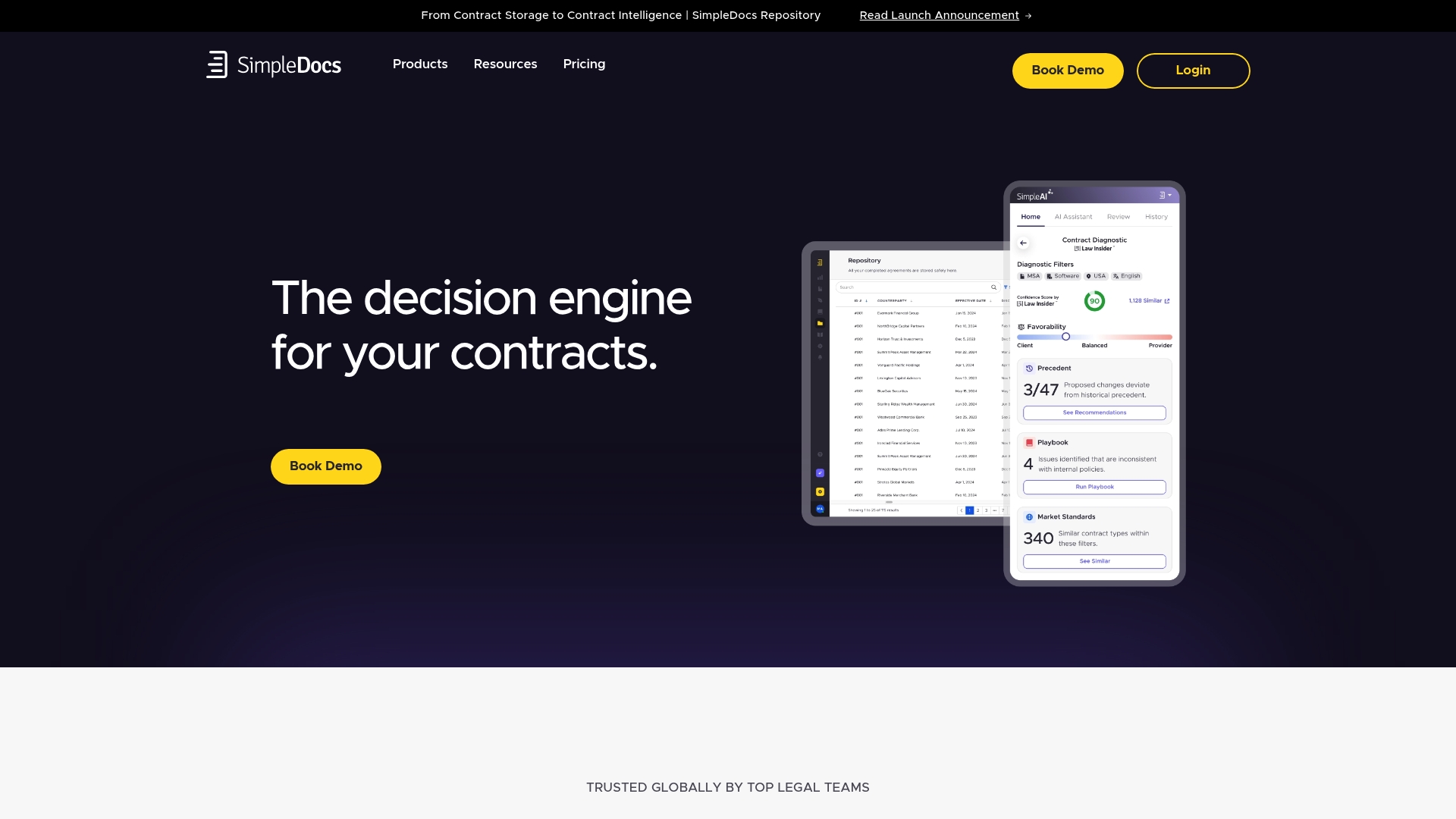
AI-powered contract review runs directly inside Microsoft Word, letting reviewers annotate and run analysis without switching tools. The platform pairs that in-editor review with a centralized repository that extracts metadata and supports AI search. That setup aims to reduce manual lookups and speed legal decisions for enterprise teams.
Core Features
SimpleDocs combines AI-powered contract review in Microsoft Word with a centralized contract repository that extracts metadata for faster search and tracking. It includes contract automation for creation, routing, and approval, plus a legal request intake and tracking tool to manage submission queues. The product also offers standard integrations with CRM, eSignature, and collaboration platforms to keep contracts connected to business workflows.
Key Differentiator
The single standout is in-editor analysis: SimpleDocs embeds AI review inside Microsoft Word while linking those edits to an enterprise-grade, searchable repository. That pairing lets legal teams keep their familiar authoring environment while gaining structured data and contract intelligence.
Pros
Integration depth reduces context switching by connecting contracts to the systems legal and business teams already use, including CRMs and eSignature providers. The platform advertises strong AI capabilities for review, analysis, and benchmarking that help detect clauses and surface comparable language. Security is emphasized with SOC 2 and GDPR cited as part of the compliance posture, and the vendor lists flexible plans and modular add-ons to match enterprise needs.
Cons
-
Third-party reviews report a noticeable learning curve and potential complexity for new users.
-
Pricing detail is limited publicly, which means smaller teams may need to contact sales to confirm fit.
-
Complex integrations and custom workflows may require professional services and additional configuration.
When It May Not Fit
If you run a small legal team or a startup with minimal contract volume, the initial setup and pricing model may not match your needs. Organizations that lack internal IT resources should expect to budget for integration specialists for complex enterprise systems. Buyers who need clear, published tiered pricing may find the sales-first approach inconvenient.
Notable Integrations
-
Salesforce
-
Hubspot
-
Slack
-
Docusign
-
Dropbox Sign
-
Adobe Sign
-
Microsoft Teams
-
Single Sign On
Who It's For
Legal teams in large enterprises and legal operations groups that require AI-assisted review and a centralized contract repository will get the most value. The product fits organizations that have existing CRMs and eSignature vendors and want tighter linkage between contracts and business systems. Teams that can allocate resources for configuration and change management will extract more benefit.
Real World Use Case
Herbalife used SimpleDocs for AI-powered contract review to make review cycles easier and to get additional legal support during peak workloads. Docplanner implemented self-service NDA workflows that shifted routine requests out of lawyers' inboxes and reduced back-and-forth. Those examples show the product applied to both central review and distributed intake scenarios.
Pricing
According to the company, basic plans start at approximately $149 per user/month for the SimpleAI module, with additional modules for contract intelligence and repository capabilities. Detailed pricing and module bundling are available from sales and may vary by enterprise requirements.
Website: https://simpledocs.com
Comparison of alternatives
Formable distinguishes itself with its advanced AI-powered contract review that accelerates team workflows by integrating negotiation and signing into a single platform. This comparative analysis considers its primary advantages alongside alternatives tailored to other priorities.
Integration of European Compliance Features
Paperless stands out for teams operating under European regulations. With eIDAS-compliant advanced and qualified-level signatures paired with GDPR-aligned hosting in Germany, organizations focused on data residency or EU legal standards benefit significantly. This setup directly supports regulated sectors such as legal and public administration.
Prioritization of CRM-Centric Workflows
S-Docs excels in environments strongly tied to CRM systems like Salesforce and HubSpot. By offering native integration, data handling remains within the CRM, reducing audit checkpoints for teams needing strict compliance. Batch automation of templates and reports streamlines administrative workloads, proving essential for high-volume contract operations.
Best fit
- Legal teams with repetitive contract review needs will appreciate Formable's AI-powered playbook integration, reducing manual checks and optimizing risk detection.
- Enterprises requiring European compliance and hosting, especially sectors bound by GDPR and eIDAS, will find Paperless accommodates regulatory expectations.
- Teams leveraging CRM platforms should consider S-Docs for its native integration, which simplifies document generation and oversight.
- Smaller organizations needing basic collaboration tools may find Lumin PDF matches their budget while supporting standard approval workflows.
Our pick
Formable advances contract management by embedding intelligent playbook-driven contract analysis that streamlines review cycles and ensures auditable accuracy, benefiting organizations demanding an AI-driven solution. However, teams prioritizing compliance with European standards or native CRM integration should weigh Paperless or S-Docs based on their operational frameworks.
Choosing a platform requires understanding its unique features and best use cases to match specific operational needs.
| Product | Core Features | Best For | Pricing | Notable Limitation |
|---|---|---|---|---|
| Formable | AI-powered contract review, playbook-aware checking, API integration | Legal and compliance teams needing audit-ready workflows | Free, Pro at $19.99/month, Enterprise custom | Advanced features require enterprise plans |
| Lumin PDF | Document collaboration, AI-generated agreements, real-time comments | Teams using cloud storage and document automation | Free, $19/month Pro, $99/month Business | Limited advanced AI for document generation |
| Paperless | EU eIDAS compliant signatures, drag-and-drop form builder, GDPR compliance | European firms emphasizing data sovereignty and regulatory needs | €149/month for Basic, €279/month Business | Enterprise pricing not publicly listed |
| S-Docs | Salesforce-native document generation, dynamic templates | CRM-focused organizations in regulated industries | Price not published | CRM integration focused—requires Salesforce or similar system |
| SimpleDocs | AI contract review in MS Word, centralized repository, legal automation | Enterprises with resource availability for integration workflows | From $149/user/month SimpleAI module | Setup complexity for small teams |
How to Streamline Document Management with Formable
Managing contracts like MSAs, DPAs, and SOWs can be time consuming and prone to missed terms. Formable solves this by offering AI-powered contract review that highlights risks and missing language while users negotiate and collect signatures all in one place. Legal and finance teams reduce manual review steps and control audit trails with tamper-evident records.
Explore how Formable combines AI tools, redlining, negotiation, and e-signing into a unified workflow designed for startups and GTM teams. Visit Formable to try a free tier or schedule a demo. Reach out and we will walk through your use case for faster, compliant contract closing.
FAQ
What features make Formable a good choice for contract management?
Formable offers AI-powered contract review that compares drafts against your playbook, highlighting missing terms and risks. This feature helps legal teams streamline their document management efficiently. Users can expect increased accuracy during contract negotiation and review.
How does Lumin PDF compare with Formable in document collaboration?
Lumin PDF provides strong real-time collaboration tools and is designed for straightforward document editing and signing. Formable excels in contract playbook enforcement through its AI capabilities, making it ideal for legal teams focused on compliance and risk management.
What kind of pricing does Formable offer?
Formable provides a free forever tier with limited features, and the Pro plan costs $19.99 per month, which includes unlimited signing and extra storage. This pricing model allows teams to find a fit for their budget while getting access to powerful contract management tools.
Can I use Formable if my organization requires API access?
Yes, Formable offers robust API access, but it is included in the enterprise pricing plans. This feature supports organizations that need to integrate document management into their existing systems.
What advantages does Formable have for legal teams?
Formable's key advantage is its playbook-aware review that flags deviations from established rules, which reduces manual checks and speeds up the review process. Legal teams using this software can expect improved compliance and efficiency during contract negotiations.
