Managing redlines, negotiations, and electronic signatures across separate platforms fragments version history and complicates compliance tracking for legal teams. Most mainstream contract redlining tools keep critical features behind high pricing, require technical setup, or do not integrate with Microsoft Word. This comparison details price, review workflow, and platform compatibility across six alternatives so legal teams can choose the right fit without extra trial or vendor calls.
Formable
At a Glance
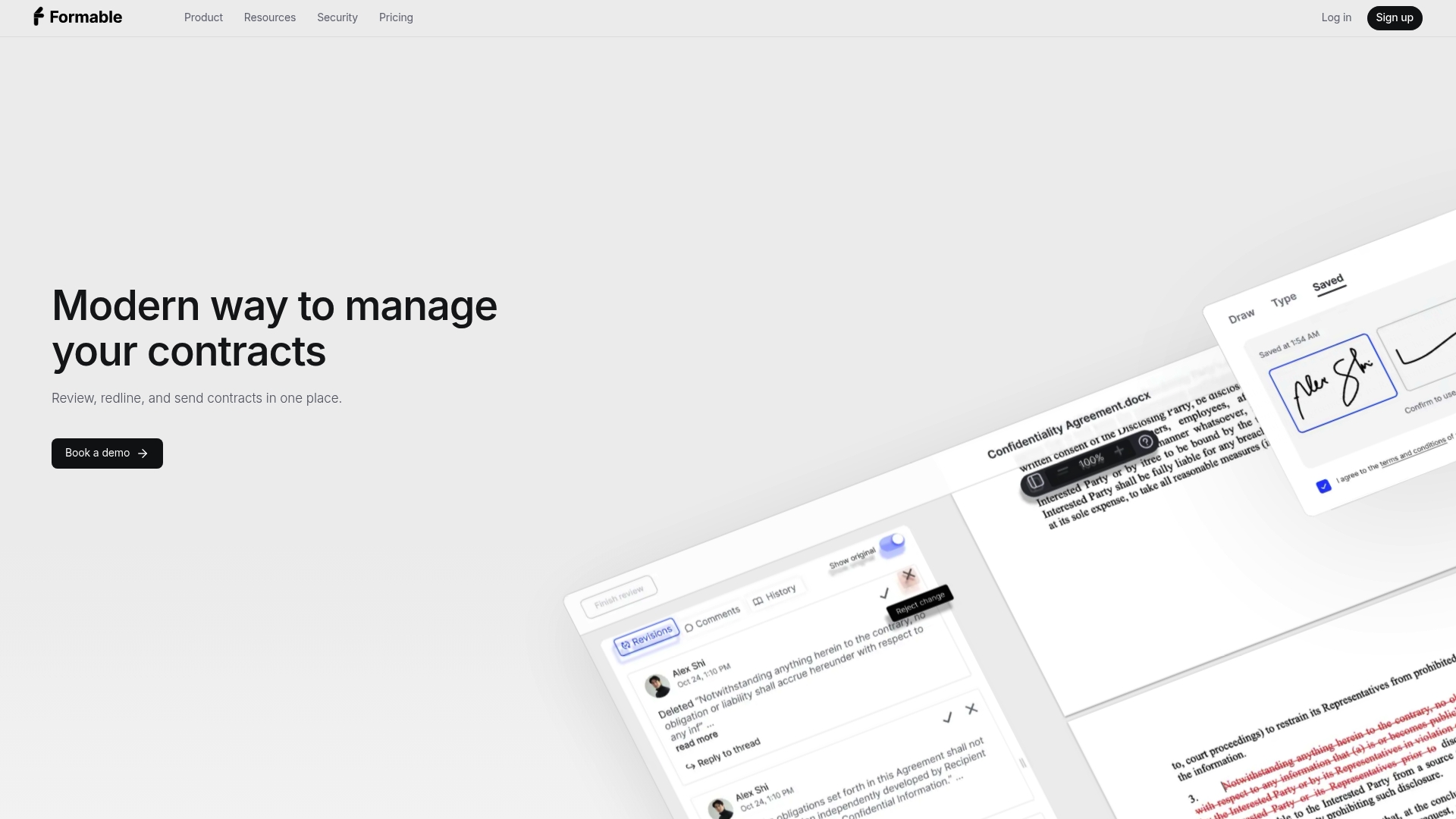
Formable offers a free forever tier and paid plans starting at $19.99/month for Pro. The product bundles AI review, browser-based redlining, negotiation, and e-signatures into one contract flow. It also exposes REST API, Webhooks, and SSO for embedding contract workflows into other systems.
Core Features
Formable performs AI-powered contract review to surface risks and missing terms while allowing teams to redline in the browser with real-time commenting and turn-based negotiation. The platform includes secure, legally-binding electronic signatures with audit trails and reusable templates plus bulk actions for efficiency. Developers can connect workflows using the REST API, Webhooks, and SSO to embed signing and review into an application.
Key Differentiator
Formable’s one continuous workflow prevents file handoffs between separate review, negotiation, and signing tools. That design keeps version history and audit events in a single, immutable record for regulatory inquiries. The integrated approach reduces administrative overhead for teams handling recurring contract types such as MSAs, DPAs, SOWs, and order forms.
Pros
According to the company, AI assistance reduces review time from days to minutes, which can cut reviewer hours for recurring clause checks. The REST API and embeddable signing let product teams put contract actions inside their own app or portal. Security features include encryption and a full audit trail, and plans scale from single users to custom enterprise deployments.
Cons
- API integrations may require technical setup and vendor or internal developer support, which can increase implementation time for teams without engineering resources.
Notable Integrations
- Salesforce
- Slack
- Google Workspace
Who It's For
Legal teams that need faster reviews and auditable records will find value in the connected workflow. Deal teams that negotiate frequently will benefit from in-browser redlining and turn-based negotiation. Software developers who want embedded e-signing and contract review in their product will use the API and Webhooks.
Unique Value Proposition
Browser-native redlining with turn-based negotiation and real-time commenting keeps the negotiation record tied to the document rather than scattered across emails. That setup shortens dispute resolution because comments, versions, and signatures remain in one place. For contract-heavy teams, this reduces administrative steps and centralizes audit events for compliance reviews.
Real World Use Case
A legal operations team uses Formable to review, negotiate, and e-sign hundreds of vendor and customer contracts each month. Templates and bulk actions speed routine approvals, while the audit trail documents who changed what and when for later compliance checks. The embeddable API lets the procurement portal initiate signing without email attachments.
Pricing
Formable has a free forever tier alongside paid options. Paid plans start at $19.99/month for Pro and scale to custom enterprise pricing for larger deployments and support. Enterprise plans include API access and additional security controls.
Website: https://www.formabledocs.com
BlackBoiler Veris
At a Glance
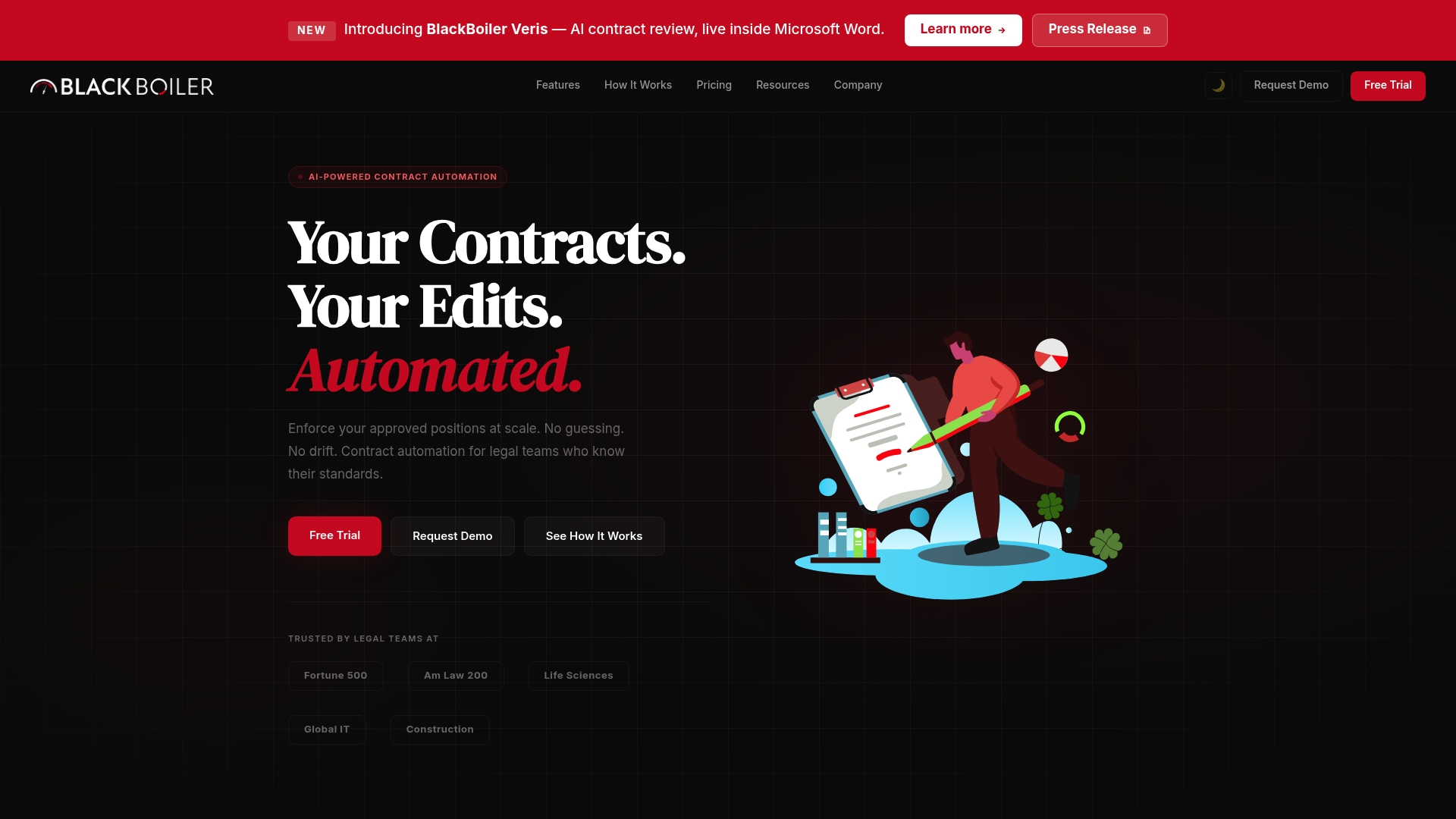
According to the company, Starts at $1250/user/year for Starter pricing. The product embeds directly in Microsoft Word, so reviewers keep their existing editor and avoid a separate interface. It uses standards-driven checks to apply organization playbooks as it redlines contracts in real time.
Core Features
BlackBoiler Veris combines AI-assisted playbook authoring with in-document validation and markup, so teams can build and apply negotiation rules without moving files. The platform runs edits, redlines, and compliance checks inside Word and routes documents through agent-driven workflows for approvals. Real-time review reduces manual copy paste and provides audit-ready markup and justification alongside each change.
Key Differentiator
The standout is the native Word experience paired with enforceable validation. That design lets legal reviewers apply a centralized standards engine while working in the exact editor they already use. For compliance-minded teams, this preserves existing file handling and reduces change management when adopting automation.
Pros
Seamless in-Word operation means reviewers do not switch tools during negotiation, which lowers adoption friction and keeps document versioning intact. The platform’s standards-driven validation and AI-assisted playbook building help enforce consistent clauses across large review volumes. Workflow automation and agent processes reduce repetitive routing tasks so reviewers focus on negotiation rather than administrative steps.
Cons
-
Market visibility is limited, making independent long-term user sentiment difficult to assess.
-
Stated pricing is oriented toward teams and enterprises and may be expensive for very small groups or solo practitioners.
-
Playbook and validation setup can require substantial effort for organizations without existing standards.
-
The vendor does not list customizable AI model options or industry-specific presets publicly, which could limit niche use cases.
When It May Not Fit
Small legal shops or solo practitioners that need a lightweight redlining tool will likely find the platform too heavyweight. Organizations that lack defined negotiation standards may face a long setup period before seeing benefits. Teams that require deep customization of underlying AI models or prebuilt industry templates should verify capability before committing.
Who It's For
Legal teams and contract professionals at mid-sized to large organizations that already maintain or plan formal playbooks. In-house counsel who prioritize auditability and consistent clause treatment across regions will find the model appropriate. Operations teams handling high review volumes suit this product best.
Real World Use Case
A multinational legal department deploys Veris to enforce a single clause standard across regional offices. Reviewers work in Word and receive automatic redlines plus the rationale tied to the playbook. That approach reduces divergence in negotiated language and speeds cross-border approvals.
Pricing
The vendor lists tiered pricing. Starter is stated at $1250/user/year, Pro at $3000/user/year, and Enterprise quoted on request. That structure signals a per-seat model targeted at teams rather than individual reviewers.
Website: https://blackboiler.com
DocJuris
At a Glance
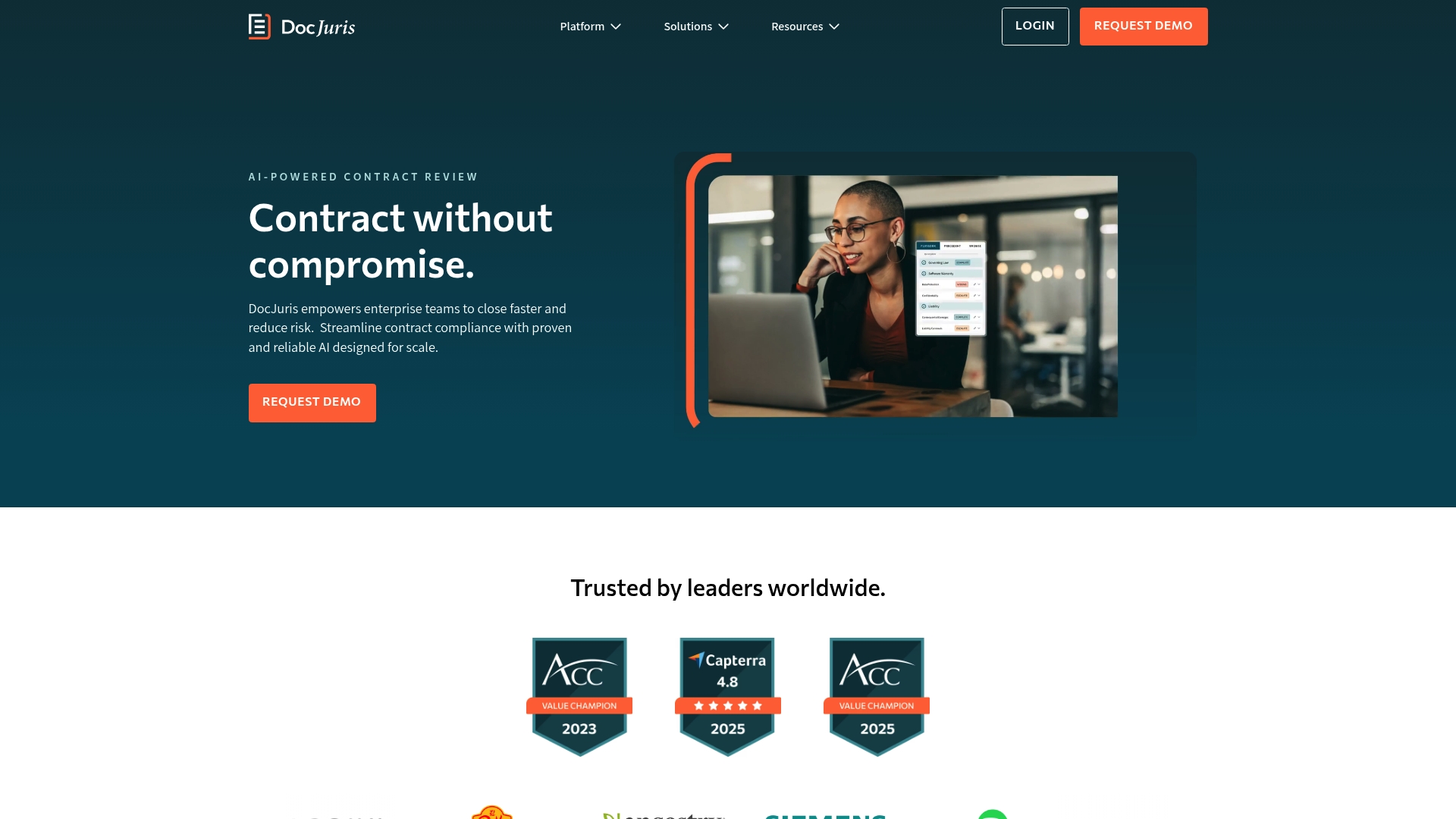
DocJuris' marketing materials state a multinational cut initial contract review time from 8 weeks to 5 minutes. That time claim highlights the product's focus on automated screening and rapid triage. The platform targets enterprise legal teams that need centralized negotiation workflows and audit trails.
Core Features
DocJuris combines AI-powered screening with collaborative redlining and a searchable contract repository. Its collaborative PDF and Word redlining preserves tracked changes and comments so legal and business teams stay aligned. Playbook-driven guidance extracts clauses and applies approved language while the repository supports data extraction and post-signature analysis.
Key Differentiator
The product pairs AI screening with playbook automation to scale routine negotiations across large teams. That combination pushes routine edits into rule-driven workflows while keeping counsel in the loop. The approach is aimed at organizations that must enforce consistent positions across sales, procurement, and finance.
Pros
The vendor reports high user satisfaction tied to an intuitive UI and actionable AI suggestions. According to the company, typical deployments can be up and running in days, which reduces implementation overhead for enterprise buyers. Integrating client playbooks helps legal teams hold consistent negotiation positions across departments and reduce manual redline back-and-forth.
Cons
- Users report a high monthly cost that may limit smaller teams or organizations with tight budgets.
- Public documentation offers limited detail on feature variations and supported integrations.
- Some users express concerns about affordability when evaluating total cost of ownership.
When It May Not Fit
Organizations with small legal budgets will likely find DocJuris a poor match. Teams that need transparent, self-serve pricing and a public feature matrix will struggle to evaluate ROI. Companies that require many out-of-the-box third-party integrations might find the public listing sparse.
Who It's For
Large enterprise legal and contract teams that need scalable automation and centralized playbooks will get the most value. Legal departments that manage high contract volume across sales, procurement, and finance will appreciate the repository and audit features. This product is not aimed at solo practitioners or very small legal teams.
Real World Use Case
A multinational used DocJuris to automate initial contract reviews. That result standardized workflows and tightened compliance across procurement and sales. The example shows how rule-driven playbooks reduce repetitive review tasks for distributed legal teams.
Pricing
Pricing is not publicly disclosed. The vendor positions rates for enterprise buyers and typically requires a contracting process. Reported user feedback flags a high monthly cost that may make the platform unaffordable for smaller teams.
Website: https://docjuris.com
Docsum Contract Intelligence Platform
At a Glance
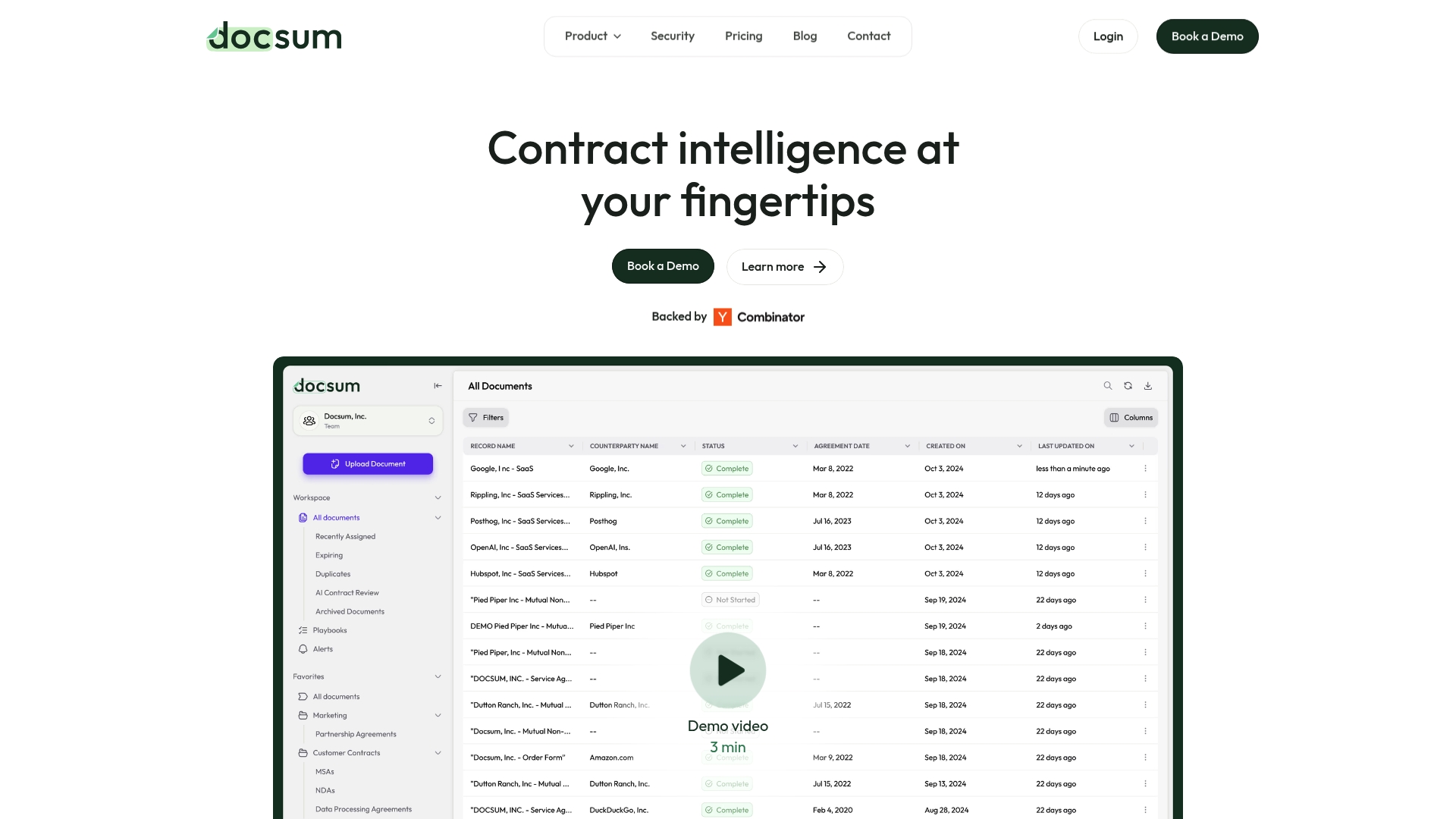
The vendor advertises SOC 2 Type II, CASA, and California Bar AI Guidance. That certification set appears alongside encrypted processing while the platform runs AI powered contract reviews inside Microsoft Word and via email negotiation agents. Docsum aims at in-house legal, finance, and operations teams that need faster redlines and structured contract data before signature.
Core Features
Docsum embeds secure AI powered contract review directly into Microsoft Word, and it offers automated redlining and clause suggestions so negotiators can work inside familiar documents. The platform extracts contract data and generates negotiation playbooks from precedents, and it includes an email negotiation agent that surfaces AI insights during correspondence. These capabilities link to central repositories and to CLM systems via API.
Key Differentiator
Docsum combines native Microsoft Word integration with real time redlining and intelligent data extraction so reviewers can mark up agreements in place and capture structured fields without switching applications.
Pros
According to the company, the platform supports high volume, high accuracy data extraction from complex documents. Docsum's marketing materials state fast onboarding with time to value typically within minutes. The product handles encrypted processing and cites compliance certifications; that security focus helps legal teams preserve chain of custody and produce audit events. Integrations with common tools let teams push redlines and metadata into DocuSign, Google Drive, Gmail, and CLM systems. Flexible customization of data fields and reports fits legal operations that need tailored outputs.
Cons
- AI accuracy on highly unstructured or unusually formatted documents can vary, which may require manual review and extra quality checks.
- Early user feedback flagged platform maturity concerns, so very high stakes agreements may need conservative validation workflows.
- Pricing details are not explicitly specified on the homepage, which means procurement teams often must request a quote to evaluate cost.
When It May Not Fit
Docsum may not suit teams that handle a large share of highly bespoke or scanned legacy contracts because extraction accuracy can be lower on unstructured text. Organizations that require an extensively battle-tested CLM from a long-established vendor might find platform maturity a constraint. Legal teams that need public, fixed pricing for vendor evaluation will need to request details directly.
Notable Integrations
- Microsoft Word
- DocuSign
- Google Drive
- Gmail
- CLM systems via API
Who It's For
In house legal teams, legal operations, and contracts managers who want to keep review and redlines inside Word while also extracting structured obligations will find this product relevant. Teams that prioritize encrypted processing and a connectable workflow into signing and storage tools will benefit most. Buyers who need immediate, out of the box pricing clarity may need to contact sales first.
Real World Use Case
A legal team uses Docsum to process large batches of SaaS agreements, extracting renewal clauses and liability caps into a central repository. Reviewers apply AI suggested redlines inside Microsoft Word, then route approved documents to DocuSign for signature. The system flags upcoming renewals so teams can manage obligations and prepare audits.
Pricing
Docsum lists pricing as "Not applicable — informational only" on its product entry. Procurement typically requires direct engagement with vendor sales to obtain a quoted model and licensing details.
Website: https://docsum.ai
Chamelio

At a Glance
Surgical redlining inside Microsoft Word pairs AI edits with automated metadata extraction for contract review. The platform converts contracts and legal decisions into searchable, structured knowledge for reuse. That approach aims to move review work out of a separate CLM and into the tools your lawyers already use.
Core Features
Chamelio combines an editable contract repository with AI that guides redlines directly in Word and pulls key metadata into a searchable vault. The product layers agentic workflows that automate intake, approval routing, and signature steps while offering AI agents for research and negotiation support. Those components work together to turn documents into actionable legal knowledge.
Key Differentiator
Chamelio embeds contextual AI into everyday drafting tools so legal teams can act without switching platforms. Its particular focus is surgical, in‑document edits and automated knowledge capture that feed workflows and analytics. That model emphasizes turning documents into an operational system instead of treating contracts as static records.
Pros
The interface is clean and minimal, which makes setup quick and reduces initial friction for reviewers. AI guidance understands legal context, and the vendor says that capability reduces review time for common edits. The platform groups repository, workflows, research, and negotiation tools in a single workspace so teams get visibility into workload and operational metrics. Chamelio also advertises SOC 2 Type II compliance and enterprise encryption for data handling.
Cons
- Some interface elements are subtle, so users must explore to find advanced controls.
- Documentation for deeper features is light and may slow power users during onboarding.
- Layout issues can appear on complex responsive pages, limiting interactive feedback.
- Teams that need heavy customization may hit product limits without vendor assistance.
When It May Not Fit
Organizations with very small legal teams should consider lighter tools because Chamelio assumes legal operations scale. Buyers expecting out of the box custom workflows without change management support may face extra work. Highly specialized or bespoke contract engines could require a different solution.
Notable Integrations
- Microsoft Word
- CRM platforms
- Shared drives such as Google Drive and Box
Who It's For
In‑house legal teams, legal operations managers, and corporate counsel at medium to large enterprises seeking to modernize review and workflow automation. Teams that need a single workspace for documents, research, and routing will find the product aligned with those needs. Organizations prepared to manage adoption across departments will capture the most value.
Real World Use Case
The vendor reports a large corporation used Chamelio to replace a legacy CLM and cut review time from hours to minutes by automating extraction, redlining, and decision support inside Word. That case shows how in‑document AI plus metadata capture can shorten common review cycles. Legal ops then used the resulting dataset to monitor backlog and reuse standard language.
Pricing
Pricing is not publicly listed and appears to follow an enterprise or custom model. Expect vendor quotes that reflect seat counts, integrations, and onboarding support rather than a fixed per-user plan.
Website: https://chamelio.ai
Paralegent AI
At a Glance
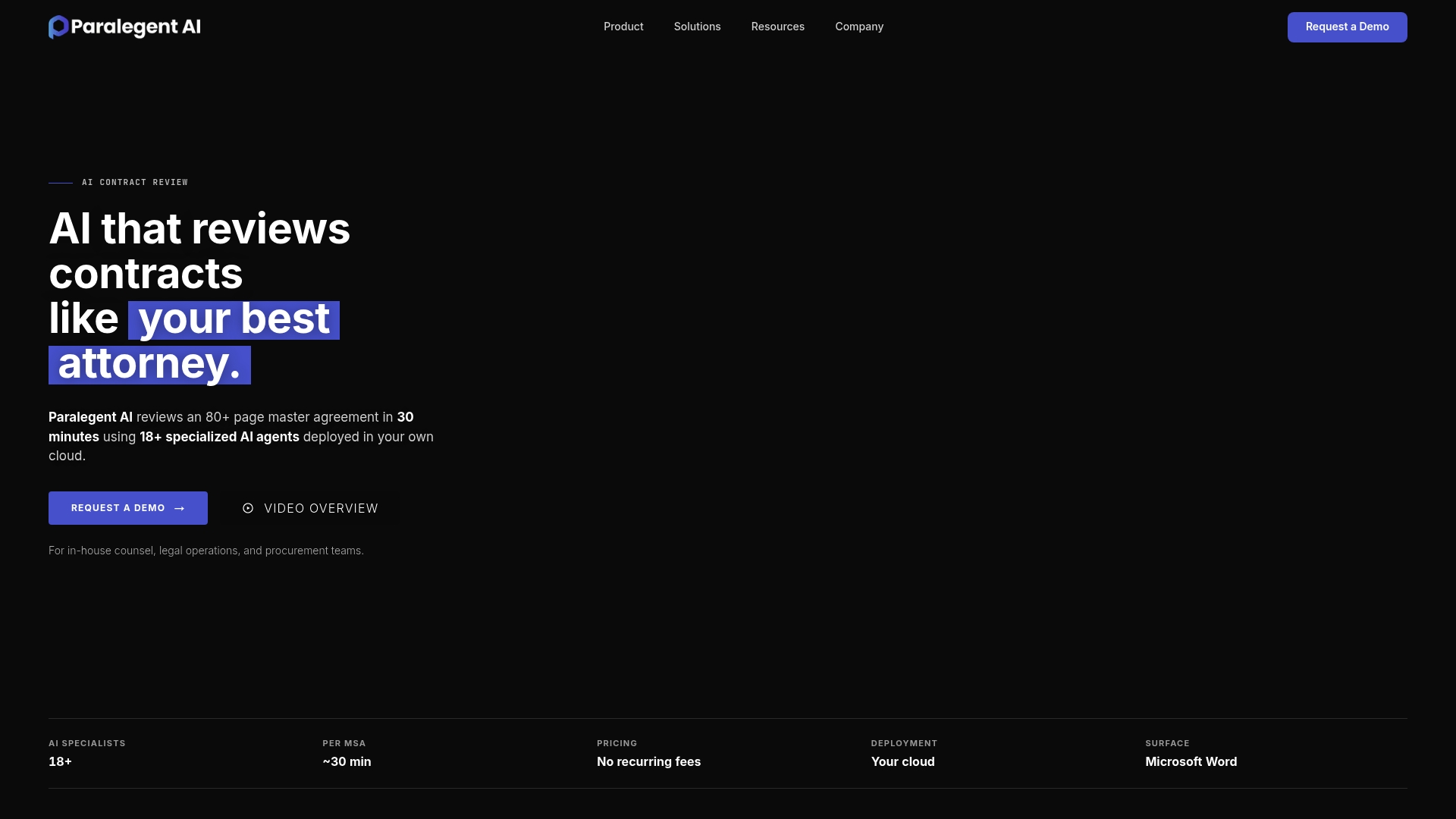
Deploys 18+ specialized AI agents into a customer private cloud and runs inside Microsoft Word for in-context redlining and analysis. Paralegent's marketing materials state contracts can be reviewed in 2–8 minutes rather than taking manual hours. The product enforces playbooks with 80–150 structured terms, producing classification, rationale, and confidence scores for each clause.
Core Features
Paralegent installs in your Azure, AWS, or GCP environment and preserves data sovereignty by keeping processing inside your cloud. It runs multiple domain agents that tag clauses as GREEN, ORANGE, or RED and attach rationales and confidence scores. The Microsoft Word add in surfaces suggested redlines and replacement language directly in the document for lawyer review.
Key Differentiator
Paralegent’s distinguishing feature is deploying multiagent orchestration on your private cloud to enforce organization specific playbooks. That design shifts control of models and data to your IT and legal operations teams. The approach reduces vendor data exposure and lets you choose the LLM agnostic provider in your environment.
Pros
Paralegent advertises much faster review times compared with manual processes, which helps legal teams reduce outside counsel hours and meet internal SLAs. Playbooks are configurable so you can map internal approval rules and 80–150 structured terms into automated checks. Keeping processing inside your cloud preserves data sovereignty and aligns with strict procurement and compliance requirements. Multiagent orchestration resolves agent conflicts and provides consolidated rationale, lowering noise and improving redline quality.
Cons
-
Implementation requires a dedicated engineering team and takes about 8–10 weeks, which raises initial project overhead.
-
The vendor has limited third party reviews, so market recognition appears narrower than mainstream alternatives.
-
Cost and technical complexity may be prohibitive for smaller legal teams without existing cloud infrastructure.
When It May Not Fit
If your legal team lacks in house cloud engineering resources, this product will add implementation burden and delay time to value. Smaller companies with low contract volume will likely not recover deployment cost quickly. If you need a turnkey, hosted SaaS redlining tool, Paralegent’s private cloud model will feel heavyweight.
Notable Integrations
Paralegent integrates natively with Microsoft Word via an add in to deliver suggested redlines where lawyers work. It connects to Microsoft 365 apps such as SharePoint, Teams, OneDrive, and Outlook for document storage and collaboration. The vendor lists compatibility with CLM systems including Icertis, DocuSign CLM, Ironclad, and Agiloft for downstream lifecycle management.
Who It's For
This product fits legal, legal operations, and procurement teams at large enterprises that process hundreds of contracts annually and require strict data control. It suits organizations that operate their own cloud and want playbook enforcement baked into review workflows. Choose this if you need customizable classification, rationale, and audit evidence held inside your environment.
Real World Use Case
A Fortune 500 legal team deployed Paralegent in their Azure environment and applied a custom playbook to master service agreements. The team used the Word add in to accept, modify, or reject suggested redlines and capture rationale for audit trails. That workflow reduced outside counsel spend and shortened SLA windows for contract close.
Pricing
Pricing is not listed as a per seat or subscription figure. The product is deployed in your cloud, and ownership of the deployment transfers to your organization. Expect implementation and hosting costs to reflect enterprise deployment and engineering effort.
Website: https://paralegent.ai
Comparison of alternatives
Formable distinguishes itself through its cohesive workflow, integrating contract review, negotiation, and signing in to a single unified process. However, alternative options also present unique advantages tailored to specific requirements in contract redlining tools.
Integration with Existing Tools
Several platforms excel in integration with existing tools. BlackBoiler Veris offers direct operation inside Microsoft Word, minimizing user adjustment and preserving document formatting consistency. In contrast, Formable provides browser-based tools alongside API endpoints to embed features directly into custom applications. This diversity means teams can choose based on whether their operations favor native platform compatibility or external tool integration.
Specialized Workflow Management
Paralegent AI shines in environments requiring private cloud deployment for contract review and compliance with stringent data sovereignty regulations. Its multi-agent orchestration provides clause classification and audit trail capabilities within the organization’s cloud infrastructure. Meanwhile, Chamelio’s contextual AI redlining improves collaborative efficiency but requires adequate team size for effective utilization, making it better suited for enterprise environments.
Best fit
- Teams handling high-volume workflows and requiring integrated solutions for contract review, negotiation, and signing will benefit from Formable’s unified approach.
- Enterprises relying exclusively on Microsoft Word for document editing will find BlackBoiler Veris’ native integration highly valuable.
- Legal departments needing customized AI redlining and compliance control within their cloud infrastructure will excel with Paralegent AI.
- Reviewers focused on leveraging AI for clause categorization with integrated document accessibility may achieve success with Docsum.
Our pick
Formable is the recommended choice for teams requiring a continuous and integrated solution for contract lifecycle management that minimizes administrative overhead and simplifies compliance tasks through its unified workflow. For teams prioritizing niche requirements, such as private cloud setups or deep Microsoft Word integrations, exploring alternatives like Paralegent AI and BlackBoiler Veris may prove beneficial.
Evaluate your contract redlining software options based on features, integration, and pricing tiers to find the best fit for your needs.
| Product | Core Features | Pricing | Key Differentiator | Limitation |
|---|---|---|---|---|
| Formable | AI review, browser-based redlining, e-signatures | Free tier or $19.99/month | Continuous workflow across all stages | Technical setup required for API |
| BlackBoiler Veris | Embedded in Microsoft Word, playbook validation | Starts at $1250/user/year | Standards-driven checks within Word | High cost for single users |
| DocJuris | AI screening, collaborative redlining, repository | Price not published | Automated negotiation workflows | Limited public integration details |
| Docsum | Redlining in Word, email negotiation agents | Price not published | AI-enabled contract data extraction | Requires manual checks for complex texts |
| Paralegent AI | Private cloud hosting, real-time clause tagging | Price not published | Multiagent orchestration for classification | Engineering effort for implementation |
Challenges with contract redlining and managing audit trails
Handling contracts like MSAs, DPAs, or SOWs can slow down deals when multiple tools force file transfers, and complicate version control. Legal teams and deal professionals often need a contract redlining software that keeps review, negotiation, and signing in a single workflow. This preserves audit events in an immutable record and reduces administrative overhead.
Formable offers AI-powered contract review, browser-based redlining, negotiation, and legally binding e-signatures in one integrated solution. It supports bulk actions and reusable templates for efficient approvals. Developers can embed contract workflows with REST API and e-signing APIs, making it easier to close deals quickly.
Explore how Formable addresses contract workflow challenges and use AI to shorten review times and centralize negotiations. Reach out and we will walk through your use case.
FAQ
What is the pricing for Formable's Pro plan?
Formable's Pro plan starts at $19.99 per month. This tier includes features such as AI-powered contract review and e-signatures, which streamline the contract workflow for teams. Consider trying the Pro plan for comprehensive contract management capabilities.
How does Formable compare to BlackBoiler Veris in terms of user experience?
BlackBoiler Veris delivers a native Microsoft Word experience that allows reviewers to keep editing within their familiar environment. Formable excels with its continuous workflow that integrates contract review, negotiation, and signing, making it particularly suitable for teams that handle recurring contract types. Assess your team's needs to decide which platform aligns better with your workflow.
Can I use Formable for bulk actions on contracts?
Formable allows bulk actions to improve efficiency when managing contracts. This feature operates alongside secure, legally-binding electronic signatures, enhancing the contract handling process. Consider utilizing this functionality if your workload involves managing multiple documents at once.
Does Formable support integration with other systems?
Formable provides integration capabilities through REST API, Webhooks, and SSO, making it adaptable for embedding contract workflows into other applications. Organizations looking to enhance their existing systems can benefit from these flexible integration options.
How quickly can a team start using Formable?
Formable claims that teams can experience reduced review time from days to minutes, thanks to AI assistance. This efficiency makes it an attractive option for legal teams that need quick turnaround for contract reviews. Starting with Formable may help your team significantly improve its contract processing times.