
Choose embedded signing when you need signers to complete a document inside your own interface, and choose non-embedded signing when an email link to a vendor-hosted page is good enough. The trade-off comes down to control and conversion versus speed of implementation: embedded keeps users in your product and tends to shorten completion time, while non-embedded ships faster with far less code to maintain. The sections below walk through the architecture, the use cases, and a checklist for deciding.
TL;DR:
- For embedded flows, generate signer session tokens server side, handle ready, completion, decline, and timeout events in the client, and verify completion through webhooks.
- External vendors and contractors can complete asynchronous paperwork through email links; demanding identity checks may favor a signing flow that vendors host for verification.
- Configure content security policies, cookie settings, and allowed domains before launching embeds; verify every webhook signature and keep an immutable audit log.
- Start with email signing for a faster, simpler launch, then use completion data to embed only the flows with the most traffic.
How embedded signing works under the hood
Embedded signing keeps the signer inside your application. The server creates a signature request or signing session, then returns a URL or token that the client loads into an iframe or a JavaScript SDK component. From that point, the signing experience renders inside your product's layout rather than redirecting to a separate page.
The runtime flow splits cleanly between client and server duties:
- The server authenticates the request, generates a session token or nonce, and prepares the document before returning a signing URL.
- The client embeds that URL in an iframe or SDK widget and listens for lifecycle events such as load, ready, and completion.
- The server also owns webhook handling, so it can confirm completion independently of what the browser reports.
Because the server retains authority over the document state, the client never has to be trusted with anything beyond rendering the signing surface.
How non-embedded email signing differs technically
Non-embedded signing, often called email-based signing, moves the entire interaction off your product. Your server creates the signature request through the API, the vendor sends an email to the signer, and the signer completes the document on a page hosted by the vendor rather than by you.
This changes what your integration actually needs to do:
- Your server's job mostly ends at request creation: there is no iframe lifecycle or embedded token to manage.
- Confirmation relies almost entirely on webhooks or polling, since you have no client-side visibility into the signing session.
- Analytics and conversion tracking become harder because the signer leaves your product and may not return to a page you control.
The simplicity cuts both ways. Less code ships faster, but you also give up the ability to observe drop-off points inside the signing flow itself.
Who actually benefits from each approach
The right choice usually maps to a specific product scenario rather than a general preference.
- Pick embedded signing for onboarding flows, in-app checkout agreements, and any mobile web experience where leaving your interface would break the brand continuity you've built.
- Pick non-embedded signing when the signer is an external party who doesn't need to be inside your product, such as a vendor or contractor completing paperwork asynchronously.
- Weigh conversion sensitivity against signer count: a high-value, low-volume agreement with one external signer rarely justifies the extra engineering embedded signing requires.
- Factor in identity verification needs, since heavier verification requirements often point toward a vendor-hosted flow built for that purpose already.
Product teams chasing conversion inside an onboarding funnel almost always lean embedded, while teams coordinating with outside counsel or external procurement contacts tend to default to email links without losing much.
Implementation examples and SDK notes developers actually need
Most teams start server-side: create the signature request, store its identifier, and return a SignatureRequestUrl or token to the client. Webhook handling should run independently of the client, since browsers close tabs and lose connectivity mid-session.
- On the client, choose between a raw iframe embed and a native SDK; SDKs typically handle event wiring for you.
- Bind handlers for ready, completed, and declined states, and treat timeouts as a distinct error case rather than lumping them in with declines.
- For .NET implementations, .NET 8.0 is the current supported runtime most server-side signing integrations build against.
- For persistence and webhook state tracking, the EF Core CLI tools cover the data layer setup most teams need.
- PHP implementations typically pull SDK dependencies through Composer, the standard package manager for the language.
Pro Tip: Log every webhook payload before processing it, so a failed signature parse never costs you the underlying event data.
Security and compliance considerations for both flows
Embedded signing introduces a browser security surface that email-based signing avoids entirely. Content Security Policy headers, same-site cookie settings, and domain allowlisting all need attention before an iframe-based flow goes to production, since a misconfigured frame-ancestors policy can silently block the signing widget for some users.
- Verify webhook signatures on every event and reject anything that fails, since an unverified webhook is an open door for replay attacks.
- Confirm document integrity and timestamps server-side rather than trusting whatever the client reports back.
- Keep an immutable audit log of signing events so downstream systems and compliance reviewers can reconstruct exactly what happened and when.
Developers should weigh the trade-off honestly: embedded signing delivers a more polished, branded experience, but it demands more careful handling of client-side events, domain security, and iframe lifecycle management than the simpler non-embedded workflow asks for.
A decision checklist for choosing your integration path
Run through these questions before committing engineering time to either path.
- Does the signer need to stay inside your product, or is a redirect acceptable for this workflow?
- How much engineering bandwidth and release risk can your team absorb in the current cycle?
- Does this agreement require heavy identity verification or a strict audit trail beyond standard signature capture?
- If you're not sure yet, can you launch non-embedded first and migrate the highest-conversion flows to embedded later?
Pro Tip: Start new signing flows non-embedded, then migrate only the specific steps where drop-off data shows it's worth the extra build.
Teams that need stronger identity checks alongside signing sometimes pair their integration with a dedicated verification layer. Fraud Signals' coverage of identity verification providers is a useful reference point for teams scoping that requirement.

How Formable approaches embedded signing and negotiation
We built our platform to help startups and GTM teams close deal agreements faster, covering a variety of contract types.
- We operate as a standalone e-signing provider, with e-signing APIs built for straightforward developer integration.
- Our tools include redlining to assist parties in negotiating and aligning on terms before signing.
- We handle document preparation, webhook events, and audit logging within an integrated workflow.
What adoption patterns tell us about embedded signing
Most teams we've seen start with email-based signing because it ships in days, not weeks. The ones who move to embedded signing later usually do it for one specific high-traffic flow, not the whole product at once. Measure drop-off before you build, and let that number decide where embedded investment actually pays off.
— Alex
Where Formable fits if you're building this now
If you're deciding between embedded and non-embedded signing, our embedded e-signing API gives you the SignatureRequestUrl pattern described above, plus redlining and AI contract review in the same product, so your team isn't stitching together separate tools for negotiation and signing.
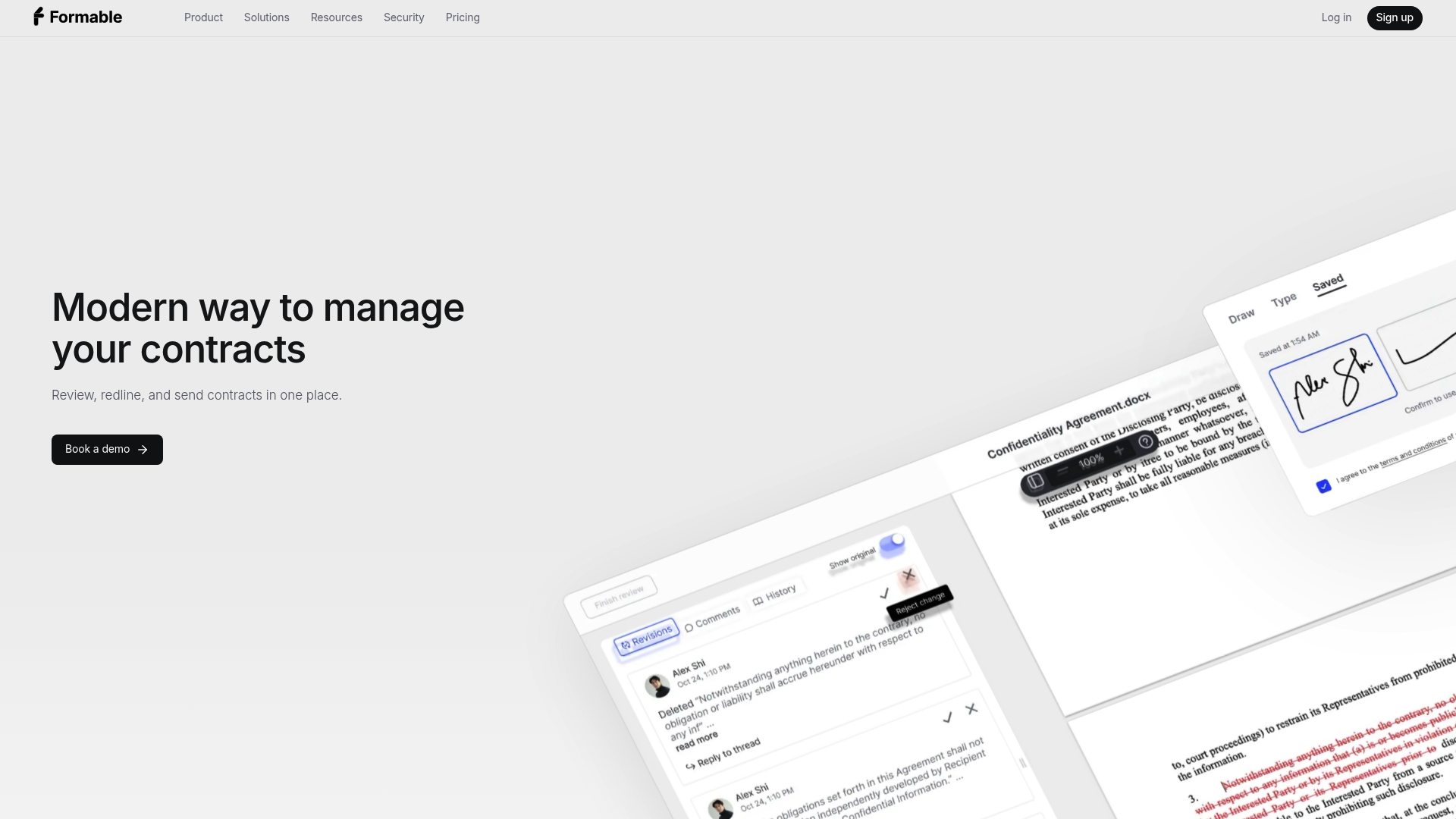
Our developer plan is the fastest way to see the API against your own documents, and our documentation on embedding a signing flow walks through the setup end to end.
FAQ
What is the main difference between embedded and non-embedded signing?
Embedded signing renders the signature flow inside your own application using an iframe or SDK, while non-embedded signing sends the signer an email link to a page hosted by the e-signature vendor. The choice mostly affects branding control, conversion tracking, and how much client-side code your team maintains.
Does embedded signing require more development work than email-based signing?
Yes, embedded signing generally requires more work because you manage iframe lifecycle events, domain security settings, and client-side error handling that a non-embedded flow doesn't need. Non-embedded signing mostly ends at creating the request and handling a webhook for completion.
Can I combine embedded signing with contract negotiation or redlining?
Yes, pairing embedded signing with a redlining step lets both parties align on terms before the document reaches the signing stage, rather than treating negotiation and signing as separate tools. Our redlining API is built to support that combined workflow.
Which authentication differences matter between embedded and non-embedded endpoints?
Embedded endpoints typically require a server-generated session token or nonce tied to the specific signer and document, since the client renders the signing surface directly. Non-embedded endpoints mostly authenticate at request creation time, since the signer interacts with a vendor-hosted page rather than your own client.
How do I handle errors differently in embedded versus non-embedded flows?
In embedded flows, you handle errors through client-side event listeners for states like declined or timeout, in addition to server-side webhook checks. In non-embedded flows, error handling relies almost entirely on webhooks and server-side polling, since there's no client session to observe directly.