
An e-signing system is a few moving parts: a way to present a document, a way to identify and capture intent from the signer, a sealed record of what happened, and a delivery step that gives everyone the final copy. The code is the easy part. The hard part is producing evidence that survives a dispute. This guide walks through the legal baseline in the United States, the components to build, how to design the API and webhooks, and how to decide whether to build at all.
TL;DR
- US law does not deny a signature or contract legal effect solely because it is electronic, so the legal bar is about proving intent, attribution, and record integrity.
- Build around five components: document intake, signer authentication, a distinct signing action, a tamper-evident audit trail, and a sealed final copy.
- Expose signing through an API with signed webhooks, idempotent requests, and clear envelope states.
- Build in-house only for low-risk acknowledgments or when signing is core to your product. For most contracts, buy or embed.
What makes an e-signature valid in the US
The federal baseline is the ESIGN Act. Under 15 U.S.C. § 7001(a), a signature, contract, or other record in a transaction affecting interstate or foreign commerce may not be denied legal effect, validity, or enforceability solely because it is in electronic form. Most states have also adopted the Uniform Electronic Transactions Act, which takes the same position at the state level.
That sentence is narrower than it sounds. It says electronic form alone cannot defeat a signature. It does not say every click is a binding signature. If a counterparty later claims "that wasn't me" or "that wasn't the document I saw," your system has to answer with evidence. One implementation checklist frames the work the same way: electronic signatures have been legally valid for twenty-five years, so the practical focus is proving attribution and preserving the audit trail and the integrity of the signed document.
In practice, your system needs to show four things:
- Intent: the signer took a deliberate action meant as a signature.
- Attribution: the action is tied to a specific person.
- Association: the signature is attached to the exact document version.
- Retention: the record can be reproduced accurately later.
Every design decision below serves one of those four.
Core components to build
Document intake and versioning
Treat each document as immutable once it enters a signing flow. Store the original file, compute a cryptographic hash, and assign a unique identifier. If anyone edits the contract, create a new version and a new signing request. Signers must always sign the version they saw.
If your documents are negotiated first, keep the redline history separate from the final execution version. That lets you show how the terms evolved without confusing which version was signed.
Signer identity and authentication
Match authentication to risk. An email link may be enough for a low-value acknowledgment. A sales order form or an MSA deserves stronger checks, such as a one-time passcode sent to a second channel, SMS verification, or login to an existing account. The checklist above recommends authenticating according to risk rather than applying one method everywhere. Record which method was used for each signer, because that fact belongs in the audit trail.

The signing ceremony
The interface should show the full document before offering a distinct Sign action. Avoid a design where one button both scrolls past the document and signs it. Capture the signer's typed, drawn, or uploaded mark, the timestamp, and the signing action itself. Add a clear statement that the signer agrees to sign electronically.
Consent and disclosures for consumers
If your system delivers records that the law requires to be in writing to consumers, ESIGN adds extra steps. Section 101(c) requires affirmative consumer consent after clear disclosures, including how to withdraw consent, how to get a paper copy, and the hardware and software needed to access the records. The consent must also be given in a way that reasonably demonstrates the consumer can access the records in the form you will use. The FTC's report to Congress on this provision explains that requirement. Business-to-business contracts generally do not trigger this consumer consent rule, but if any of your signers are consumers, build the consent step in from day one.
Completion, sealing, and delivery
When the last signer finishes, generate the final PDF, embed or attach the signatures, compute a final hash, and seal the file. Then produce a completion certificate and send the executed copy to every party. Store the sealed file and certificate together. Our own security overview describes how we approach legally binding e-signatures and the controls around them.
The audit trail is your evidence
The audit trail is what turns a click into proof. The ESRA-1 standard, version 1.0 issued in March 2022, says audit records should include a unique document identifier, creation and finalization date and times, the identities of the parties, authentication information where used, and cryptographic hashes.
A workable event schema looks like this:
| Event | What to record |
|---|---|
| Document created | Document ID, file hash, uploader, timestamp |
| Envelope sent | Recipients, routing order, timestamp |
| Document viewed | Signer ID, IP address, user agent, timestamp |
| Authentication | Method used, result, timestamp |
| Signature applied | Signer ID, signature image or typed value, timestamp |
| Envelope completed | Final file hash, certificate ID, timestamp |
Two engineering rules matter here. First, make the log append-only, so no admin or process can rewrite history. Second, use server-side time from a synchronized clock, never the client's clock.
Audit trails are not formally required by the rules of evidence, but they carry weight. Fenwick's litigation analysis notes they are highly effective in court for authenticating an e-signature by linking the signer's identity and actions to the signed document. For a deeper look at the design, see why every document has an audit trail.
Designing the API, embedded signing, and webhooks
Most teams build an e-signing system so another product can use it: a SaaS app that needs customers to sign order forms, a real estate platform collecting disclosures, a hiring tool issuing offer letters. That makes the API the real product surface.
Model the envelope
Center the API on an envelope (sometimes called a signature request) that holds documents, recipients, routing order, and a state. Keep the states few and explicit:
draftsentviewedpartially_signedcompleteddeclinedvoidedexpired
Only allow defined transitions. A completed envelope can never go back to sent.
Endpoints you will need
- Create an envelope with documents and recipients.
- Add or place signature fields by coordinate or by anchor text in the document.
- Send, void, and resend.
- Fetch status and the audit trail.
- Download the sealed document and certificate.
- Generate a short-lived signing URL for embedded flows.
Make create and send calls idempotent with a client-supplied key, so a retried network request does not send two contracts.
Embedded versus redirect signing
With redirect signing, the signer leaves your app for a hosted page. With embedded signing, the ceremony renders inside your product, usually in an iframe or a hosted component, using a short-lived URL tied to one signer. Embedded flows keep users in context and lift completion rates, but you take on more responsibility for session security and for accessibility of the surrounding page. Our write-up on three e-signing API architectures compares the trade-offs, and our e-signature API overview covers the basic model.
Webhooks that you can trust
Polling for status does not scale. Push events to the customer's server instead. A reliable webhook design includes:
- Signed payloads: include an HMAC signature header so receivers can verify that the event came from you.
- Timestamps: reject events older than a few minutes to blunt replay attacks.
- Retries with backoff: expect receivers to be down occasionally.
- Event IDs: let receivers deduplicate.
- Thin payloads: send the event type and IDs, and let the receiver fetch details over the API.
The same principles apply in any event-driven integration. This piece on processing events with webhooks shows how signed notifications drive automatic downstream actions, which is the pattern you want when a completed signature should trigger provisioning, billing, or a CRM update.
For language-specific walkthroughs, see our guides to integrating e-signatures into a Node.js application and a Java application, or the broader developer guide to implementing e-signing on your site.
Security and accessibility requirements
Security basics
- Encrypt documents in transit and at rest.
- Scope signing URLs to one signer, one envelope, and a short lifetime.
- Enforce role-based access to envelopes and audit logs.
- Log every administrative action.
- Keep retention and deletion policies explicit, and make sure deletion never breaks the evidence for a signed record you are obliged to keep.
Accessibility
A signing page that some people cannot use is a legal and commercial risk. Federal agencies must buy e-signature software that conforms to the Revised 508 Standards, and Section508.gov's guidance on electronic signatures is a useful checklist even if you do not sell to government. Its guidance for forms points to keyboard operability, a logical tab order, clear instructions and cues, and alternative text for signature images.
In practice, test the full ceremony with a keyboard only and with a screen reader. Make sure the Sign button is reachable, errors are announced, and a drawn signature has a typed alternative. For wider context on why this matters beyond compliance, this overview of accessible web interfaces covers inclusion and search impact.
Build, buy, or embed
The checklist cited earlier suggests matching the tool to the risk: a system log for low-risk acknowledgments, a commercial platform for medium-risk contracts, and a commercial platform with added controls for high-risk documents.
Use that as a starting frame, then add your own factors:
| Situation | Likely answer |
|---|---|
| Internal acknowledgments (policy read receipts) | Build a simple logged action |
| Customer contracts, order forms, NDAs | Buy or embed an existing provider |
| Signing is the core feature of your product | Build selectively, or build on a provider's API |
| Regulated or high-value documents | Buy, then add identity and retention controls |
The hidden cost of building is not the first release. It is everything afterward: certificate handling, PDF rendering edge cases, mobile browsers, accessibility audits, retention, support for signers who cannot find the email, and being able to testify about how the system works. Teams that build usually end up maintaining a product they did not intend to sell.
If you do build, a good compromise is to own the experience and rent the heavy parts through an API. For a view of the return on that choice, see how to prove e-signature API ROI in 30 to 90 days. If your use case is industry-specific, our piece on defensible signing for construction and real estate shows what extra evidence those teams need.
A build plan in seven steps
- Classify your documents by risk. Decide which need strong authentication and which do not.
- Define the envelope model and states. Write down every allowed transition.
- Build intake and hashing. Make documents immutable once sent.
- Build the ceremony. Show the full document, require a distinct Sign action, and capture consent language.
- Build the audit log. Append-only, server-timestamped, with hashes.
- Build sealing and delivery. Produce the final PDF, certificate, and copies for all parties.
- Expose the API and webhooks, then test. Include accessibility and abuse testing, plus a replay of a complete signing against your own audit trail to check it tells the full story.
Our six-step checklist for collecting signatures digitally offers a compact version for legal and dev teams working together.
Our perspective
We build contract software, and the most common mistake we see is treating e-signing as a feature rather than a record. A signature button takes an afternoon. A defensible record that a lawyer can rely on two years later takes real design.
We also see teams split contracts across disconnected apps: one for drafting, another for review, a third for redlining, a fourth for signing. Every handoff loses context, and the audit trail ends up scattered. Our view is that drafting, review, negotiation, and signing belong in one workflow, so the evidence of how a deal came together lives next to the signature itself.
For developers, that means two paths. If signing is a means to an end, use an API and spend your time on your own product. If you need the full contract lifecycle, use a platform and integrate only where you must.
— Alex
Skip the build with Formable
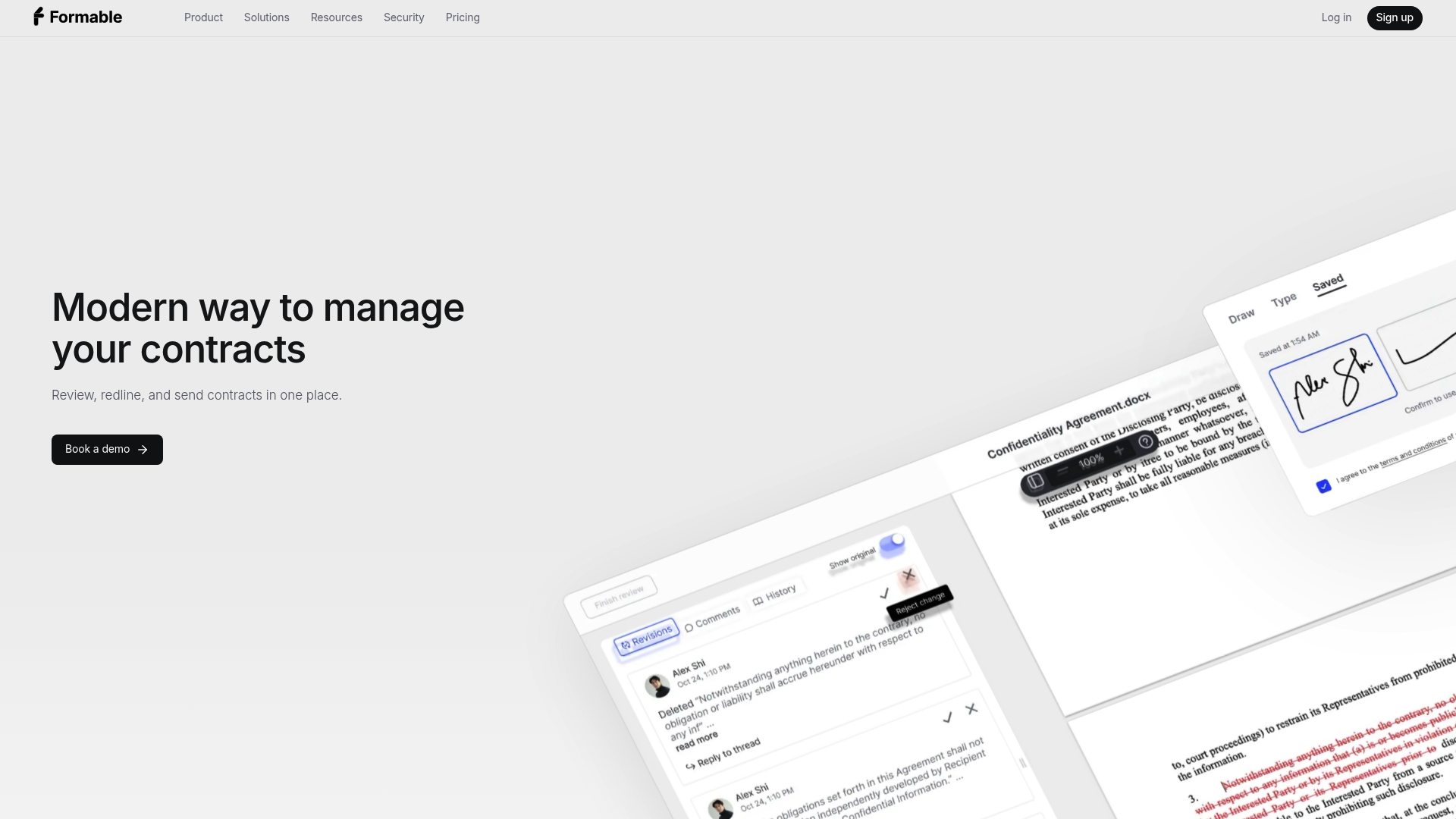
If you would rather ship signing this week than this quarter, Formable offers e-signing for teams and an embedded e-signing API for developers who want signatures inside their own product. A redlining API lets both parties align on terms before signing. Pro is $29.99 per month and Growth, for API usage, is $29.99 per month; see API pricing for current plan details.
If you want to talk through your use case, reach out and we will walk through it with you.
FAQ
Are electronic signatures legally binding in the United States?
Yes. Federal law says a signature or contract cannot be denied legal effect solely because it is electronic. Some documents, such as certain wills and notices, are excluded or carry special rules, so check with a lawyer for your document types.
Do I need an audit trail to build an e-signing system?
The rules of evidence do not strictly require one, but you should treat it as mandatory. It is how you show who signed what and when. Include document IDs, timestamps, party identities, authentication details, and hashes.
Should I build or buy e-signing software?
Build only for low-risk acknowledgments or when signing is central to your product. For customer contracts and anything high-value, a commercial platform or API is faster and safer, because you inherit maintained security, sealing, and retention.
What should a signing webhook include?
Send an event type, event ID, envelope ID, and timestamp, signed with an HMAC header. Receivers should verify the signature, reject stale events, and deduplicate by event ID. Retry failed deliveries with backoff.
Sources
- 15 U.S. Code § 7001, general rule of validity
- Electronic Signature Implementation Checklist
- FTC report on the ESIGN consumer consent provision
- ESRA-1 Electronic Signature and Record Processing Requirements
- Fenwick: Using e-signatures in court
- Section508.gov: Electronic signatures
- Processing events with webhooks
- Accessible web interfaces