
If you sell software more than once to the same customer, the MSA is not a legal trophy. It is the document that lets a renewal, seat expansion, or new module close on a one-page order form. Write it so sales can change commercial variables without reopening IP, liability, or data terms. For the clause-by-clause checklist and sample language, use the companion guide on how to write a master service agreement for selling software. This article is the paper-stack version: which documents you need, what belongs on each, and how to keep customer paper from undoing the split.
TL;DR:
- Pick the paper stack from your go-to-market motion, not from a generic MSA template. Self-serve, mid-market, implementation-heavy, and custom-build deals need different stacks.
- The MSA holds standing legal terms. The order form holds product, seats, price, term, and renewal. A SOW appears only when you deliver project work.
- Write precedence so commercial conflicts follow the order form and legal conflicts stay with the MSA. Without that split, the last document signed can wipe out your cap.
- On customer paper, defend four things first: background IP, the liability cap, the DPA attachment, and a locked legal footer on every order form.
- After the first ten deals, fold repeating redlines into the standard MSA instead of renegotiating the same points on deal eleven.
Write the MSA for the sale, not the archive
A software MSA fails in two opposite ways. It is either so short that every expansion reopens liability and IP, or so long that the first enterprise deal spends six weeks in legal before anyone can buy a seat. The useful test is operational: can your team issue a new order form next year without counsel rereading the master?
That is a different job from listing every clause. The companion article covers license grants, caps, indemnities, and sample wording. Here the question is architectural. You are deciding which promises are standing, which promises are commercial, and which promises should never appear in a document sales can edit.
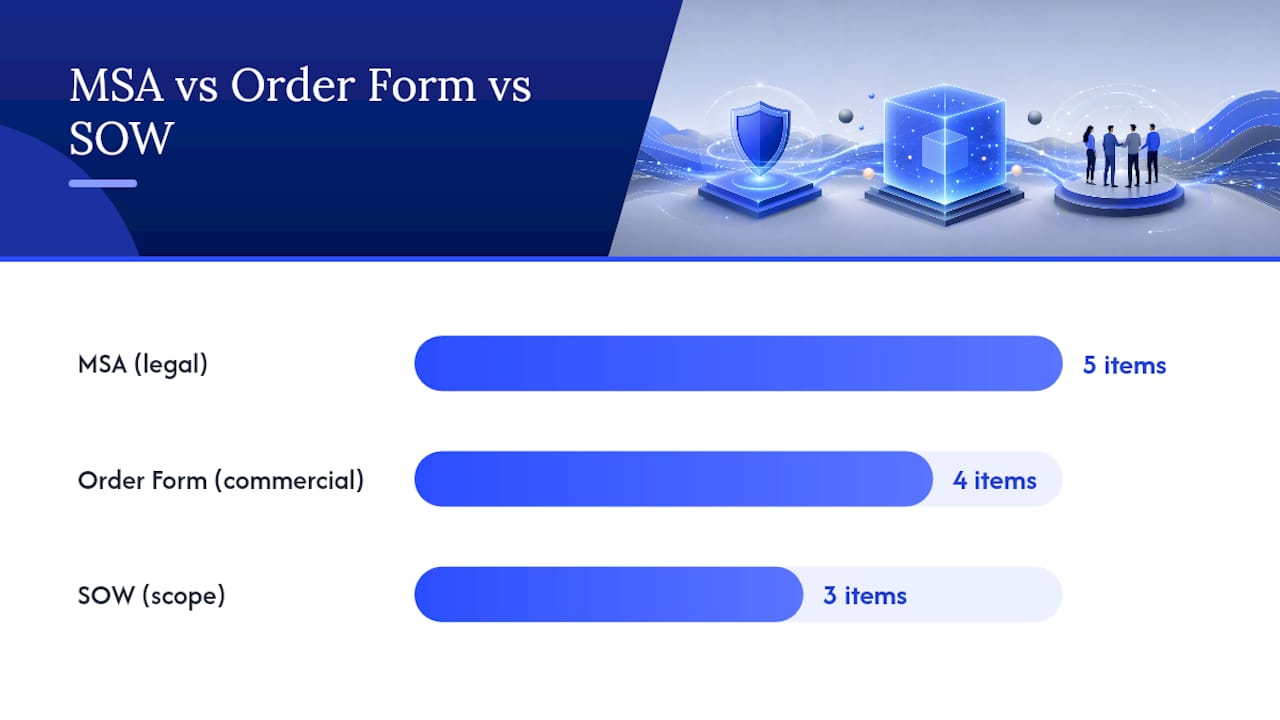
Standing promises belong in the MSA:
- Who owns the platform and what license the customer receives
- Liability, indemnity, confidentiality, and dispute resolution
- Security and the attached data processing agreement
- How amendments happen, and who is allowed to sign them
Commercial promises belong on the order form:
- Product or SKU, seat count or usage metric, price, and discounts
- Start date, initial term, and whether the term auto-renews
- Billing frequency, currency, and any one-time implementation fee
- The MSA date the order form incorporates
Project promises belong on a statement of work, and only if you are actually delivering implementation, migration, or custom work. If the "services" are onboarding calls included in the subscription, you do not need a SOW. Adding one invites acceptance testing language that does not fit hosted software.
Pro Tip: If a sales rep can change a number without changing your legal risk, that number does not belong in the MSA body.
Choose the paper stack from your GTM motion
Copying a 40-page enterprise MSA onto a product-led motion, or using clickthrough terms on a six-figure negotiated deal, is how paper fights the sale. Match the stack to how the customer actually buys.
| Motion | Stack | When it breaks |
|---|---|---|
| Self-serve / product-led | Clickthrough terms plus checkout | The buyer asks for a negotiated cap, DPA, or security exhibit |
| Mid-market subscription | Vendor MSA plus one-page order form | You bury price in the MSA, so every expansion needs legal |
| Subscription plus implementation | MSA, order form, and a short SOW | The SOW quietly assigns deliverable IP that includes platform code |
| Custom build or staffed project | MSA plus a detailed SOW per project | You treat hosted software like a work-for-hire consulting job |
Thomson Reuters describes the point of an MSA as letting later work proceed without renegotiating core terms. For software sellers, "later work" is usually a renewal or a new SKU, not a new consulting project. Design for that.
Two extra decisions belong in this step, before anyone drafts clause text:
- Whose paper starts the deal. Vendor paper is faster and safer. Customer paper is common above a certain contract value. Decide the threshold now, such as "we start from our MSA below $100k ACV, and we will review customer paper above that."
- Who may sign an order form. If any account executive can bind a three-year term with a custom liability sentence in the notes field, the MSA split is theater. Lock legal text on the order form and leave only commercial fields editable.
Self-serve companies still need this thinking. The day a procurement team asks for an MSA, you want a ready stack, not a blank page and a panicked rewrite of your Terms of Service.
Design the order form so legal never reopens
The order form is where most software MSAs quietly fail. Teams draft a careful master, then let sales paste pricing, SLA credits, and "customer-friendly" legal notes into a freeform PDF. Six months later finance cannot invoice, and legal discovers the notes overrode the cap.
Build the order form as a form, not a letter:
- Locked header: "This Order Form is subject to the Master Service Agreement dated [date] between [vendor] and [customer]."
- Structured commercial fields: SKU, quantity, unit price, discount, term, renewal, billing contact, PO number
- A one-line precedence statement: commercial conflicts follow this order form; legal conflicts follow the MSA
- No blank "special terms" box, or a box that routes to legal when anyone types in it
Precedence is the clause that makes the split enforceable. Courts often treat the last signed document as controlling if you stay silent. A sentence that splits commercial terms from legal terms prevents a renewal addendum from deleting your indemnity or your cap. The companion guide has sample wording. The job here is to put that sentence on the order form itself, in the same glance as the signature block, not only in section 14 of the MSA.
Watch three software-specific leaks:
- Usage and overage. If you sell consumption, define the metric and the true-up method on the order form. Do not hide overage in an MSA schedule nobody rereads at renewal.
- Bundled services. A "success package" that is really implementation work needs a SOW. If you leave it as a line item with no scope, you will argue about what "done" means when the invoice is due.
- Auto-renew. State the renewal term and the notice window on the order form. Customers remember the price. They forget a 90-day non-renewal notice buried in the master.
What to do when the buyer sends their paper
Enterprise buyers often send a professional-services MSA. That paper assumes you are delivering work product they will own. Applied to a hosted product, it can assign your platform, uncapped data-breach liability, and open-ended acceptance rights that let them withhold subscription fees.
Do not rewrite their 30-page draft clause by clause on the first pass. Score it against four tripwires, then decide whether to switch them onto your paper or to redline only the tripwires.
- Background IP. Any work-for-hire or blanket IP assignment that could cover pre-existing software, models, or tooling. The fix is a carve-out plus a license, not a debate about who "created" a feature under the agreement.
- Liability cap. Uncapped breach, confidentiality, or "any data-related claim" is a different deal than the one sales quoted. A higher cap for security claims is a common trade. Removing the cap is not.
- DPA and security. If their paper has no processing terms, attach yours. If it promises a certification you do not hold, replace the promise with a program description and a current report.
- Order-form control. If their paper says the latest SOW or purchase order overrides the MSA in full, you will re-trade legal terms on every expansion. Restore the commercial-versus-legal split.
If more than two of those tripwires fail, it is usually faster to send your MSA and map their must-haves into it. If only one fails, redline that section and leave the rest. The clause encyclopedia in the companion article is what you use once you are inside a specific section. This filter is what keeps you from spending a week on notices and governing law while the assignment clause still gives away the product.
Customer requests that look scary and often are not:
- Their governing law, if it is a major US commercial state and you have counsel there
- Net 30 or Net 45 instead of Net 15
- A slightly richer SLA credit table, still capped at a slice of monthly fees
- A right to object to new sub-processors on a defined timeline
Customer requests that should stop the deal until they move:
- Ownership of your core product
- Unlimited audit with no notice
- A most-favored-customer clause that imports every other customer's price
- Acceptance language that treats a live subscription like an undelivered custom build
Deal-desk rules that keep sales moving
Writing the MSA is half the work. The other half is deciding what a rep may close without legal. Otherwise every mid-market deal becomes an enterprise negotiation.
Publish a one-page playbook next to the template:
- Green. Standard MSA, standard order form, discount inside the published grid, term of one or two years. Sales can send and sign.
- Yellow. Discount above the grid, a free month, a custom start date, or a short SOW for onboarding. Deal desk or finance reviews. Legal does not reread the MSA.
- Red. Customer paper, cap changes, extra indemnity, security commitments beyond the current report, MFN, or any edit to IP. Legal owns the redline.
Track the redlines you accept. After three buyers ask for the same fallback, such as a 2x cap on security claims, put that fallback in the standard MSA or in an approved alternate exhibit. That is how the document becomes a sales asset instead of a one-off negotiation.
Keep the MSA short enough that a new counsel can learn your positions in an hour. Length does not equal protection. Four decisions (IP, cap, indemnity, exit) plus a clean order-form split determine almost all of the money. The rest is maintenance.
Expansions, usage, and multi-product wrinkles
Software companies outgrow their first MSA when they add a second product, a usage metric, or a channel motion and keep stuffing those facts into email. Write the first version so those additions are order forms, not amendments.
- New SKU. Add a product row on a new order form that incorporates the same MSA. Do not issue a new master unless the product has a different data or liability profile, such as a healthcare module that needs its own BAA.
- Seat expansion. Same order form template, new quantity and effective date. Proration rules live on the form, not in a side letter.
- Usage or overage. Define the metric once in the MSA (what counts, how you measure, when you true up). Put the rate and included volume on the order form.
- Partner or reseller. If a reseller is selling your software, you need a separate partner agreement. Do not let a customer MSA try to govern channel pricing.
- AI features. If the product can train on customer data, say so in the MSA or an AI addendum. Silence reads as a red flag to enterprise counsel and is harder to fix after the first order form is signed.
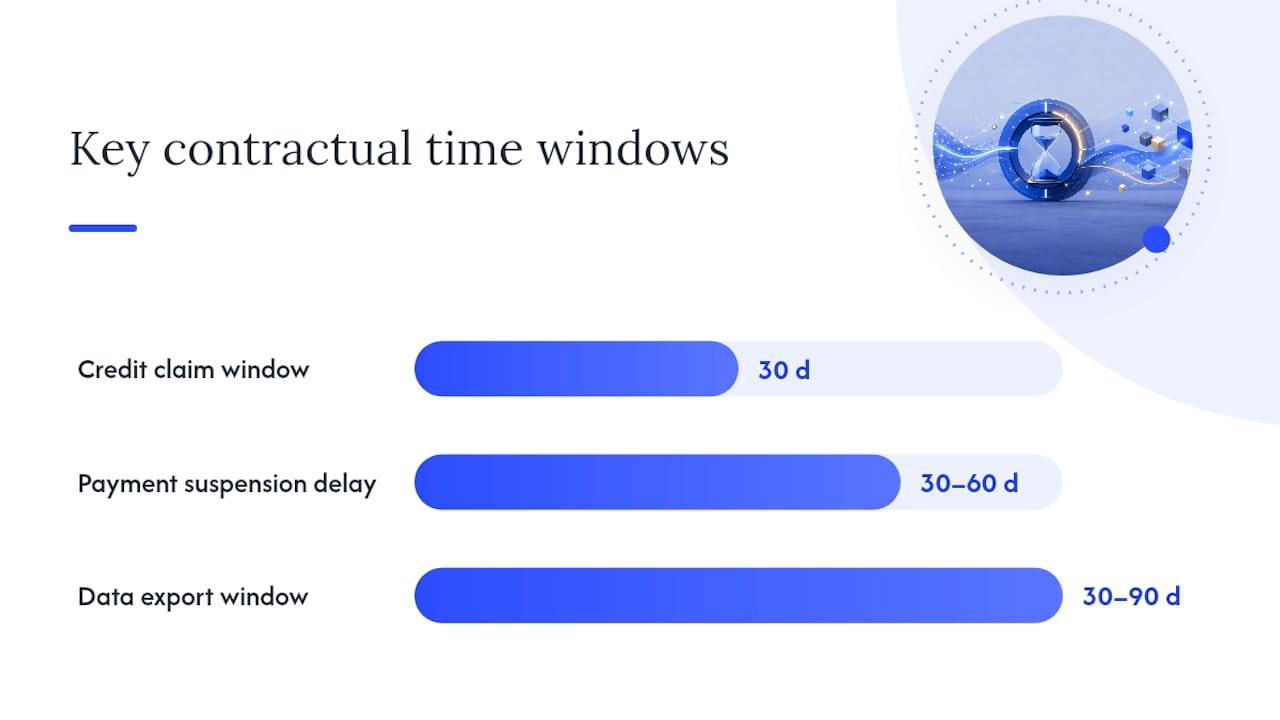
Exit terms also belong in the "sales system" view. A customer who cannot export data will not sign the first order form, and a customer who can export will still ask how long you keep it after non-renewal. Put the export window and format in the MSA once. Do not renegotiate it on every renewal.
Pilot the stack on a friendly deal, then freeze it
Do not debut a new MSA on your hardest logo. Pick a customer who already wants the product and will give you a real redline without treating the negotiation as sport.
Run this sequence:
- Send your MSA and a filled order form together, never the MSA alone. The order form shows them the split in practice.
- Collect redlines in one draft. When a comment belongs on the order form (price, seats, start date), move it there instead of adding a legal paragraph to the master.
- After signature, issue a one-line internal note: which fallbacks you used, and whether they should become standard.
- After ten deals, revise the template once. Then stop editing it per AE.
Annual hygiene is lighter than a rewrite. Review the stack when you add a product line, change sub-processors, or start selling into a new regulatory buyer. Route those changes through a written contract amendment or a versioned MSA, not a Slack "we are good to go."
How Formable keeps the stack in one workflow
The failure mode this article is about is operational: the MSA lives in a slides folder, the order form lives in a quote tool, and the redline lives in email. Formable keeps those pieces in one path.
- Start from the MSA template and generate a matching order form so commercial fields stay out of the master.
- Use redlining when the buyer sends their paper, and keep the same draft as the source of truth.
- When the legal terms are stable, e-signing closes the MSA once, then each later order form can sign against that baseline.
If you want the clause list and copy-ready wording after the stack is chosen, switch to the full software MSA drafting guide. Use this page when the question is "how do we sell the next seat without reopening the contract."

Sources
- What is a master service agreement (MSA)?
- MSA vs SOW vs Order Form: SaaS Docs | Causo Hub
- Master Service Agreement for SaaS: How It Works and What to Watch
- MASTER SERVICES AGREEMENT FOR SOFTWARE DEVELOPMENT (SEC exhibit)
FAQ
Do I need an MSA if I already have SaaS terms of service?
Yes, once a buyer wants negotiated legal terms, a named liability cap, or a DPA before they will issue an order. Clickthrough terms still work for self-serve checkout. They do not replace an MSA on a negotiated enterprise deal.
Should price live in the MSA or on the order form?
Put price, seats, SKU, term, and renewal on the order form. If those numbers sit in the MSA body, every expansion reopens the master.
What is the difference between this guide and a clause-by-clause MSA guide?
This page is about the paper stack, order-form design, customer-paper tripwires, and deal-desk rules. The clause-by-clause guide covers license language, caps, indemnities, and sample wording.
When does a software sale need a SOW as well as an order form?
Add a SOW when you are delivering implementation, migration, or custom work with acceptance criteria. Do not add a SOW for ordinary subscription access or included onboarding calls.
What should I fix first on customer paper?
Background IP assignment, an uncapped or hollow liability cap, a missing DPA, and any clause that lets a later purchase order override the entire MSA.
How do I keep the MSA from going stale?
Pilot it on a friendly deal, log repeating redlines, fold the common fallbacks into the template after about ten deals, and version it when you add a product, a new data use, or a new regulatory buyer.