DocuSign vs Dropbox Sign comes down to workflow fit, not legal validity. Choose Dropbox Sign if you need fast, simple signing with no cap on requests. Choose DocuSign if you need a broader agreement platform, a deep integration catalog and a longer list of formal certifications. Both produce legally binding signatures in the United States. The real decision is about volume, workflow and how much of your contract process happens before the signature.
This guide compares the two on price, limits, integrations, compliance and support. It also covers how PandaDoc, SignNow and Adobe Sign fit in, since readers who search for one of these tools usually look at the others too. Near the end, we explain where a contract workflow platform like Formable fits when signing is only the last step of a longer negotiation. For more context on switching, see our DocuSign alternatives and Dropbox Sign alternatives guides.
TL;DR
- Dropbox Sign is built for quick, simple signing. Per Zapier's comparison, paid plans include unlimited signature requests.
- DocuSign is a larger agreement platform. Its Standard and Business Pro plans, per one pricing roundup, carry roughly 100 envelopes per user per year.
- Legal validity is not the differentiator. Both meet the federal ESIGN Act and UETA requirements.
- Integrations favor DocuSign, with 1,000+ pre-built connections against about 20 native ones for Dropbox Sign.
- If your deals need negotiation, redlining and review before signing, a unified workflow tool such as Formable can replace the stack of separate apps.
DocuSign vs Dropbox Sign at a glance
Here is the short version of the differences that matter to U.S. business teams. Figures come from the sources linked in each section below.
| Criteria | Dropbox Sign (formerly HelloSign) | DocuSign |
|---|---|---|
| Core idea | Lightweight e-signature tool | Agreement platform with e-signature at the core |
| Sending limits | Unlimited requests on paid plans | About 100 envelopes per user per year on Standard and Business Pro |
| Entry pricing | Free plan plus per-user paid plans | Personal at $11/month billed annually, Standard at $30/user/month, Business Pro at $45/user/month |
| Integrations | Around 20 native, more through Zapier | 80+ apps by one count, 1,000+ by another |
| Certifications | SOC 2, HIPAA-compliant signing on higher tiers | ISO 27001, SOC 2 Type II, eIDAS |
| Best for | Small teams, freelancers, one-person legal teams | Larger teams with complex, integrated workflows |
Treat the table as a starting point. Plans and limits change, so confirm current numbers on each vendor's pricing page before you buy.
What each tool is built to do
Dropbox Sign
Dropbox Sign started life as HelloSign, and many readers still search for it under that name. The product is a focused signing tool. You upload a document, place fields, send it and track it. Layer3 Labs' tested comparison describes it as a lightweight tool built for fast, simple document signing.
That simplicity is the selling point. Setup is quick, the interface is easy for counterparties who have never signed electronically, and the sending model has no per-envelope ceiling on paid plans. If your team sends a high number of straightforward documents, that matters.
DocuSign
DocuSign sells electronic signatures as its core product, then expands into what it calls Intelligent Agreement Management. According to a 2026 pricing and limits comparison, that includes Workflow Builder, Agreement Manager, multi-channel delivery, payment collection and PowerForms.
It is a bigger product with more settings, more add-ons and more ways to configure approvals. Teams with procurement, legal and IT stakeholders often value that. Teams that just need signatures can find it heavier than necessary.
Pricing and sending limits
Price is where most buyers start, and sending limits are where most surprises happen.
Dropbox Sign pricing
Dropbox Sign offers a free plan. According to Zapier's comparison (published in September 2022, so check the current page), the free plan allows 3 signature requests per month with unlimited self-signing. Zapier also reports that every paid plan includes unlimited signature requests.
The practical effect: cost scales with the number of users, not with the number of documents. If you send hundreds of agreements a month from a small team, that structure is predictable.
DocuSign pricing
Per the versustool roundup, DocuSign's entry pricing in the U.S. is Personal at $11/month billed annually, Standard at $30/user/month and Business Pro at $45/user/month. Standard and Business Pro include 100 envelopes per user per year.
A hundred envelopes sounds like plenty until you count the real usage. A sales team of five sending 40 agreements a month would use 480 envelopes a year per rep if each rep sent that volume. Even at a more modest 15 per rep per month, that is 180 a year, well above the cap. Heavy senders need to model their annual volume before choosing, and often end up in a custom enterprise conversation.

A quick worked example
Say a startup has four account executives, each sending about 20 agreements a month (NDAs, order forms, renewals).
- Annual volume per rep: about 240 envelopes.
- Against a 100 envelope per user cap, each rep is roughly 2.4 times over.
- Under an unlimited-request model, volume does not change the plan you need.
This is illustrative arithmetic, not a quote from either vendor. The point is that the limit model can matter more than the sticker price.
Integrations and ecosystem
Integrations are DocuSign's clearest advantage. Zapier's comparison counts 80+ apps for DocuSign and around 20 tools for Dropbox Sign, with thousands more reachable through Zapier. Other sources put DocuSign's catalog above 1,000 pre-built integrations, and Carahsoft lists names such as Salesforce, ServiceNow, SAP, Microsoft, Google, Box and Workday for DocuSign's government offering.
The counts differ because vendors and reviewers define an integration differently. What matters for you is simple. List the five systems your contracts touch, such as your CRM, cloud storage, HRIS and ticketing tool. Then check that each has a supported connector, or a workable Zapier path, for the tool you pick.
Dropbox Sign has a natural fit if your files already live in Dropbox. DocuSign is the safer default if your stack is Salesforce-heavy or you need connectors into enterprise systems.

Legal validity and security
Are Dropbox Sign and HelloSign signatures legally binding?
Yes. Dropbox Sign, which was HelloSign until the rebrand, is just as legally binding as DocuSign in the United States. Layer3 Labs notes that both meet the requirements of the federal ESIGN Act and the Uniform Electronic Transactions Act (UETA). For common SMB contracts such as service agreements, offer letters, NDAs and vendor terms, both produce signatures that hold up.
Some document types sit outside general e-signature rules, such as certain wills and court orders. Ask your counsel before moving those to any electronic tool.
Certifications
The same comparison reports that DocuSign holds a wider set of formal certifications, including ISO 27001, SOC 2 Type II and eIDAS compliance. Dropbox Sign carries SOC 2 and offers HIPAA-compliant signing on higher tiers.
If your documents contain health information, the signature tool is only one part of the picture. A business associate agreement has to be in place before protected data moves anywhere. This guide to signed BAAs for healthtech data rooms explains why that paperwork comes before any upload, and your compliance counsel should confirm which tier and agreements your situation needs.
Support
Support structures differ by plan. According to the versustool comparison, DocuSign's Enhanced tier includes 24/7 support. Smaller plans lean on a knowledge base and standard channels. Dropbox Sign's support is described in the comparisons ranking for this keyword as extensive, though what you get depends on the plan.
Before you commit, check which support channel is included at the tier you would buy, particularly if signing is on the critical path of your sales cycle.
How PandaDoc, SignNow and Adobe Sign fit
Many readers who compare these two tools are really building a shortlist of four or five. A few notes on the others.
Adobe Sign
Adobe Sign is e-signature woven into Adobe Document Cloud. Per versustool, you get it either inside Acrobat Standard, Pro or Studio, or as the enterprise Acrobat Sign Solutions. It is strongest if your team already lives in Acrobat, Microsoft and Adobe tools. One detail trips people up: DocuSign counts envelopes, while Adobe counts transactions, so limits are not directly comparable.
U.S. entry pricing in the same roundup is approximately $14.99/month for Acrobat Standard for individuals and $19.99/month for Pro. Team Pro is about $23.99 per license per month and Studio about $29.99. For support, Adobe Sign reviews report 24/7 live chat, email, a knowledge base and video tutorials, with phone support and an SLA on Enterprise.
PandaDoc
PandaDoc is closer to a document builder than a pure signing tool. It combines templates, quotes and proposals with e-signature, which suits sales teams that generate pricing documents. Its fit against DocuSign depends on whether you create documents inside the tool or only collect signatures on files created elsewhere. Against Dropbox Sign, PandaDoc offers more on the creation side, while Dropbox Sign keeps the focus on signing. Compare current per-seat prices on each vendor's own pricing page.
SignNow
SignNow is another signing-focused option often compared to DocuSign on price. Evaluate it on the same three questions as the rest: sending limits, integration coverage for your stack and support at your tier.
Which one should you choose
Use these criteria rather than brand familiarity.
- Volume. High send counts from few users favor an unlimited-request model. Low volume with complex approvals favors DocuSign.
- Integrations. Count the systems you must connect. A missing connector costs more than a price gap.
- Compliance. If procurement asks for ISO 27001 or eIDAS, DocuSign's certification list is longer. If SOC 2 and HIPAA-compliant signing are enough, Dropbox Sign may be.
- Team size. One-person legal teams and freelancers are the profile where the lower-cost, simpler tool tends to win.
- Where the deal gets stuck. If delays happen before signing, in redlines, review and back-and-forth, neither tool addresses that on its own.
That fifth point is the one most comparisons skip.
Where signing stops and negotiation starts
A signature is the last step. Before it come drafting, legal review, redlines, clause changes and approvals. Teams using a signing tool alone usually run those steps in email, Word and shared drives, then upload a final PDF to sign.
That gap is what we built Formable to close. Formable is an AI-enabled contract management platform for startups and go-to-market teams. It brings drafting, review, negotiation, redlining, e-signing and tracking into one workflow, so the agreement does not move between apps.
If your bottleneck is negotiation, these pages show how we compare directly: our Dropbox Sign alternative and our DocuSign alternative with redlining. For the cost angle, see the cheaper DocuSign alternative page. If PandaDoc is on your list, there is a PandaDoc alternative page too.
Perspective: why we think signing is the wrong place to start
Most teams pick an e-signature tool first and discover the real problem later. The signature takes seconds. The weeks go into redlines, missing clauses and version confusion across email threads.
We built Formable on a simple view: the agreement should live in one place from intake to signature. Our contract review engine is designed to check incoming paper against your playbook and flag risks and missing clauses. Our redlining tool lets both parties align on terms in the browser before anyone reaches the signing stage.
That matters for the agreements our customers handle most: MSAs, DPAs, SOWs, LOIs, order forms, NDAs and pilot agreements. Each one involves a counterparty with edits, and each edit is a delay if it happens outside the tool that signs it.
E-signing still matters, and ours is available on its own. But we believe the teams that close faster are the ones that treat negotiation and signing as one workflow, with an audit trail covering every step.
Alex
What Formable offers
Formable covers the full path of an agreement:
- Contract creation that combines templates with generative AI, on the contract creator page.
- AI contract review from intake, with playbooks and automatic risk detection, on the AI contract review page.
- Browser-native negotiation and redlining for both parties, on the negotiation page.
- E-signing as part of the workflow or as a standalone product, on the e-signing page.
- APIs for embedded e-signing and redlining, for developers who want signing inside their own product.
Plans are listed on the pricing page. The Pro plan is $19.99 per month, and Basic and Enterprise are listed there as well. For developers, the API pricing page lists the Developer and Growth plans, and Growth is $29.99 per month.
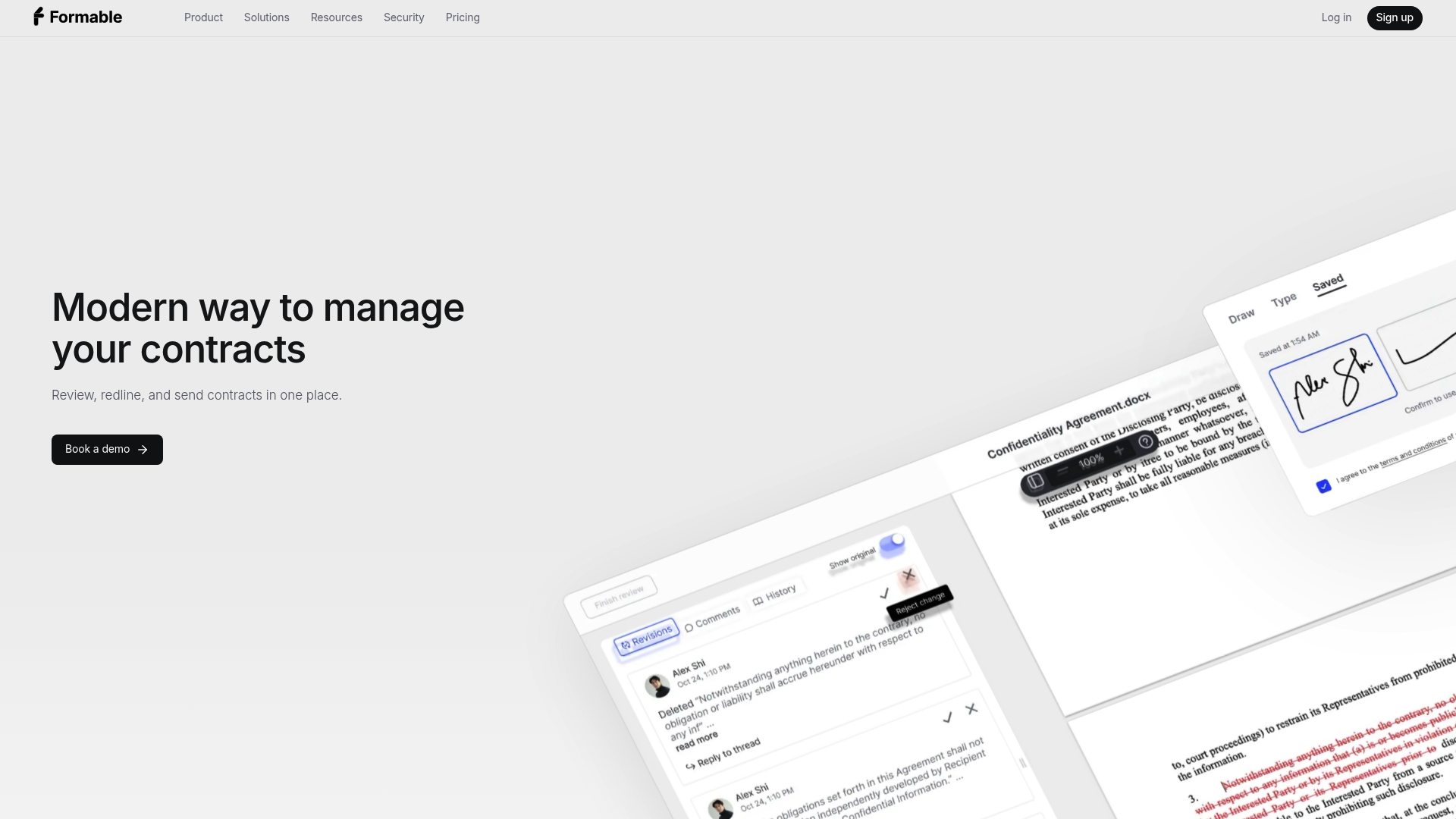
If you want to see how your own agreements would move through the workflow, reach out and we will walk through your use case. You can start from the Formable homepage.
FAQ
Is DocuSign eSignature free?
DocuSign's entry pricing, per the versustool roundup, starts with a Personal plan at $11/month billed annually, so it is a paid product. Dropbox Sign is the one with a free plan, which Zapier reported as 3 signature requests per month. Check each vendor's pricing page for current terms.
Is HelloSign legally binding?
Yes. HelloSign is now Dropbox Sign, and its signatures meet the federal ESIGN Act and UETA requirements, as Layer3 Labs reports. That puts it on the same legal footing as DocuSign for typical U.S. business contracts. Ask counsel about document types that fall outside general e-signature rules.
Who is better than DocuSign?
It depends on what you need. Dropbox Sign suits simple, high-volume signing, and Adobe Sign suits Acrobat-centered teams. If your slow point is negotiation, a workflow platform with redlining and AI review, like Formable, is built for that.
How is DocuSign different from Dropbox Sign for a small team?
Dropbox Sign keeps things simple and does not cap requests on paid plans. DocuSign offers more integrations and certifications but adds complexity and an annual envelope allowance on its lower tiers. Small teams with straightforward needs often find the simpler model easier to run.
Sources
- HelloSign (Dropbox Sign) vs DocuSign (Tested 2026)
- Dropbox Sign vs. Docusign: Which Should You Use?
- DocuSign vs Adobe Sign 2026: Pricing, Limits, Which Wins
- Adobe Sign Review: Features, Pricing and Alternatives
- Docusign Integrations, Carahsoft
- Before any ePHI upload, healthtech data rooms need a signed BAA