The best SignNow alternatives depend on what happens around the signature. If you only need to collect signatures, DocuSign, Dropbox Sign and Zoho Sign are the usual picks. If your deals stall in negotiation and review before anyone signs, Formable is built for that: drafting, AI review, redlining and e-signing in one workflow. This guide compares the main options on price, features and fit, so you can choose in one sitting. If DocuSign is already on your shortlist, see our DocuSign alternatives comparison as well.
TL;DR
- SignNow's Business plan is listed at $8 per user per month on annual billing, and both SignNow and DocuSign cap sending at 100 documents a year on entry plans, so volume matters more than the headline price.
- DocuSign, Dropbox Sign, PandaDoc and Zoho Sign are the best-known pure e-signature or document-sending alternatives, with seat prices from $10 to $35 in recent comparisons.
- Formable is the pick when contracts need drafting, AI review, redlining and signing in one place, or when developers need embedded e-signing and redlining APIs.
- US e-signatures are generally enforceable under UETA, whichever tool you choose, so legal validity is rarely the deciding factor.
Why teams look beyond SignNow
SignNow does the core job. Gartner's review page describes uploading documents, placing signature fields, setting signing order and tracking completion, with audit trails and templates included. TechTarget's 2026 roundup adds conditional documents, team collaboration, mobile signing and bulk invites.
The reasons people search for alternatives are usually practical:
- Sending limits. Signatures.com notes that SignNow and DocuSign both cap sending at 100 documents a year, which can raise total cost once you pass the allowance.
- Signer experience. TechTarget points out that recipients may need to download the file before signing, and that there is no commenting before signing.
- Workflow gaps. A signature tool starts after the terms are agreed. Sales and legal teams often still negotiate in email threads and Word files.
- Developer needs. Product teams want signing inside their own app, not a link that sends customers elsewhere.
Knowing which of these is your problem narrows the field fast.
How to choose: five criteria that matter
Before comparing logos, decide what you are buying.
- Volume. How many documents do you send per month? Per-seat pricing and annual caps behave very differently at 20 documents and at 2,000.
- What happens before signing. If you negotiate terms, you want redlining and version control, not only signature fields.
- Audit trail and security. Look for tamper-evident records, timestamps and signer metadata on every document. Ask each vendor about SOC 2 and ISO 27001 reports if your customers' security teams will ask.
- Integrations. Check for your CRM, cloud storage and HR or ATS systems, and whether an API exists if you want to embed signing.
- Total cost. Add seats, overage rules, API usage and add-ons, then compare annual totals rather than the lowest listed tier.
SignNow alternatives compared
Prices below come from published comparisons and are annual-billing seat prices unless noted. Vendors change plans often, so confirm on each pricing page before you buy.
| Tool | Listed starting price | Best for | Beyond signing |
|---|---|---|---|
| SignNow (baseline) | $8/user/month, annual | Small teams with light volume | Templates, bulk invites, conditional documents |
| DocuSign | $10/month Personal, $25/user/month Standard | High-volume, regulated teams | IAM suite, 350+ app integrations, APIs |
| Dropbox Sign | $25/seat | Small teams already in Dropbox | Templates, reminders, API embedding |
| PandaDoc | $35/seat | CRM-heavy sales teams | Proposals and offer documents |
| Zoho Sign | $10/seat | Teams on the Zoho stack | Zoho app integrations |
| Formable | Pro at $19.99 per month | Startups and GTM teams closing agreements | Contract creation, AI review, redlining, e-signing, APIs |
The SignNow figure is from Signatures.com. The DocuSign figures are from TechTarget. The Dropbox Sign, PandaDoc and Zoho Sign seat prices come from a September 2026 recruiting-software comparison, so treat them as a guide rather than a quote.
DocuSign
DocuSign is the default name in e-signature. TechTarget describes standalone eSignature plans alongside an Intelligent Agreement Management suite, with multi-party routing, reusable templates and APIs that connect to more than 350 apps. Standalone pricing starts at $10 per month for Personal and $25 per user per month for Standard on annual billing.
It suits large legal, HR, sales and procurement groups. Training Central credits it with SOC 2, ISO 27001 and FDA 21 CFR Part 11 support, which matters in regulated industries. The trade-off for smaller teams is that cost climbs as you add seats and features.

Dropbox Sign
Dropbox Sign, formerly HelloSign, sits inside the Dropbox suite. TechTarget lists templates, automated reminders, integrations with Salesforce, HubSpot, Google Workspace, Box and SharePoint, and an API for embedding signing in websites or apps. It fits small teams that already store files in Dropbox and want a familiar interface. If you are weighing it against a platform with redlining and unlimited templates, see our Dropbox Sign alternative page.
PandaDoc
PandaDoc leans toward sales documents: proposals, quotes and offer rooms tied to a CRM. The recruiting comparison above places it at $35 per seat for CRM-heavy teams. It is a reasonable choice when your main output is a branded proposal that turns into a signed order, and less natural if you spend your time negotiating clauses in MSAs or DPAs.
Zoho Sign
Zoho Sign is the budget pick at about $10 per seat in the same comparison. It makes the most sense if your CRM, finance and HR tools already run on Zoho, because the integrations are where the value sits.
Adobe Acrobat Sign
Adobe Acrobat Sign is common in organizations that already standardize on Acrobat and PDFs. If that is you, our Adobe Sign alternative page shows how a contract-first workflow compares.
Formable
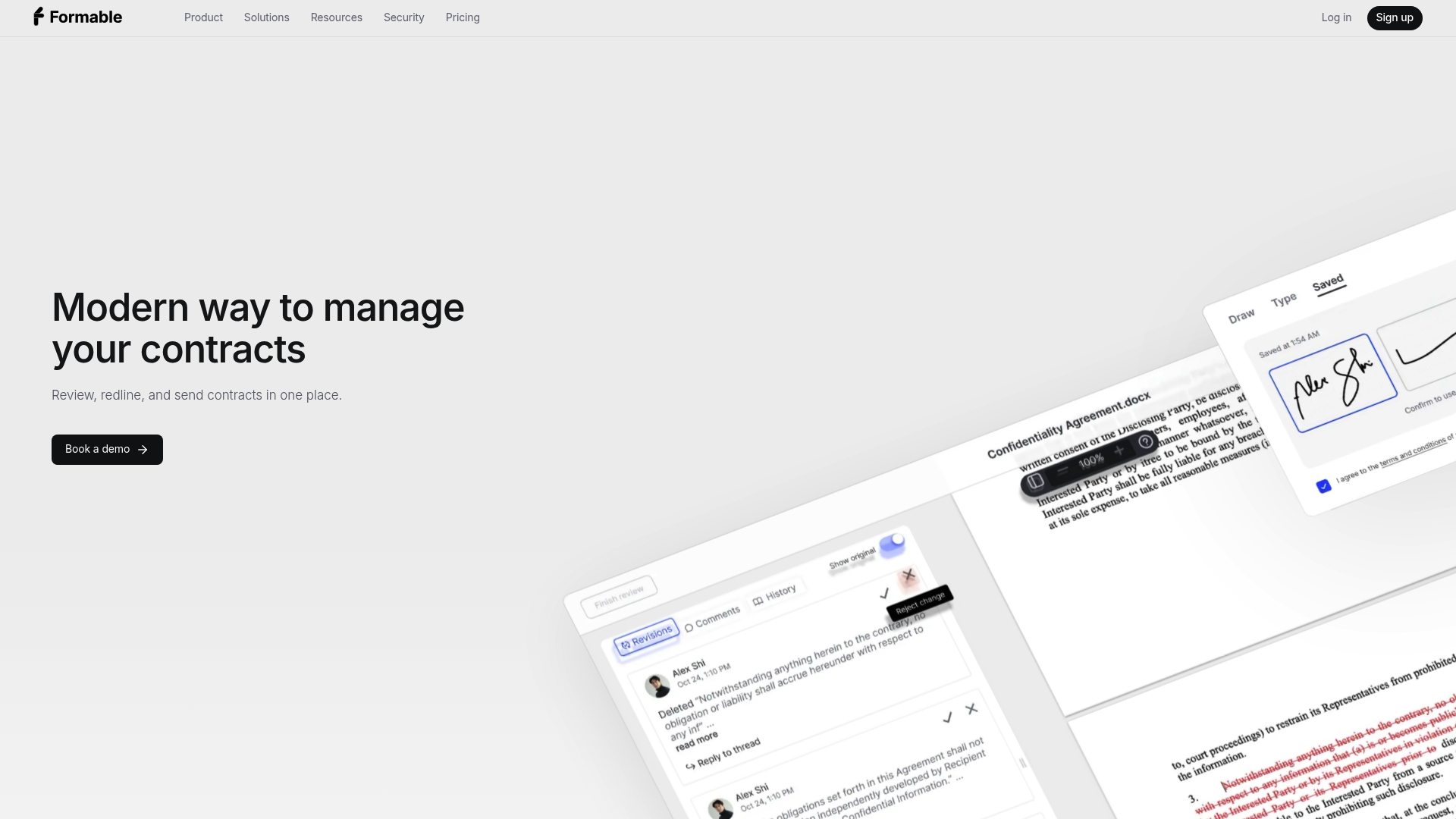
Formable is not only a signature tool. It is an AI-enabled contract management platform for startups and go-to-market teams that want to close agreements faster. One workflow covers:
- Creating agreements from templates combined with generative AI, in the contract creator.
- Reviewing contracts at intake, with uploaded playbooks and automatic risk and missing clause detection, in AI contract review.
- Negotiating with collaborative redlining so both sides align on terms before signing, in browser-native negotiation.
- Signing with audit trails, in e-signing.
- Building signing and redlining into your own product through APIs.
The Pro plan is listed at $19.99 per month, and the Growth API plan at $29.99 per month. Basic, Enterprise and Developer plans have no published price, and there is a free tier for individuals and developers. Full details are on the pricing page.
Which alternative fits which team
Founders and small startups
You send NDAs, order forms and pilot agreements, and you probably have no full-time lawyer. The cost that hurts is not the signature fee. It is the week lost to back-and-forth edits. A tool with drafting, AI review and redlining removes that step. Formable targets exactly this situation.
Sales and account executives
AEs need speed and visibility. If your documents are mostly proposals tied to a CRM, PandaDoc is built for that. If deals hang on MSA and DPA terms, you want negotiation and review inside the same workflow as signing.
Legal and general counsel
Legal teams care about playbooks, consistent clause positions and audit evidence. DocuSign is the established choice for strict compliance. Formable's review engine applies your uploaded playbook at intake, so risky or missing clauses surface before a contract reaches your desk.
Talent and recruiting teams
Offer letters are high volume and need to write back to your applicant tracking system. The recruiting comparison lists DocuSign as the fit for high-volume desks with Greenhouse, Lever or Workday-class stacks, and Dropbox Sign for small desks embedding signing in a portal.
Real estate brokers
Brokers need fast mobile signing and clean templates for listing and purchase paperwork. Any of the tools above handle signing. Choose on template handling and how simply clients can sign from a phone.
Developers and product teams
If you want signing inside your own application, compare APIs rather than dashboards. Our guides to e-signature APIs and the best e-signature APIs for developers explain what to evaluate. Formable offers an embedded e-signing API and a redlining API, with usage-based pricing on the API pricing page.
Are alternatives legally binding in the US?
In general, yes. Section 7 of the Uniform Electronic Transactions Act says a record or signature cannot be denied legal effect solely because it is electronic. It also says an electronic signature satisfies a legal signature requirement. This is the model law that US states adopted, so the choice between SignNow, DocuSign, Formable or any other provider does not change the basic principle.
What differs between tools is the evidence they keep. A good audit trail records who signed, when and from where, which helps you prove intent and integrity if a signature is ever questioned. Certain documents, such as some wills and notices, have their own rules by state. If your documents fall in a special category, confirm the requirement with your attorney before sending them electronically.

Free plans, limits and hidden costs
Compare these before you commit:
- Annual document caps. Entry plans at SignNow and DocuSign limit sending to 100 documents a year, according to Signatures.com. A busy sales team can pass that within weeks.
- Seat minimums. Per-seat pricing grows linearly with your team. Five SignNow Business users cost $480 a year on annual billing, per the same source.
- API pricing. Usage-based models charge per signature or per event, so estimate volume before choosing.
- Feature tiers. Bulk sending, branding and integrations are often reserved for higher plans.
A quick worked example: a five-person sales team on SignNow Business pays $480 a year. The same team on DocuSign Standard at $25 per user per month would pay $1,500 a year. The gap is real, but it only matters if you are comparing equal features and equal volume. If one tool also replaces a separate review and negotiation process, the comparison changes.
How to switch without disruption
- Export your templates and completed documents. Keep the signed PDFs and audit certificates from your old provider.
- Rebuild your top five templates. Start with the documents you send most.
- Run one live deal through the new tool. Pick a low-risk agreement such as an NDA.
- Connect integrations. Link your CRM or storage once the template flow works.
- Move the team and retire the old plan when your current contracts have all completed.
Our perspective
Most e-signature comparisons treat the signature as the product. In our experience, the signature is the last step of a much longer process.
Founders and GTM teams lose days in drafting, legal review and redlining, long before anyone clicks sign. Each handoff between disconnected apps adds delay and risk. That is why we built Formable to unify drafting, review, negotiation, redlining, e-signing and tracking in one workflow.
Our AI review is designed to check contracts at intake against your playbook and flag risks and missing clauses automatically. Our redlining lets both parties align on terms in the browser, so the signing stage is a formality rather than a new round of edits. And for developers, our APIs are designed to put the same redlining and e-signing inside your own product.
If your biggest delay is the signature itself, many tools will serve you. If your biggest delay is everything before it, that is the problem we work on every day.
Alex
Try Formable for your next agreement
If you are leaving SignNow because signing is only part of your contract bottleneck, start with the part that slows you most. Upload a contract to AI contract review, send a draft for negotiation, or set up e-signing for your team. Plans are on the pricing page, and the Pro plan is listed at $19.99 per month.
Reach out and we will walk through your use case. You can also see more head-to-head pages on our alternatives and comparisons hub.
FAQ
How much does SignNow cost?
Signatures.com lists the SignNow Business plan at $8 per user per month on annual billing, or $480 a year for five users. Higher tiers cost more, and entry plans cap sending at 100 documents a year. Check SignNow's own pricing page for the current plans.
Is SignNow legally binding?
Electronic signatures are generally enforceable in the US under UETA, which says a signature cannot be denied legal effect only because it is electronic. This applies to signatures from any compliant provider. A few document types have special state rules, so ask your attorney if yours is unusual.
Which is better, DocuSign or SignNow?
DocuSign fits larger or regulated teams that need broad integrations and compliance documentation. SignNow fits smaller teams that want a lower seat price. Match the choice to your volume, integrations and security requirements.
Are there free alternatives to SignNow?
Several providers offer free or entry tiers, but they usually limit the number of documents or features. Formable has a free tier for individuals and developers, and paid team plans start with Pro at $19.99 per month. Compare limits on each pricing page before you rely on a free plan.
Sources
- Electronic Signature Reviews and Ratings, Gartner
- Top 8 e-signature software providers for 2026, TechTarget
- Which e-signature platform is cheapest for a small business?, Signatures.com
- 7 best e-signature tools for recruiting firms, US Tech Automations
- 9 best electronic signature software tools compared, Training Central
- Uniform Electronic Transactions Act (1999)