
An API-first signing service with tamper-evident digital signatures, a clear audit trail, and verified webhooks is the right approach for most developers and founders who want to build an e-signing app. The essential pieces are document generation, PDF handling, encrypted storage, signing key management, trusted timestamping, and webhook verification. If you want to skip some of that work, our embedded e-signing API at Formable is one option to evaluate.
TL;DR:
- Use tokens bound to one signer and session, expire them after use, and make webhook handlers idempotent by storing event IDs and acknowledging duplicates.
- Consumer transactions require affirmative consent, clear disclosures about hardware and software, and a way to withdraw consent; retain accurate, accessible records as required by law.
- For higher assurance, use verifier supplied nonces and a trusted timestamp authority rather than relying on a signer’s device clock, which provides weak timing evidence.
- Sequential workflows should issue each signer’s token only after the prior signer completes, lock the document after its first signature, and record declines or expirations.
- Build in house only for unique workflows, essential data control, or signing as a differentiator; otherwise, integrate signing while retaining your workflow rules.
Which core features must your e-signing app expose?
Start with the features that make a signature enforceable and easy for other developers to adopt. Everything else can wait for a later release.
- Multiple signing flows: support an emailed link, an embedded iframe inside your own product, and API-triggered sessions for backend automation.
- Signature variants: let signers draw an image, type their name, or apply a cryptographic digital signature when you need stronger proof.
- Templates and field anchors: place fields by anchor text or coordinates so dynamic documents, such as an order form with a changing price table, always put the signature box in the right spot.
- A robust audit trail: record timestamps, IP addresses, user agents, and a hash of the document at every step, so you can show exactly what was signed and when.
- Reliable PDF generation and rendering: the same input must produce the same document, and rendering must run in a locked-down server environment.
These core features are a starting point for a credible product. Signature capture itself is the easy part. The hard part is proving, months later, that the document a signer saw is the document you stored, and that is why the audit trail and the document hash deserve as much design attention as the signing screen.
What does a reference architecture for an e-signing service look like?
Keep the system modular. Separate services for document generation, signing, storage, and webhook processing let you scale and secure each one on its own terms. A practical e-signing microservice pattern uses a server-side PDF generator, cloud object storage for artifacts, a relational database for state, and one-time tokens or presigned URLs for signing flows.
Here is a build order that maps well to most stacks:
- Define the data model in PostgreSQL: documents, signers, sessions, events, and artifact references.
- Add a PDF service, using a headless browser or a dedicated server-side generator, behind an internal API.
- Store source and signed PDFs in an object store such as AWS S3, Google Cloud Storage, or Azure Blob Storage, with server-side encryption turned on.
- Expose APIs for session creation, signing, artifact retrieval, and verification.
- Issue short-lived, one-time tokens for every signing URL, and expire them after use.
- Add a webhook dispatcher that signs outgoing events and retries failed deliveries.
Spring Boot and Node.js both work well for the API layer. If you offer cryptographic digital signatures, keep signing keys in a hardware security module (HSM) or a cloud key management service. If you only apply server-signed artifacts, you still need strong key management, rotation, and tight access controls.
Pro Tip: Treat the signing URL as a credential. Bind each token to one signer and one session, log every use, and refuse a second use.
For a deeper look at design trade-offs, see our comparison of three e-signing API architectures.
Which security and legal requirements make a signature defensible?
Start with the law. The ESIGN Act says electronic records and signatures cannot be denied legal effect solely because they are electronic. For consumer transactions, it also requires affirmative consent, clear disclosure of hardware and software requirements, and information about how to withdraw consent. Records you retain must stay accurate and accessible for the period the law requires, as the statutory section on retention explains.
An electronic signature can take different forms. A cryptographic digital signature can help tie signing evidence to a document. Simple timestamps from a signer's device clock say little about when signing happened, so NIST recommends verifier-supplied nonces and Trusted Timestamp Authorities when you need higher assurance.
Controls to put in place:
- Encrypt data in transit with TLS and at rest with managed keys.
- Keep signing keys in an HSM or cloud KMS, and rotate them on a schedule.
- Store signed artifacts immutably, with the document hash recorded alongside.
- Verify every webhook, as OWASP's webhook guidance describes: check signatures, require HTTPS, validate the schema, enforce freshness, block replays, and rotate secrets.
- Harden uploads per the OWASP File Upload Cheat Sheet: validate file signatures, use random filenames, store files outside the webroot, and scan for malware.
NIST recommends Trusted Timestamp Authorities for high-assurance signing time, because a signer's device clock is a weak record of when a signature was generated.
Our own security page provides more information.
How do you build and integrate the signing flow, step by step?
Follow this order and you will have a working end-to-end flow:
- Prepare templates and generate PDFs. Merge dynamic data into a template on the server, then fix the output and record its hash.
- Create signing sessions and one-time tokens. Choose a hosted page or an embedded flow, and tie each token to a single signer.
- Capture the signature. Apply a cryptographic signature if your use case requires one, then merge the signature and its visual mark into the final PDF.
- Persist the audit trail and artifacts. Write events and signed files with immutable references, so nothing can be edited after the fact.
- Emit signed webhooks and reconcile asynchronously. Send a signed event to your customer's endpoint, retry on failure, and let a reconciliation job catch anything missed.
Pro Tip: Make webhook handlers idempotent. Store an event ID, and if the same ID arrives twice, acknowledge it without repeating the work.
If your stack is Node.js or Java, our guides to integrating e-signatures in Node.js and Java show code-level patterns you can adapt.
How do you test, deploy, and run an e-signing service at scale?
Production signing needs more discipline than most CRUD services, because every defect becomes a potential evidence problem. Plan your testing and operations around these points:
- Test matrix: unit tests for token logic and hashing, end-to-end signing flows, webhook replay and failure handling, and security tests for malicious uploads.
- Observability: structured logs, traceable signing events, alerts when a stored artifact's hash no longer matches, and a cache that detects replayed webhooks.
- Scale: PDF rendering is CPU-heavy, so cap concurrency and queue work. Apply lifecycle policies to storage, and watch HSM request costs if every signature calls the key service.
- Compliance budget: reserve time and money for legal review and certification work such as SOC 2, which often takes longer than the engineering itself.
How do you handle multi-party and sequential signing workflows?
Real agreements rarely have one signer. A master services agreement might need a customer's legal lead, then their finance contact, then your own executive. Model this as a workflow with explicit state: each signer has an order, a status, and their own token.
For sequential flows, only issue the next token when the previous signer completes. For parallel flows, issue all tokens at once and mark the document complete when the last signature lands. Mixed flows, such as two parallel approvers followed by one final signer, are just groups of signers with a group order.

Three details trip up teams. First, handle declines and expirations: if a signer declines, decide whether the session is voided or reassigned, and record that decision in the audit trail. Second, lock the document once the first signature is applied, so later signers see exactly what earlier signers saw. Third, support reminders and delegation, since a signer who is out of office will stall the whole chain. Every transition should emit an event, so your webhook consumers can follow progress without polling.
How do you integrate identity verification providers?
A signature is only as strong as your confidence in who applied it. The identity check to use depends on the agreement and your confidence requirements. Options include an emailed link, a passcode by SMS, a knowledge-based question, or an identity verification provider.
Design this as a pluggable step in the signing session. Before the signer reaches the document, your service calls the provider, receives a pass, fail, or retry result, and records the outcome and a provider reference ID in the audit trail. Keep the provider's raw data out of your own database unless you have a clear reason to hold it, because it increases your privacy and breach exposure.
Make the level of assurance a property of the document or template, not a global setting. A low-risk NDA can use email verification, while a loan agreement can require ID checks. Build timeouts and a fallback path as well, since a provider outage should not silently downgrade security. If the check cannot run, hold the session and tell the signer why.
How do you resolve conflicts over signed documents?
Disputes happen: a signer claims they never saw a clause, or two versions of a document circulate. Your design decides whether you can answer quickly and with evidence.
The foundation is the audit trail plus the stored document hash. Given a disputed PDF, you recompute its hash and compare it with the hash recorded at signing. A matching hash is evidence that the file corresponds to the recorded hash. A mismatch may indicate tampering or a different version. Pair that with the trusted timestamp and the event log of IP addresses, consent steps, and views, and you can reconstruct who did what.
Add a few product features to make this routine. Generate a certificate of completion that bundles the evidence for each signed document. Preserve every version of a template and tie each signed document to its exact version. Give administrators a documented process for corrections: never edit a signed file, issue an amendment or a new agreement that references the original, as our contract amendment tool does. Finally, set retention rules so evidence remains accessible for as long as the law requires. Teams that still handle some paperwork by fax can read how faxed signatures compare under ESIGN.

What is the case for integrating instead of building?
Most teams underestimate the ongoing cost of an in-house signing service. Building makes sense when your signing logic is truly unique, when you need full control over data, or when signing itself is your product's differentiator. Integrating makes sense when you want faster time to market, less compliance work, and lower maintenance.
The practical middle path is to build your own templates and workflow rules, then plug in an embedded signing API for the signing step and audit trail. You keep the experience, and you avoid owning key management, timestamping, and evidence storage on day one. Teams I talk to rarely regret starting small and moving core pieces in-house later, while few regret not rebuilding a commodity layer too early.
— Alex
How does Formable help developers ship e-signing faster?
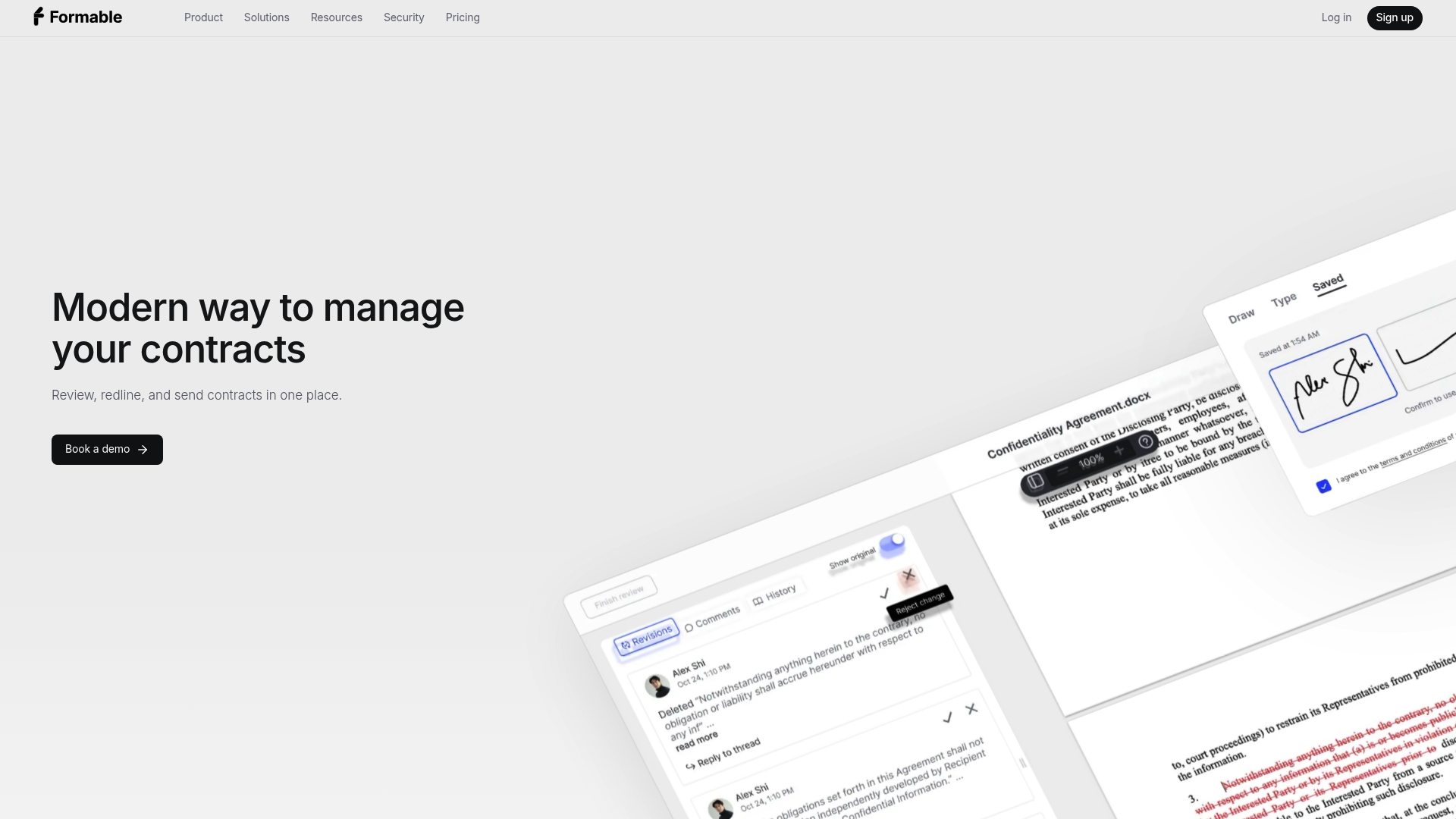
We built Formable to cut the integration work that slows teams down. Our platform brings together contract creation, redlining, e-signing APIs, and audit trails.
- Read the docs and try our embedded e-signing API to see how quickly a signing session can run inside your product.
- Review developer pricing for the Developer and Growth plans.
- Start with our e-signing product if you want to collect signatures before writing any code.
Ready to evaluate? Check the pricing page for current details.
FAQ
How do I create an e-signature in my own app?
Create a signing session for a document, let the signer draw or type a signature, and merge that mark into the final PDF. Record the signer's consent, a timestamp, and a hash of the document in the audit trail. Our guide on an e-signature API walks through this flow.
What makes an electronic signature legally binding?
Under the ESIGN Act, a signature cannot be denied legal effect solely because it is electronic, and consumer transactions require affirmative consent and clear disclosures. You still need evidence of who signed and what they signed, which is why audit trails and document hashes matter.
Do I need a digital signature or is an electronic signature enough?
Many agreements only need an electronic signature with a solid audit trail. A cryptographic digital signature adds tamper evidence, and NIST recommends Trusted Timestamp Authorities when you need reliable proof of signing time.
How should I secure webhooks from my signing service?
Verify each webhook's signature, require HTTPS, validate the payload schema, and reject stale or replayed events, following OWASP's webhook guidance. Store signing secrets securely and rotate them regularly.