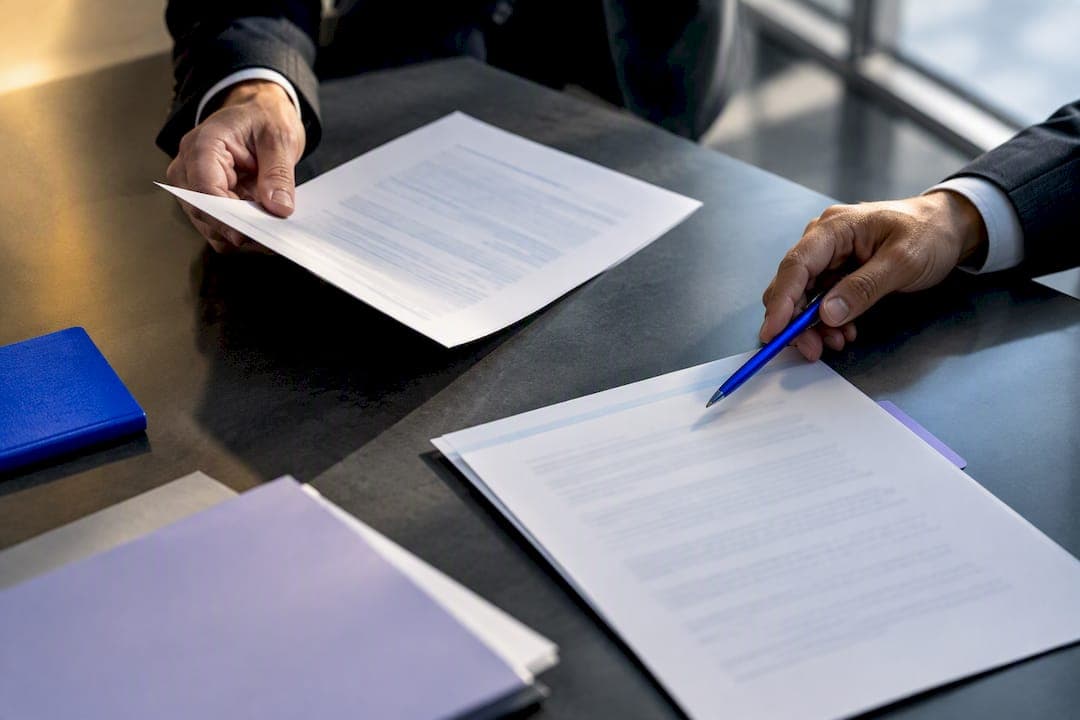
Ready in an hour: plug and play memorandum of understanding template

Alex Shi

Use a memorandum of understanding template: download one, fill in the blanks, name specific owners for each task, and sign. Most collaborations need nothing more than a well-structured MOU, though some clauses inside it can become legally binding depending on how you word them, so read the legal status section before you send it out.
TL;DR:
- An MOU should include specific named owners, deadlines, and responsibilities to prevent vague language that can cause delays or misunderstandings.
- Customizing boilerplate clauses with clear, enforceable language ensures the document reflects actual agreements and prevents future disputes.
- An MOU's legal binding status relies on its wording, especially regarding payment, intellectual property, or authority transfer, not on its title.
- Signatures from authorized representatives, proper storage, and tracking amendments are essential for managing the document's validity over time.
- Using specialized tools like Formable streamlines drafting, redlining, and signing, reducing version confusion and improving compliance in multi-party collaborations.
Table of Contents
- Memorandum of understanding template options and quick picks
- What every MOU needs: core sections and a fillable checklist
- Customizing your template and sample clause language
- Is an MOU legally binding, or do you need a contract instead?
- Signing, storing, and managing your executed MOU
- Common MOU mistakes and how to fix them
- How Formable turns your MOU template into a signed agreement
- Sources
- FAQ
Memorandum of understanding template options and quick picks
Not every MOU needs the same scaffolding. A two-party research collaboration looks nothing like a multi-agency grant partnership, and picking the wrong starting point wastes more time than writing from scratch.
Three templates cover almost every scenario a reader searching for an MOU format will run into:
- General-purpose MOU: the U.S. Department of Education's template organizes the document into introduction, purpose, roles and responsibilities, and oversight and terms of agreement. It works for most simple two-party arrangements, from a shared training program to a data-sharing pilot.
- No-funding collaboration: the CDC memorandum of understanding boilerplate is built for partnerships where no money changes hands but each side still needs named contacts and clear terms.
- Grant-linked MOU: the DOJ/OVW sample MOU is designed for grant applications, with partner descriptions, contributions, and a timeline tied to the funding cycle.
Both the ED and DOJ templates come as downloadable Word and PDF files, so you can open one, replace the bracketed placeholders, and have a draft ready within the hour. If your team already runs contracts through a workflow tool, importing the filled template into a shared repository, like a template library inside a contract creator, saves you from emailing versions back and forth once redlines start coming in.
What every MOU needs: core sections and a fillable checklist

A memorandum agreement template is only as good as the sections it forces you to answer. Skip a section and you've left a gap that will surface later, usually at the worst moment.
Work through these in order:
- Purpose and background. What problem does this partnership solve, and why these parties?
- Parties and named contacts. Who signs for each organization, and who is the day-to-day point of contact if a question comes up mid-project?
- Roles and responsibilities. Who does what, by when, and who checks the work?
- Term and review dates. When does the arrangement start, when does it end, and when do you revisit it?
- Cost allocation. Even in a no-money collaboration, state who bears incidental costs. Stanford's MOU template defaults to each party covering its own costs unless the document says otherwise, which avoids a common dispute.
- Confidentiality and data handling. What information stays inside the partnership?
- Amendment process. How do you change the agreement once it's signed?
- Termination. How does either side exit, and with how much notice?
- Signatures. Who has authority to sign, and on what date does the agreement take effect?
Copy those nine prompts straight into a blank document and answer each one in a sentence or two. That alone produces a workable first draft.
Pro Tip: Don't write "the marketing team will handle outreach." Write "Priyanka Osei, Marketing Lead, will deliver a joint outreach plan by the 15th of each month." Named owners with dates are the difference between an MOU that works and one that quietly stalls.
The CDC boilerplate reinforces this same point: operational detail, not aspirational language, is what makes a document useful six months after signing.
Customizing your template and sample clause language
A template is a starting point, not a finished document. The fastest way to weaken an MOU is leaving in boilerplate that doesn't apply to your situation, so strip anything irrelevant before you send it for review.
A few clauses come up in almost every draft, and having sample wording on hand speeds things up considerably:
- Non-binding intent: "This memorandum expresses the intentions of the parties and does not create legally binding obligations, except for the confidentiality and cost provisions in Sections 5 and 6."
- Cost allocation: "Each party shall bear its own costs incurred in connection with this memorandum unless otherwise agreed in writing." This mirrors the default position in Stanford's guidance.
- Confidentiality: "Each party agrees to keep confidential information disclosed under this memorandum private and to use it solely for the purposes described in Section 1."
- Amendment: "This memorandum may be amended only by written agreement signed by authorized representatives of both parties." This is the exact protection the CDC boilerplate builds in by default.
When editing, replace every bracketed placeholder, don't just delete the brackets and leave generic text behind. Vague obligations like "the parties will cooperate as needed" invite disagreement later. Specific verbs, specific deadlines, specific names.
Is an MOU legally binding, or do you need a contract instead?
Whether an MOU is binding depends on its wording and the intent behind it, not the title on the page. Calling a document a "memorandum" doesn't automatically make it non-binding, and guidance hosted alongside Stanford's templates is direct about this: arrangements involving payment, transfer of authority, enforceable service delivery, or intellectual property ownership usually need a full contract, not an MOU.
International guidance echoes the same point: an MOU is often intended as non-binding, but the operative language inside it is what actually controls, not the label on the cover page, according to a template and example from New Zealand's trade agency.
If your arrangement touches money changing hands, IP ownership, or one party acting on another's behalf, don't rely on an MOU. Use an explicit non-binding clause for everything else, and route anything higher-risk through a proper agreement, like a master service agreement template, or get counsel to review the specific language before signing.
Signing, storing, and managing your executed MOU
Once both sides agree on wording, execution is straightforward but easy to botch through neglect. Get signatures from people with actual authority to bind their organization, and set the effective date as the day of the last signature, not the date drafting began.
A few habits keep the document usable long after signing day:
- Store the fully executed copy somewhere both parties can access it, not just in one person's inbox.
- Log every amendment as a dated, written addendum rather than an email thread nobody can find later.
- Set a calendar reminder for the review date named in the term section.
- Use an amendment template whenever terms change, so the update follows the same structure as the original.
An electronic audit trail paired with e-signature closes the most common failure point: nobody knows which version is current. That single fix prevents most of the version confusion that undermines multi-party partnerships.
Common MOU mistakes and how to fix them
The same three mistakes show up in nearly every weak MOU I've reviewed: vague ownership, no amendment process, and unclear cost language. Someone writes "the teams will collaborate on deliverables" instead of naming a person, or leaves out how the document gets updated once circumstances change six months in.
The fix is almost boring in its simplicity. Name owners by name, not by department. Set a measurable indicator for success, not just a general goal. Require amendments in writing, always. Workflow tools that track version history and redlines remove the guesswork about which draft is current, which is where most of these documents quietly break down in practice.
— Alex
How Formable turns your MOU template into a signed agreement
Formable is the practical next step once your MOU draft is ready to move. Instead of emailing a Word document around and losing track of which version has the latest redlines, you upload your template into Formable's library, customize it with the contract creator, and invite the other party to review it directly in the browser.

The workflow is simple: start from a stored template or generate a draft with AI assistance, send it for browser-native redlining so both sides can align on language without a dozen email attachments, then collect signatures through e-signing with a full audit trail attached. Every change stays logged, so there's no question about which version was actually signed.
Teams managing MOUs alongside MSAs, DPAs, or order forms can see the full plan lineup, including the Pro plan at $29.99 per month, on Formable's pricing page. If you'd rather integrate signing directly into your own product, the Developer and Growth plans cover embedded e-signing and redlining APIs. Start by uploading your first template and see how it moves from draft to signed in one place.
Sources
- Memorandum of Understanding Template
- CDC memorandum of understanding boilerplate
- MOU template (Stanford)
- Sample Memorandum of Understanding (OVW grant application)
FAQ
How do I write a memorandum of understanding?
Start from a structured template covering purpose, parties, roles, term, cost allocation, and signatures, then fill each section with specific names and dates rather than general language. The ED template is a solid starting structure for most two-party arrangements.
How do you draft a simple MOA?
A memorandum of agreement template follows nearly the same structure as an MOU: purpose, parties, responsibilities, term, and signatures. The main difference is that an MOA more often signals a firmer commitment between parties, so review the legal status section before assuming either document is automatically non-binding.
What is the format of an MOU?
A standard MOU format includes an introduction and purpose, a description of each party, defined roles and responsibilities, terms covering duration and cost allocation, and a signature block, following the structure used in the ED template. Government and university versions also add named contacts and an amendment clause.
What's the difference between an MOU and an MOA?
An MOU (memorandum of understanding) typically outlines a shared intention to collaborate, while an MOA (memorandum of agreement) more often includes specific obligations both parties agree to perform. In practice, the wording inside the document, not its title, determines whether it's enforceable, so treat both with the same care around binding language.
What does an MOU template cost with Formable?
Formable's template library and contract creation tools are available starting with the Pro plan at $29.99 per month, with Basic and Enterprise pricing available on request. Developer and API access for embedded signing sits under the Growth plan, also listed at $29.99 per month.