Clickwrap is a checkbox or button that records acceptance of standard terms in one click. An eSignature is a document-centered signing event that captures a named signer's execution of a specific agreement. Both hold up under the ESIGN Act and state UETA law when built correctly. As a rule of thumb, use clickwrap for standardized, high-volume flows like signups and policy updates, and use a full eSignature workflow for negotiated, high-value, or statutory documents like MSAs and financing agreements.
TL;DR:
- Clickwrap proves acceptance against a specific document version but offers limited identity verification compared to eSignature platforms.
- Enforceability depends on implementation quality, including clear notice, proper recordkeeping, and logged acceptance details, rather than the method itself.
- High-volume, non-negotiated agreements suit clickwrap, while negotiated, high-value, or statutory documents require an eSignature workflow with verification measures.
- States may carve out exceptions for certain documents, but most enforceability disputes relate to notice and recordkeeping failures, not the signing method.
- Using a unified system that supports both clickwrap and eSignature ensures better compliance and simplifies legal and operational tracking.
Clickwrap vs eSignature: how each method actually works
Clickwrap and eSignature solve related problems in different ways, and the mechanics matter more than most teams assume when a dispute lands in front of a judge.
Clickwrap typically shows up as a checkbox next to "I agree to the Terms of Service," an "Accept" button below a scrollable text box, or a forced scroll that unlocks a button only after the user reaches the bottom. The user takes one affirmative action, and the system logs that single event against a specific version of the document.
An eSignature workflow looks different. It centers on a document envelope, often built in tools like Formable's e-signing product, where named signers are assigned to specific fields, and each signature captures an acceptance event associated with a signer.
A few variants change the legal picture substantially:
- Scrollwrap requires the user to scroll through the full text before the accept button activates, giving stronger proof of notice than a simple checkbox.
- Sign-in wrap buries the agreement behind a "By signing up, you agree to our Terms" link near a registration button, which courts scrutinize far more closely.
- Browsewrap relies on a footer link with no explicit action at all, and it fails in court more often than any other variant.
Both methods generate an audit trail, but the fields differ. Clickwrap logging typically captures a timestamp, the document version or hash, a user or account identifier, and an IP address. eSignature logging adds signer identity verification, signature image or cryptographic hash, and a full sequence of who signed what and when.
What clickwrap and eSignature actually share
Both methods rest on the same legal foundation, and that shared base is why they get lumped together so often despite behaving so differently in practice.
Both fall under electronic signature law that treats an electronic signature broadly as any sound, symbol, or process executed with the intent to sign, and neither can be denied legal effect solely because it's electronic.
Beyond that statutory overlap, the practical benefits line up too:
- Both cut turnaround time from days of mailing paper to minutes or seconds.
- Both reduce friction compared with wet signatures, especially for remote or high-volume transactions.
- Both produce a defensible, auditable record when notice is conspicuous and the acceptance event is logged properly.
The gap opens once you ask what each method actually proves in a dispute.
Where clickwrap and eSignature really diverge
The differences that matter to a general counsel or a CTO aren't cosmetic. They show up in what gets proven, how much identity assurance you get, and what the whole thing costs at scale.
- Evidence focus. Clickwrap proves an acceptance event happened against a specific version of a document. An eSignature proves that a particular, identified person executed a particular document, which is a stronger evidentiary claim.
- Identity assurance. Clickwrap usually relies on an account login or session, with no independent identity check. eSignature platforms often layer on email verification, SMS codes, or government ID checks for higher-stakes deals.
- Cost and scaling. Clickwrap tends to run on a flat cost structure baked into your app, which fits high-volume, standardized agreements well. Document-centered eSignature workflows often carry per-signature or per-envelope pricing, which adds up fast if you're running thousands of signups a month.
- Use case fit. A SaaS company rolling out an updated privacy policy to 200,000 users needs clickwrap, not a signature request for each one. A private equity firm closing a $40 million acquisition needs signer-verified execution, not a checkbox.
Pro Tip: If you're deciding between clickwrap and a tool like DocuSign for a mid-complexity agreement, ask whether the document will ever need to be renegotiated. If yes, route it through a signature workflow with redlining support instead of a static accept button.
Is clickwrap legally enforceable under ESIGN and UETA?
Yes, clickwrap is enforceable, and so is eSignature, but enforceability depends far more on implementation than on which method you picked.
The federal ESIGN Act defines electronic signatures broadly and bars courts from denying legal effect to a contract just because it was signed electronically. Most states layer on their own version of the Uniform Electronic Transactions Act, and while UETA's core language is consistent, a handful of states carve out exceptions for wills, certain family law documents, and specific real estate instruments.
Statutes only set the floor. Courts decide the real disputes using a two-part test: did the user get reasonably conspicuous notice of the terms, and did the user take an action that unambiguously manifested assent? The Ninth Circuit's decision in Nguyen v. Barnes & Noble is the case most lawyers cite here, and it drew a sharp line between clickwrap, which usually survives, and browsewrap, which usually doesn't. More recent Berman-line rulings have applied the same logic to sign-in wrap designs that hide terms behind small, easily missed links.
The implementation defects that sink companies in court follow a pattern:
- Terms hidden behind a link in gray 8-point font
- Prechecked "I agree" boxes that never require an affirmative click
- No logged record of which version of the terms the user actually saw
- No timestamp or user identifier tied to the acceptance event
Most enforceability disputes trace back to notice and recordkeeping failures, not to the underlying method chosen. Legal analysis of clickwrap enforceability backs this up: implementation quality, not the clickwrap or eSignature label, decides most cases. That's the one sentence worth pinning to your wall.
When should you use clickwrap instead of an eSignature?
The choice usually comes down to volume, negotiability, and how much formality the law demands for that particular document type.
Route documents to clickwrap when they're standardized, non-negotiated, and high-volume: terms of service updates, cookie consent, subscription signups, and internal policy acknowledgments all fit here. Nobody is redlining your privacy policy, so a checkbox tied to a versioned record is the right level of ceremony.

Route documents to a full eSignature workflow when they're negotiated, carry financial or legal weight, or trigger statutory formality requirements: MSAs, DPAs, property transactions, financing agreements, and high-value NDAs all belong here. A tool like Formable's browser-native negotiation feature exists precisely because these documents change shape before anyone signs.
Watch for a few operational tells:
- If legal risk tolerance is low and the deal size is large, default to eSignature with identity verification.
- If conversion rate and friction matter more than per-signer assurance, default to clickwrap.
- If a statute requires a "wet" or notarized signature (some wills, certain court filings), neither digital method applies without extra steps.
How to build a defensible clickwrap or eSignature record
Enforceability lives or dies in the details of what you capture and how long you keep it, and this is where legal and engineering teams need to actually talk to each other.
- Write for conspicuous notice. Put the agreement link near the action button, use readable font size, and never precheck the acceptance box. Scrollwrap beats a static checkbox when the stakes are higher.
- Log the minimum evidentiary set. Capture the exact text or version hash shown to the user, a timestamp, a user or account identifier, the IP address, and the user agent string. ESIGN's retention rule requires that records be capable of accurate reproduction later, so store the snapshot, not just a reference to "current terms."
- Build server-side, not client-side, logging. A checkbox state that only lives in a browser session proves nothing once the tab closes. Server-side capture, paired with webhooks that fire on every acceptance event, gives you a replayable record.
- Hash and version everything. Tie each acceptance or signature event to a specific document hash so nobody can argue later about which version was actually presented.
- Set a retention policy before litigation forces one on you. Most legal teams keep audit records for the life of the contract plus your jurisdiction's statute of limitations, often six years or more for written contracts.
Pro Tip: Export your audit trail quarterly and confirm it's actually replayable, meaning a third party could reconstruct exactly what the signer saw. An audit trail nobody has tested is a liability waiting to surface in discovery.
Formable's take on picking the right method
Most disputes we see trace back to teams treating clickwrap and eSignature as interchangeable when they solve different problems. Our stance is straightforward: use clickwrap for high-volume, standardized acceptance, and route anything negotiated through a full signing workflow with redlining built in.
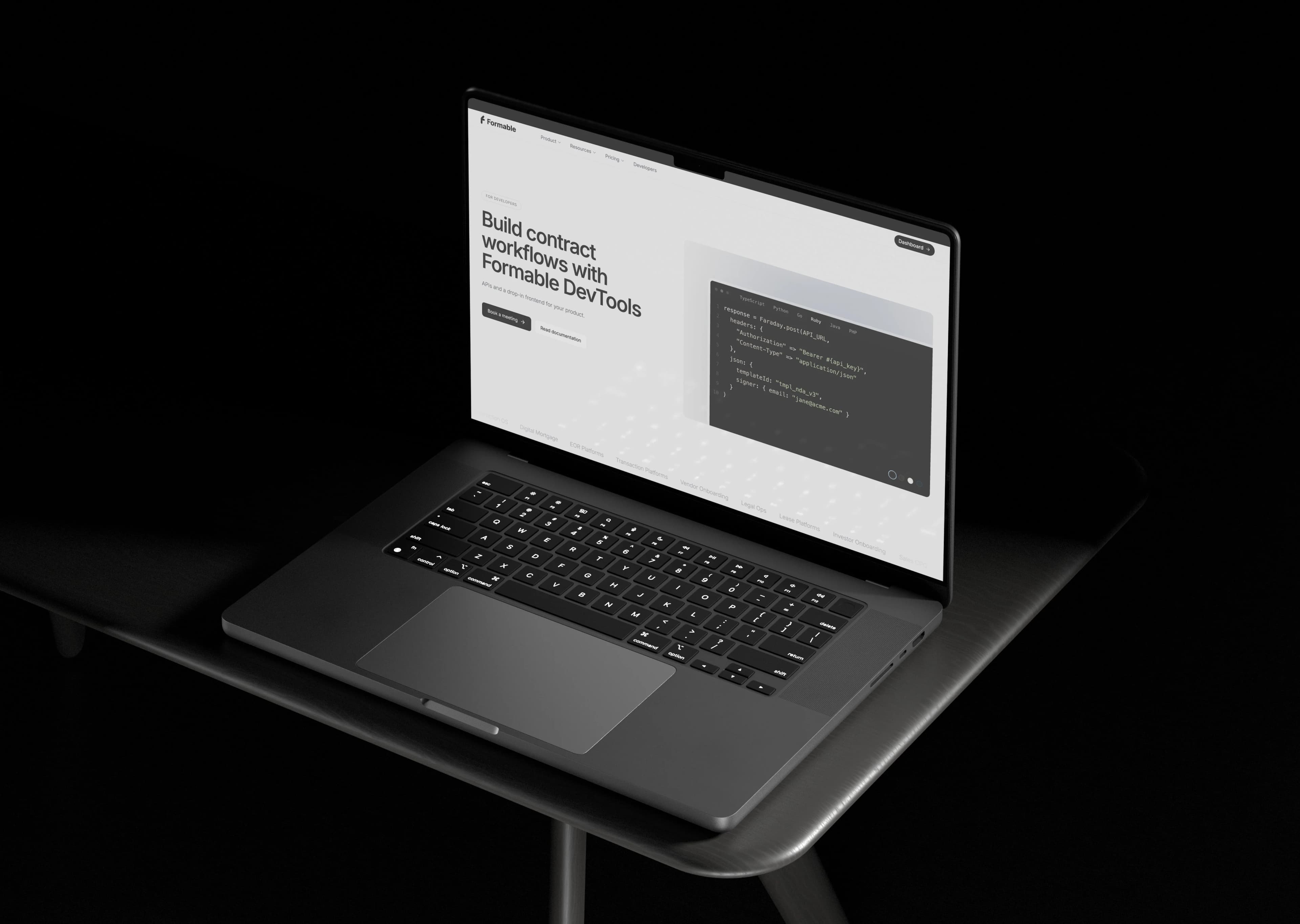
Formable supports both patterns natively, from an embedded e-signing API for high-volume flows to a full contract creator and audit trail for negotiated deals. The right call depends on your document, not on which method sounds more rigorous. Evaluate your actual flows before defaulting to one pattern across the board.
Give your team one workflow for both clickwrap and eSignature
Most legal ops teams end up stitching together a checkbox library, a separate e-signature vendor, and a spreadsheet tracking which version of the terms went live when. Formable replaces that patchwork with one system: an embedded e-signing API that handles high-volume clickwrap-style acceptance, a browser-native negotiation tool for redlining before signature, and a built-in audit trail that logs the version, timestamp, and identity behind every acceptance event.
If you're a developer team wiring this into your own product, the Developer and Growth plans start at $29.99 a month and give you API access to embedded signing and redlining without building your own logging infrastructure from scratch. If you're a legal or GTM team managing MSAs, DPAs, and Order Forms directly, the Pro plan runs $29.99 a month and includes the contract creator, AI review, and negotiation tools in one dashboard. Check current pricing and pick the plan that matches how your team actually signs things.
Sources
For the statutory text, read 15 U.S.C. §7001, the ESIGN Act's general validity rule. For the court test on notice and assent, read the Ninth Circuit's opinion in Nguyen v. Barnes & Noble.
- Electronic signature | LII / Legal Information Institute
- Nguyen v. Barnes & Noble (9th Cir.)
- Legal analysis on online assent and clickwrap enforceability (Dickinson Law review)
FAQ
Are clickwrap agreements legal?
Yes. Clickwrap agreements are legal and enforceable under the ESIGN Act and state UETA law when the user gets conspicuous notice and takes an affirmative action like clicking "I agree." Courts have repeatedly upheld clickwrap while striking down weaker browsewrap designs that rely on a buried footer link.
What is the best eSignature platform?
The right platform depends on whether you need standalone signing or a full contract workflow with negotiation and audit trails built in. Formable offers e-signing as a standalone tool and as an embedded API for developers who want to build signing directly into their own product.
What are the three types of electronic signatures?
Electronic signatures generally fall into three tiers: simple electronic signatures like a typed name or checkbox click, advanced electronic signatures that add identity verification, and qualified or digital signatures that use certificate-based cryptography for the highest assurance level. Clickwrap typically sits in the simple tier, while document-centered eSignature workflows often move into the advanced tier.
Is clicking through a clickwrap agreement a legal substitute for a signature?
Yes, when implemented correctly. Under the ESIGN Act, an electronic signature includes any symbol or process executed with intent to sign, and a properly designed clickwrap click satisfies that standard the same way a full document eSignature does, according to Cornell's Legal Information Institute.
How much does Formable cost for eSignature and clickwrap workflows?
Formable's Pro and Growth plans are each $29.99 per month, covering contract creation, negotiation, and e-signing or API access depending on the plan. Basic, Enterprise, and Developer plans don't have published prices, so check current details on the pricing page.