
Yes, HIPAA allows electronic signatures. The rule itself sets no e-signature standard, so the signature has to be valid under other law, mainly the federal ESIGN Act and your state's UETA. If the signing workflow touches electronic protected health information (ePHI), the HIPAA Security Rule's safeguards apply to it, and any vendor that handles that data for you needs a business associate agreement (BAA).
This guide walks through each of those layers in order, so you can set up a signing process for patient forms, authorizations and vendor contracts that holds up.
TL;DR
- HIPAA does not set its own e-signature standard. A signature is valid when it meets state contract law, ESIGN and UETA.
- No e-signature tool is "HIPAA compliant" on its own. Compliance depends on how you configure, use and govern the workflow.
- A vendor that creates, receives, maintains or transmits PHI for you must sign a BAA first.
- Keep a tamper-evident audit trail, role-based access and documentation for at least six years, or longer if state rules require it.
What HIPAA says about electronic signatures
HIPAA is quieter on this than most people expect. HHS states that the Security Rule does not require electronic or digital signatures, although a covered entity may use them as a reasonable and appropriate security measure.
For contracts, HHS says electronic documents, including business associate contracts, can qualify as written documents. The condition is that the electronic contract satisfies applicable state contract law. HIPAA itself has no electronic-signature standards.
The same logic applies to patient authorizations. HHS allows a HIPAA authorization to be obtained electronically when the electronic signature is valid under applicable law.
So the practical question is not "does HIPAA allow this?" It is two separate questions:
- Is the signature legally valid under ESIGN, UETA and state law?
- Is the workflow that collects and stores it secure enough for ePHI?
A new federal standard for claims attachments
One narrow exception is worth knowing about. In a final rule published March 24, 2026 (CMS-0053-F), CMS adopted standards for health-care claims attachments transactions and an electronic-signature standard used with them. The rule took effect May 26, 2026, and compliance is required by May 26, 2028. It applies to that specific transaction type. It does not change how you collect a patient's signature on an intake form or a vendor's signature on a contract.
When an electronic signature is legally valid
Since HIPAA defers to other law, validity comes from ESIGN and UETA. The American Bar Association summarizes the shared principle: an electronic signature cannot be denied legal effect solely because it is electronic, and an electronic record can satisfy a writing requirement.
In practice, a signature holds up when four things are true, according to a Mayer Brown summary:
- The parties agreed to transact electronically.
- The signer took an action with the intent to sign.
- The signature is attributable to that person, or authenticated as theirs.
- The signature is logically associated with the electronic record.
The same analysis notes that ESIGN and UETA do not cover everything. Wills, trusts, certain family-law matters, selected Uniform Commercial Code transactions and some official court documents can be excluded, and state variations exist. Healthcare teams that handle advance directives, powers of attorney or other estate-adjacent forms should check their state's rules before moving those documents to electronic signing.
For a deeper walk through both laws, see our explainer on the E-SIGN Act and UETA.
Using a platform does not make a signature automatically valid
A law firm alert on signing platforms makes a point healthcare teams should absorb: a signature on a HIPAA-related document is not valid merely because a platform was used. If the signature is disputed, evidence of intent, identity and the signing process can matter. That is why the audit trail, covered below, is not a nice extra.
Collecting consent from patients
Patient-facing signing has its own friction. People sign on phones, in waiting rooms and at home, and the consent step has to be clear and recorded. If you run consent flows from printed material or signage, a guide on QR consent under ESIGN and UETA covers the steps for launching one in the US. Whatever the entry point, the signing event itself still needs the validity elements above and a secure path for any PHI.
What HIPAA requires once ePHI is involved
HIPAA applies to ePHI, the electronic form of individually identifiable health information held or transmitted by a regulated entity. The Security Rule summary from HHS says the Security Rule specifically governs how it is protected, while the Privacy Rule's broader protections cover paper and electronic forms alike.
Who holds the data matters. ONC's guidance explains that HIPAA protection follows the regulated holder and the nature of the information. Health information held by employers, life insurers and some other entities can fall outside HIPAA, though other privacy laws may still apply.
If your signing workflow does touch ePHI, for example a signed intake form that includes a diagnosis or a medication list, the Security Rule expects reasonable and appropriate administrative, physical and technical safeguards. They protect confidentiality, integrity and availability. The signing workflow should be part of:
- your risk analysis
- access management
- workforce training
- incident response
- contingency planning
- periodic evaluation of safeguards
A signing tool added in a hurry and never listed in the risk analysis is the most common gap.
When a signing provider needs a business associate agreement
A BAA is required before a provider creates, receives, maintains or transmits PHI on behalf of a covered entity or another business associate. HHS says a covered entity must obtain satisfactory assurances and have a compliant written contract before permitting that handling.
Per HHS's business associate guidance, the agreement must:
- describe the permitted and required uses and disclosures of PHI
- restrict all other uses and disclosures
- require compliance with the applicable Privacy Rule provisions
- address Security Rule compliance, including subcontractors
- require reporting of security incidents and breaches as applicable
The trigger is the data, not the product category. If signed documents containing PHI sit on the vendor's servers, the vendor is handling PHI for you. If you only send a link to a blank form and nothing identifiable passes through, the analysis differs, but you should decide that deliberately and document it.
If you need to draft one, our HIPAA business associate agreement guide with sample clauses shows what each clause does, and the contract creator lets you generate one from a template.
Safeguards a HIPAA-related signing workflow should include
HHS's Security Rule summary points to role-appropriate access controls, authentication, integrity and transmission safeguards and audit controls, along with risk analysis and incident procedures. Translated into a signing workflow, that looks like this.
Access and identity
- Limit who can send, view and download signed documents by role.
- Require authentication for staff accounts, and consider multi-factor authentication.
- Decide how you verify the signer. A patient portal login, a one-time code sent to a phone number on file, or an in-person check at the front desk each carry different strength.
- Avoid putting PHI in email subject lines or message bodies. Send a secure link instead.
Integrity of the signed document
Guidance from a compliance publisher recommends locking or sealing the signed document, detecting any alteration after signing, preserving version information and keeping a tamper-evident audit trail linked to the signed record. A sealed PDF with a verifiable hash is the usual way to do this.
The audit trail
A useful audit trail records the signer's identity, document and version identifiers, viewing and signing events, timestamps, authentication methods and relevant system or device information. The log should be protected from alteration and retrievable together with the signed record, as the same publisher outlines.

This is the evidence you reach for if a patient says they never signed, or a regulator asks how a consent was collected. We cover the mechanics in why every document has an audit trail.
Retention
The Security Rule requires that documentation be kept until six years after its creation or last effective date, whichever is later, per the HHS summary. Implementation guidance adds that you should apply any longer period required by state medical-record rules, other laws, contracts or the record's classification. Set the retention rule once, in the signing system and in your policy, and make sure the audit trail is kept for the same period as the document.
A step-by-step setup for a HIPAA signing workflow
- List the documents. Intake forms, authorizations, consent to treat, BAAs, vendor contracts, employment paperwork. Mark which contain PHI.
- Check exclusions. Confirm none of the documents fall under ESIGN or UETA exclusions or state-specific rules that require wet ink or notarization.
- Run a risk analysis. Add the signing workflow, the vendor and the devices people sign on.
- Sign the BAA. Do this before any PHI enters the system.
- Configure access. Roles, authentication, link expiry and download permissions.
- Set the consent step. Make the electronic-transaction agreement explicit and record it.
- Turn on the audit trail and sealing. Verify that the record can be retrieved with the signed document.
- Train staff. Front-desk and billing teams should know how to send, resend and correct a document.
- Set retention and review. Apply the longer of the federal and state periods, then review the workflow on a schedule.
For a checklist aimed at legal and development teams, see our six-step guide to collecting signatures digitally.
Common mistakes
| Mistake | Safer approach |
|---|---|
| Assuming a vendor's "HIPAA compliant" label covers your use | Treat compliance as a result of configuration, access, training and a signed BAA |
| Emailing signed forms as attachments | Use a secure link or portal with access control |
| Keeping the signed PDF but not the audit log | Store both together for the full retention period |
| Skipping the risk analysis for a "simple" form tool | Add every system that touches ePHI to the analysis |
| Applying a single national rule to every state | Check state contract and medical-record rules |
Perspective: what we see in signing workflows
Most teams treat e-signing as a last-step button. In practice, the signature is the record you will be asked to defend months or years later, so the evidence around it matters as much as the click.
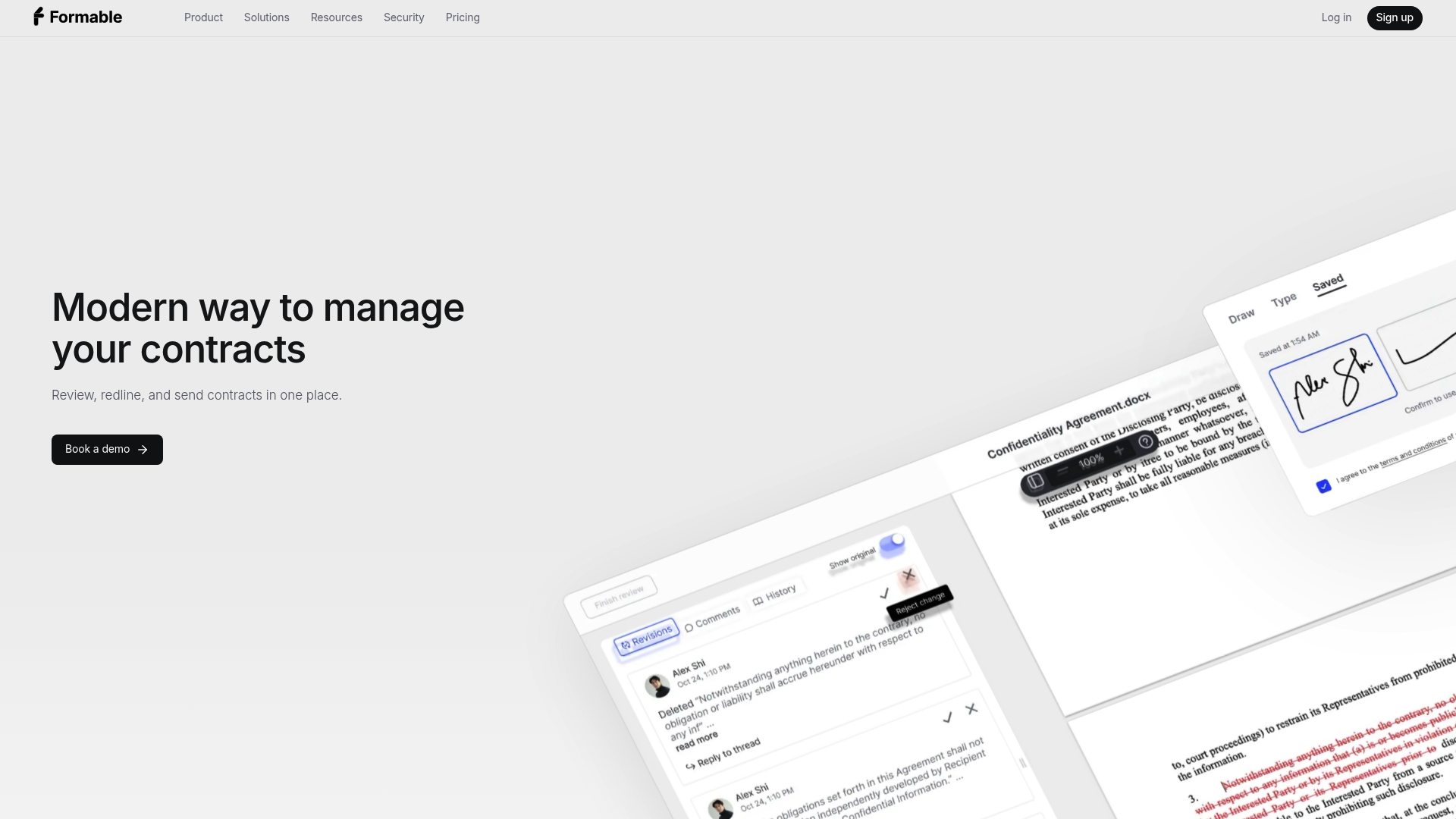
We built Formable to keep drafting, review, negotiation, redlining, e-signing and tracking in one workflow. When a contract moves between several apps, the history of who changed what and who signed when gets scattered. A single workflow keeps that history together, with an audit trail attached to the document.
For healthcare-adjacent teams, that matters most for the contracts around the care itself: BAAs, vendor agreements, data processing terms and statements of work. Reviewing them with AI against your own playbook at intake, negotiating changes in the browser and signing in the same place shortens the path to a signed agreement without losing the paper trail.
Our advice is simple. Decide up front which documents carry PHI, put a BAA in place where one is needed, and make the audit trail and retention rules part of your policy rather than an afterthought.
Alex
Where Formable fits
Formable is a contract workflow platform for startups and go-to-market teams. For the signing step, Formable E-Signing collects signatures with audit trails, and our security page explains how we approach legally binding e-signatures.
For the agreements around your HIPAA program, you can draft a business associate agreement from a template, run AI contract review on a vendor's paper at intake, and negotiate changes before signing. Developers building signing into their own healthcare product can look at the embedded e-signing API. Plans and usage-based options are on our pricing page, where Pro is listed at $19.99 per month. Reach out and we will walk through your use case.
FAQ
Are e-signatures HIPAA compliant?
HIPAA does not certify e-signatures or set its own signature standard. A signature is valid if it meets ESIGN, UETA and state law, and the workflow is compliant if it applies the Security Rule safeguards to any ePHI and has a BAA with any vendor handling that data.
Do I need a BAA with my e-signature provider?
Yes, if the provider creates, receives, maintains or transmits PHI for you. The BAA must cover permitted uses, safeguards, subcontractors and incident and breach reporting. Put it in place before any PHI enters the system.
How long should I keep signed HIPAA documents?
Security Rule documentation must be retained for six years from creation or the last effective date, whichever is later. State medical-record rules or other laws may require longer, so apply the longer period and keep the audit trail with the document.
Can a patient sign an authorization electronically?
Yes. HHS allows a HIPAA authorization to be obtained electronically when the electronic signature is valid under applicable law. Make sure the patient agreed to transact electronically and that your system records who signed and when.
What are the three types of electronic signatures?
The terms vary by source, but the common categories are a simple signature (a typed name or click), an advanced signature tied to the signer through added authentication, and a qualified or certificate-based digital signature. US law focuses on intent, consent and attribution rather than on a fixed tier. Our guide on what electronic signatures are explains the options.
Sources
- HHS: Are business associate contracts in electronic form acceptable?
- HHS: Does the Security Rule require an electronic signature?
- HHS: How do HIPAA authorizations apply to electronic health information?
- HHS: Summary of the HIPAA Security Rule
- HHS: Business associates guidance and FAQs
- Federal Register: CMS-0053-F final rule, March 24, 2026
- American Bar Association: Electronic signatures and legal opinions
- Mayer Brown: Is your electronic signature valid?
- Haynes Boone: Approaching electronic signature platforms
- ONC: Your health information security
- Healthcare e-signature requirements: how to meet HIPAA and 21 CFR Part 11
- HIPAA compliance for electronic signatures: requirements and implementation
- Launch QR consent in 7 steps in the US (ESIGN/UETA)