
Prepare your document package, confirm affirmative consent language is in place, turn on an audit trail with timestamps, then send the request. Those three elements, consent under the E-Sign Act, a verifiable audit trail, and identity evidence, are what make the signed document enforceable later. Contract platforms handle all three automatically once you set up the send.
TL;DR:
- For consumer transactions, disclose the right to paper records, withdrawal steps, required hardware and software, and verify electronically that the signer can access records.
- A defensible log records every view, completed field, IP address or device, and event sequence; trusted timestamps help reveal later changes.
- A verified email link suits an internal approval, while a high value agreement calls for stronger identity evidence; store that metadata with the signed PDF.
- Keep the signed PDF and full audit trail together in immutable or versioned storage, restrict access, log retrievals, and retrieve evidence first if challenged.
- Developers should group documents, signer roles, and signing order into one package, then use embedded or hosted signing and webhooks for status updates.
Quick pre-send checklist: what to verify before you hit send
Before you send anything, run through a short list. Skipping one of these steps is the most common reason a signed document gets questioned later.
- Confirm the final document bundle is complete and each file or exhibit is clearly named.
- Map out every signer's role and decide whether signing happens in sequence or all at once.
- Draft a clear consent disclosure and confirm the signer can actually access an electronic record.
- Choose an identity-assurance level for this transaction and turn on audit trail logging.
- Confirm where the signed record and audit trail will be stored and how you will retrieve them later.
Each of these takes a few minutes, but together they are what separate a signed PDF from a document that will hold up if a signature is ever disputed.
Step-by-step sender workflow for non-developers
Sales reps, general counsel, and account executives rarely write code, but they still need a repeatable process for sending contracts out for signature. Here is the sequence that keeps things clean from draft to closed deal.
- Finalize the document and label every exhibit, schedule, or attachment so signers know what they're reviewing.
- Place signature and initial fields on the correct pages and set the signing order if more than one party needs to sign.
- Add or confirm the required consent disclosure language before the signer reaches the substantive document, not after.
- Send the signing request and monitor its status; most platforms show whether it's been viewed, opened, or completed.
- Follow up manually or through automated reminders if a signer hasn't acted within a day or two.
- Once everyone has signed, download the completed PDF along with its audit trail and file them together, never separately.
The consent step matters more than it looks. Section 101(c)(1) of the E-Sign Act requires that businesses give consumers a clear disclosure about electronic records and reasonably confirm the signer can actually open and view them, not just click through a checkbox.
Pro Tip: Place your consent disclosure as its own screen or paragraph before the signer sees the contract terms, not buried in a footer they'll skip past.
If you're sending a one-off order form or SOW, this manual flow works fine. Teams sending dozens of agreements a month usually move this into a platform that tracks status and reminders for them.
Developer/API workflow: packaging, callbacks, and retention
Building a signing flow into your own product means thinking in terms of packages, roles, and events rather than individual PDFs. A few architectural choices determine whether the flow is reliable and easy to audit later.
- Group the documents, signer list, and role assignments into a single package object so the whole transaction succeeds or fails together, rather than tracking loose files across services.
- Decide early whether signers complete the flow inside your app (embedded) or get redirected to a hosted signing page, and whether signing happens sequentially or in parallel.
- Build consent capture so it reasonably demonstrates the signer can access the record electronically, matching the E-Sign Act's consumer consent standard, not just a passive agreement checkbox.
- Generate a complete audit trail for every action in the flow and attach a trusted timestamp token where the transaction warrants it, following NIST's recommendations on signature timeliness.
- Use webhooks to receive status updates in real time, then store the signed artifact and its metadata together so the record can be reproduced and verified later without stitching pieces from different systems.
A detailed walkthrough for Node.js shows what this looks like at the code level, and our overview of e-signature APIs covers the pieces most teams underestimate, particularly webhook handling and package-level status tracking.
Legal essentials: capturing ESIGN-compliant consent and retention basics
The underlying law is short but specific. 15 U.S.C. §7001 sets the general rule that an electronic signature or record can't be denied legal effect purely because it's electronic. That's the foundation every e-signature platform relies on, but the statute attaches conditions when a transaction involves a consumer and a legal writing requirement.
Those conditions, laid out in section 101(c)(1), require:
- A clear, conspicuous disclosure telling the signer they have a right to a paper record and how to request one.
- A disclosed procedure for withdrawing consent to electronic records at any time.
- A statement of the hardware and software needed to access and retain the record.
- Some form of electronic confirmation that the signer can actually access records in that format.
In practice, this means showing the disclosure before the document, logging the signer's affirmative click or action, and keeping that consent record alongside the signed file. A sender who treats consent as a formality rather than a captured event is the gap that compliance examinations flag most often.
Security and verifiability: audit trails, digital signatures, and timestamps
An audit trail isn't just a log. It's the evidence that proves who signed, when, and from where, which is what makes a signature defensible if it's ever challenged. A solid audit trail records each view, each field completion, the IP address or device used, and the exact sequence of events from send to completion.

Trusted timestamps matter more than most teams realize. NIST SP 800-102 recommends using a trusted timestamp authority or verifier-supplied data to fix the moment a signature was generated, which helps detect later alterations and strengthens non-repudiation.
Identity assurance should scale with risk. A low-stakes internal approval might only need an email-verified link, while a high-value order form or MSA benefits from stronger identity evidence, matching the signer's authentication method to what's actually at stake. NIST's Digital Signature Standard also stresses verifying key validity and signatory identity, not just capturing a scribble on a screen. Keep this verification metadata stored with the signed PDF, not in a separate system you'll have to reconstruct later.
After signing: storage, access, and what to do if a signature is disputed
Once a document is signed, treat the PDF and its audit trail as one inseparable record. Store them together in storage that's either immutable or properly versioned, so neither piece can be altered without leaving a trace.
- Keep the signed PDF and its full audit trail in the same storage location, never split across tools.
- Retain the record in a format that can still be accurately reproduced later, consistent with ESIGN's retention expectations.
- Log every time the record is retrieved and restrict access to people who actually need it.
- If a signature is disputed, pull the audit trail first: timestamps, IP data, and the consent record usually resolve the question before it escalates.
A document sent through fax for extra delivery confirmation, as described in this guide to secure fax delivery, can supplement your audit trail for sensitive documents that need an additional delivery record.
Lessons from the signing desk

Most disputes over electronic signatures aren't about whether the technology worked. They're about whether anyone bothered to prove consent was captured before the document was signed. Teams get comfortable sending agreements quickly and forget that speed and defensibility aren't the same thing.
The fix isn't more paperwork, it's better defaults: consent screens that appear before the contract, audit trails that log automatically, and storage that keeps the signed file and its evidence together without manual effort. That's the difference between a signature that's merely collected and one that will hold up months later when someone asks where it came from.
— Alex
How Formable can help with sending and signing
Our e-signing feature captures consent disclosures, audit trails, and timestamps automatically every time a document goes out. Account executives and legal teams can send order forms and SOWs through redlining and into signature without leaving one workflow, and developer teams can wire the same logic into their own product through an embedded e-signing API.
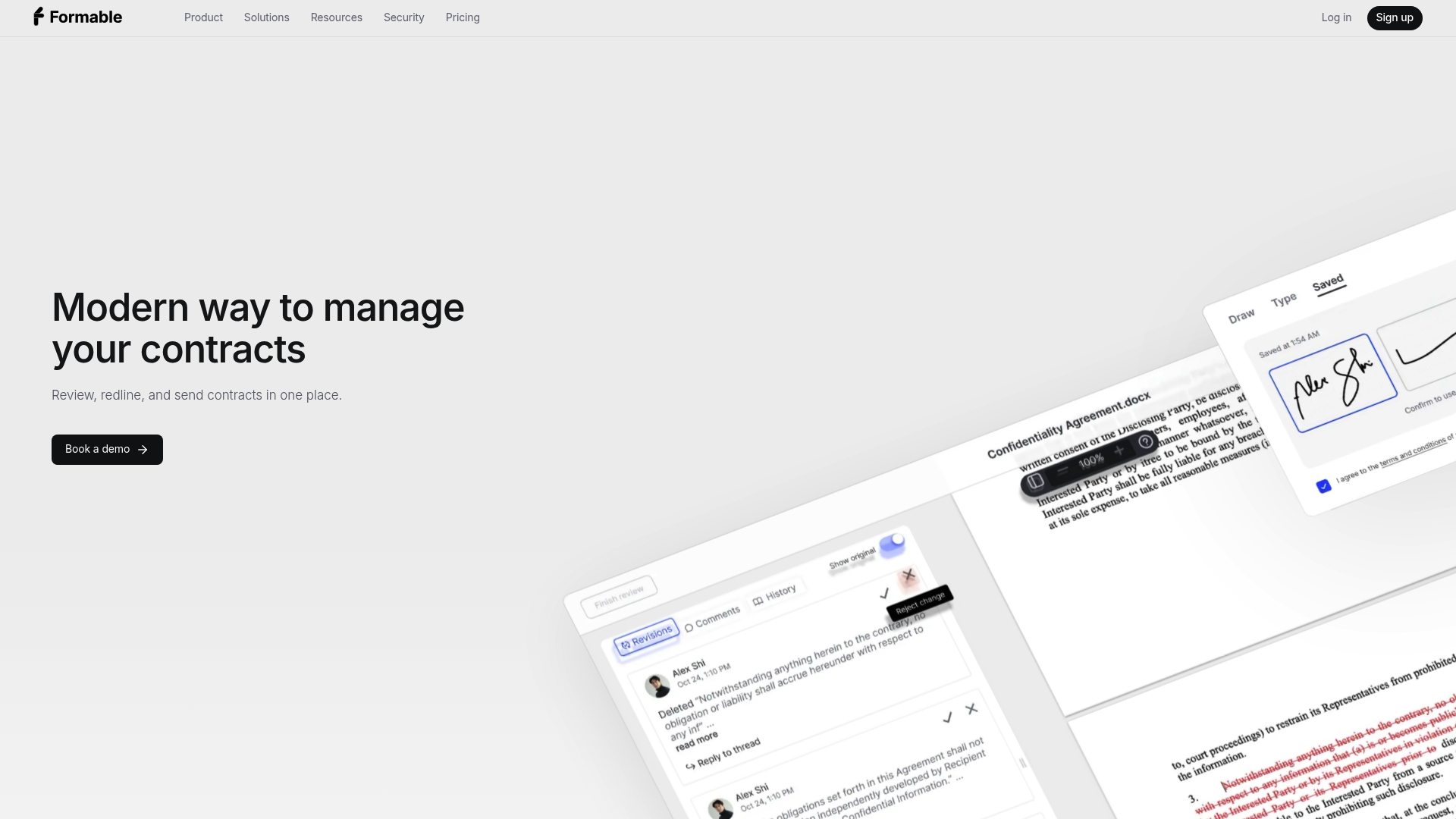
Our AI contract review and browser-native negotiation tools sit upstream of signing, so documents are already clean by the time they reach a signer, and everything lands in one audit-tracked record afterward. Check our e-signing page to see how the consent and audit trail setup works, or look at the embedded signing API if you're building this into your own product. Pro plans start at a competitive monthly price on our pricing page, and developer usage is available through our API pricing.
FAQ
What's the fastest way to send a document for electronic signature?
Upload or create your document, place signature fields, add the required consent disclosure, and send it through a signing platform like our e-signing tool. Most platforms complete this in a few minutes once the document and signer list are ready.
Do I need special software to send a legally binding e-signature?
You need a platform or workflow that captures consent, logs an audit trail, and timestamps the signing event, which is what 15 U.S.C. §7001 requires for electronic signatures to carry the same legal weight as paper ones. A dedicated e-signature tool handles this automatically rather than relying on an email thread.
What has to be included for consent to be valid under ESIGN?
Section 101(c)(1) requires a clear disclosure about the right to paper records, a way to withdraw consent, a statement of required hardware and software, and some confirmation the signer can access the record electronically, as detailed in the NTIA consumer consent report. Skipping any of these weakens the enforceability of the signature.
How do developers add e-signing to their own app?
Developers typically package the documents, signer roles, and signing order into a single object, then use an API's embedded or hosted signing flow along with webhooks for status updates, as shown in this Node.js integration guide. Our embedded signing API is built around this package model.
What should I do if someone disputes a signature later?
Pull the audit trail first: it should show the signer's identity evidence, timestamps, and every action taken during signing. NIST's guidance on signature timeliness explains why trusted timestamps matter here, since they help establish exactly when the signature was generated.