
A contract approval workflow is the set of steps a draft follows from the first request to the final signature: who reviews it, who can approve it, in what order, and what happens when someone rejects it. Done well, every agreement reaches the right people once, with the right context, and nothing sits in an inbox. This guide covers the steps, how to decide who approves what, how to set up routing by contract type and risk, and how to keep the process fast as volume grows.
TL;DR
- A contract approval workflow defines the path from request to signature: intake, draft, review, negotiation, approval, signature and storage.
- Route by value, contract type and risky clauses, not by habit. Written approval levels remove most of the guesswork.
- Delays come from unclear owners, scattered versions and approvers who lack context. One current version and one outbound owner fix most of it.
- Automation, notifications and e-signing shorten the cycle, but only after the rules are written down.
- Review the workflow every quarter using cycle time and rejection reasons.
What a contract approval workflow includes
People often use "contract approval process" and "contract approval workflow" as the same thing. In practice, the process is the policy: which contracts need which approvals. The workflow is how that policy runs day to day: the forms, the routing, the reminders and the record of who said yes.
A workflow has four building blocks:
- Trigger: a request, an inbound paper from a customer, or a template filled in by sales.
- Stages: the ordered steps a contract passes through.
- Approvers: named people or roles, such as a deal owner, finance, legal, security or an executive.
- Rules: the conditions that change the path, such as value, term length, non-standard clauses or data processing.
If any of the four is missing, the contract still moves, but through side channels like chat messages and forwarded emails. That is where deals stall.
The steps from intake to signature
Most teams end up with some version of these seven steps. Small teams can merge several of them. The order matters more than the count.
- Intake. Someone requests a contract through one channel, with the counterparty, the deal value, the term and the contract type. A required form beats a free-text message because it gives approvers the facts upfront.
- Drafting. Start from an approved template whenever one exists. Sales should not rewrite standard terms. For SaaS deals, a vetted base such as a SaaS subscription agreement template keeps the starting point consistent.
- Internal review. Legal, finance, security or privacy check the parts they own. This is where missing clauses and unusual liability terms should be caught, before the other side sees the draft.
- Negotiation. Both parties exchange changes. Keep tracked changes in one place so everyone sees the same current text.
- Approval. The named approvers sign off on the final negotiated terms, not only on the first draft. Many delays come from approving early and then having to re-approve after redlines.
- Signature. An authorized signatory signs. Signing authority is separate from approval authority, and your policy should say so.
- Storage and follow-up. The executed agreement and its key terms go to a known location, with an audit trail of who approved what and when.
For a deeper look at how these stages connect across a team, see our guide to contract workflow management for legal teams.
Approve twice when the terms change
The most common design mistake is a single approval at the start. A draft that was fine at $20,000 with standard liability can become a different deal after three rounds of redlines. A better design has a light approval before sending and a second check only when negotiated terms cross a threshold you defined in advance, such as a cap on liability, a payment term beyond your standard, or a change to data protection language.

Who should approve a contract
The approver list should come from a written policy, not from whoever answers fastest. Two published examples show how organizations structure this.
The Association of Corporate Counsel publishes a sample contract review, approval and signatory authority policy that sets review and approval requirements along with signature authority, with signing thresholds based on agreement type, duration and amount. Its sample U.S. contract approval policy goes further and describes approval levels tied to contract value, plus special circumstances that require approval for certain agreement types or clauses.
A university example makes the division of labor clear. In George Washington University's contract process guide, the office that wants the purchase is typically responsible for the business terms, while the procurement team coordinates reviews by counsel, risk management, privacy and IT and makes sure the right signatory executes the agreement. The lesson applies to a startup too: the business owner owns the commercial terms, and specialist reviewers own their own risk areas.
A starter approval matrix
The thresholds below are an illustration, not a standard. Replace them with figures your leadership agrees to.
| Situation | Typical approvers | Why |
|---|---|---|
| Standard template, low value, no edits | Deal owner | Pre-approved terms, low exposure |
| Standard template, higher value | Deal owner, finance | Revenue and payment terms matter |
| Edits to liability, indemnity or termination | Legal | These clauses carry the most risk |
| Customer paper or any non-standard form | Legal, then an executive | Terms were not written by you |
| Data processing, security or privacy terms | Legal, security or privacy lead | Specialist knowledge needed |
| Multi-year or unusually large commitments | Executive sign-off, finance | Long-term financial exposure |
Three rules keep a matrix useful. First, name roles rather than people, so vacations and departures do not break routing. Second, name a backup for every approver. Third, state who may sign, since approval does not automatically grant signing authority.
Setting up routing by contract type, risk and value
A single approval chain for every agreement is either too heavy for an NDA or too light for a master services agreement. Build routing in layers.
Layer 1: contract type
Sort agreements into families. Many GTM teams handle NDAs, order forms, MSAs, SOWs, DPAs, LOIs and pilot agreements, and each has a different risk profile. An NDA on your standard form may need no approver at all. A DPA usually needs privacy or security input. Our piece on SaaS DPA clauses to draft and automate lists the clauses that tend to trigger that review.
Layer 2: value and term
Set bands. A common pattern is two or three tiers: the deal owner approves below a first line, finance joins above it, and an executive joins above a second. The ACC sample policies use this same logic of value-based levels, so you are following established practice rather than inventing a new one.
Layer 3: risky language
Tie specific clauses to specific reviewers. If a counterparty changes the limitation of liability, legal looks. If the payment terms stretch past your standard, finance looks. If data leaves the country, privacy looks. This layer is where AI-assisted review earns its place, because a reviewer who is shown only the clauses that deviate from your playbook reads far less text than one who reads every page.
Layer 4: exceptions
Write down what happens when a contract does not fit. Usually that means escalation to general counsel or a named executive, with a response-time target. An unwritten exception path is how contracts end up approved by whoever happened to be online.
Selling to government buyers
Public-sector deals add their own approval requirements on top of internal ones. If you plan to sell software to federal agencies, specialist help with the GSA acquisition agreement process can cover schedule applications, documentation and negotiation, so that your internal approval chain is not the only thing standing between you and an award.
What slows approvals down and how to fix it
The same handful of problems appears in most approval workflows.
- No single owner. When three people think someone else is sending the draft, nobody sends it. Assign one outbound owner per contract.
- Version confusion. Drafts in email, redlines in a shared drive and a signed PDF somewhere else mean approvers review stale text. Keep one current version in one system, so drafts, redlines, signature and executed terms are in the same place.
- Approvers lack context. A bare attachment with "please approve" forces the approver to reconstruct the deal. Include value, term, what changed from the template and the deadline.
- Serial approvals that could be parallel. Finance and security rarely depend on each other. Send to both at once and require both before signature.
- Late legal involvement. If legal sees the contract only after the customer has agreed to terms, the review becomes a renegotiation. Let legal set the playbook early, then review only deviations.
- Approvals that never time out. Add reminders and an escalation after a set number of business days.
Quick fixes by effort
| Fix | Effort | Effect |
|---|---|---|
| Required intake form | Low | Approvers get the facts upfront |
| Approved templates for the top three contract types | Medium | Fewer edits, fewer escalations |
| Written approval matrix with backups | Medium | Predictable routing |
| Playbook-based AI review at intake | Medium | Faster first pass, consistent flagging |
| Single system for drafts, redlines and signature | Higher | One source of truth and a clean audit trail |
If you want a side-by-side of tools that support these steps, our roundup of contract approval software for legal and revenue teams covers what to look for.
Automation, notifications and e-signatures
Automation should follow your rules, not replace them. Write the matrix first, then configure the tool to match. Once that is done, three capabilities do most of the work.
Notifications and reminders. Approvers act faster when the request arrives where they work and carries the key facts. Automatic reminders and an escalation path remove the need for someone to chase.
AI-assisted review. Uploading a playbook and reviewing each contract against it at intake lets the team see risks and missing clauses before routing begins. Approvers then read the exceptions rather than the whole document. Our AI contract review works this way.
Electronic signatures. Once approval is complete, signing should take minutes. In the United States, the federal ESIGN Act provides that a signature or contract may not be denied legal effect solely because it is in electronic form in transactions affecting interstate or foreign commerce. Some documents, such as certain wills and notices, carry exceptions, so ask counsel if your agreement type is unusual. For routine commercial agreements, e-signing removes the print, sign and scan step that adds days.

The audit trail matters as much as the speed. A record showing who approved, who signed and when answers most questions that come up in a dispute, a customer security review or an audit. For the details of how a signing workflow is secured, see security and legally binding e-signatures.
Our perspective
Most approval problems we see are not people problems. They are fragmentation problems. A contract is drafted in one tool, negotiated over email, reviewed in a chat thread and signed in a fourth system. Every handoff is a place for a version to go missing or an approver to be skipped.
We built Formable on a simple view: drafting, review, negotiation, redlining, e-signing and tracking belong in one workflow. When approvers see the same current text that the counterparty sees, and the record of changes sits next to the signature, there is less to reconcile and less to chase.
We also think review should start at intake. Uploading your playbook and letting AI flag risks and missing clauses the moment a contract arrives means legal spends time on judgment calls, not on first-pass reading. For startups and GTM teams, that is the difference between closing in the quarter and closing next quarter.
If you want to talk through your approval matrix, reach out and we will walk through your use case.
Alex
Run your approvals in one place
Formable brings contract creation, AI review, browser-native negotiation with redlining, and e-signing into one workflow, so an agreement does not change tools between request and signature. Teams can start on the Pro plan at $29.99 per month, and Enterprise and Basic plans are listed on the same page.
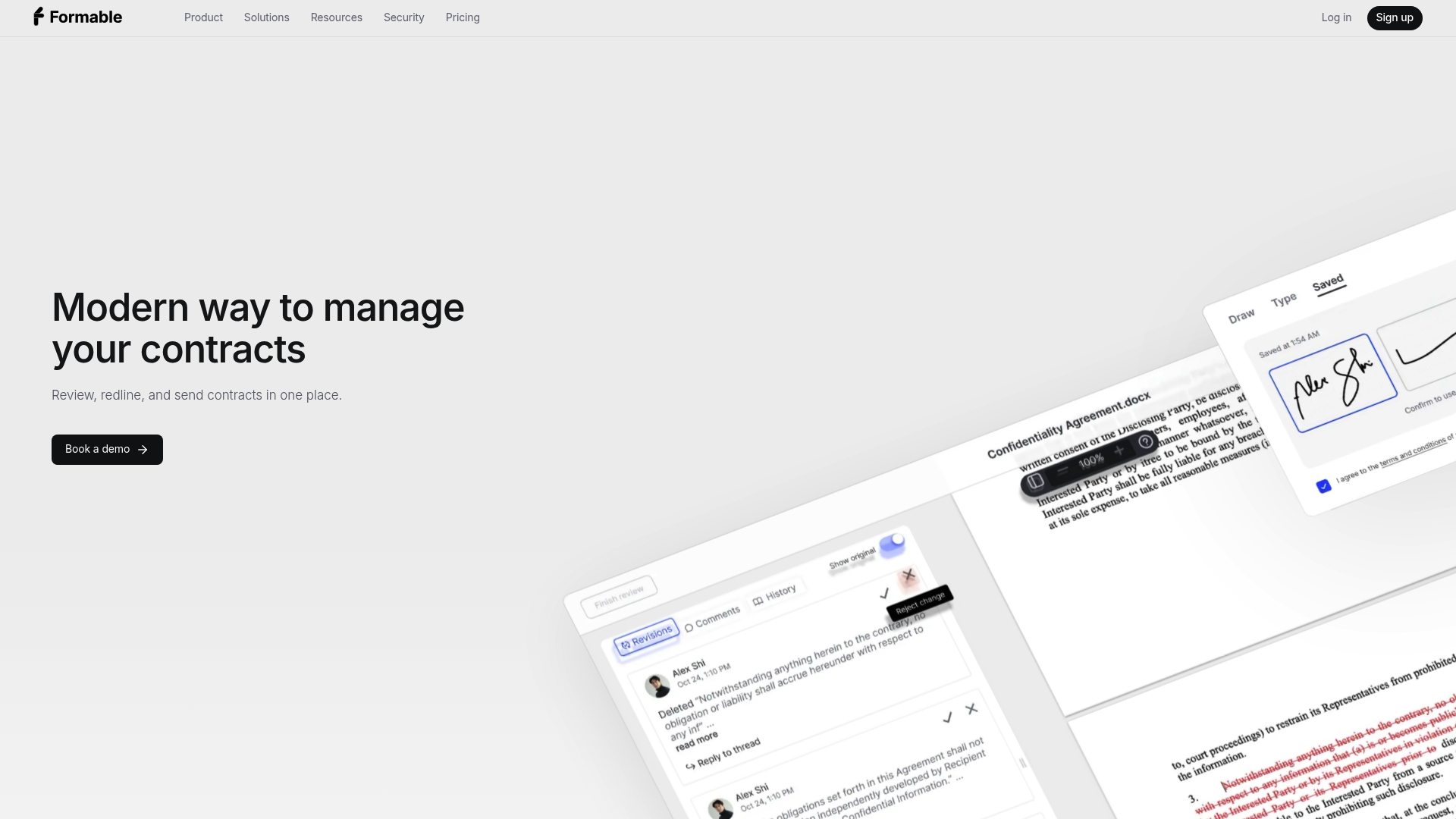
If you only need signatures, Formable e-signing works as a standalone option. Developers who want to embed negotiation or signing in their own product can look at the redlining API and the embedded e-signing API.
How to track and improve the workflow
A workflow you never measure drifts back to email. Pick a few numbers and look at them on a schedule.
- Cycle time by contract type: from request to signature, and by stage. The stage with the longest wait is your bottleneck.
- Time waiting on each approver: this shows where backups, reminders or delegated limits are needed.
- Rejection and rework reasons: if the same clause is rejected again and again, fix the template or the playbook.
- Share of contracts on standard paper: a rising share means faster approvals and less legal load.
- Exceptions: how many contracts used the escalation path, and why.
Alongside the numbers, keep the basics tidy. Keep one current version in the contract system, assign one outbound owner per deal, and define where executed contracts and key terms go after signature, such as renewal dates, notice periods and payment terms. Review the approval matrix every quarter, and whenever the company changes pricing, enters a new market or starts selling a new product, because each of those shifts which clauses are risky.
Before you send anything for sign-off, it also helps to have a clean pre-signature review step. Our walkthrough on how to send a contract for review before signature covers that handoff.
FAQ
What is the difference between contract approval and contract signature?
Approval is internal permission to proceed on specific terms. Signature is the act of binding the company. Different people often hold each power, and many policies, including the ACC samples, treat signature authority as its own set of limits. Write both down so an approved contract does not wait for an unclear signatory.
How many approvers does a contract need?
As few as the risk justifies. A standard NDA may need only the deal owner, while a large, non-standard agreement may need legal, finance and an executive. Tie the number to value, contract type and clause risk instead of applying one chain to everything.
Should legal review every contract?
Not necessarily. When you have approved templates and a playbook, legal can review only deviations such as changed liability, indemnity or data terms. That keeps legal focused on judgment and lets routine deals move without waiting.
Can a contract be approved and signed electronically?
Yes, for most commercial agreements. Under the federal ESIGN Act, an electronic signature cannot be denied legal effect only because it is electronic, though certain document types are excluded. Keep an audit trail of approvals and signatures, and check with counsel for unusual agreement types.